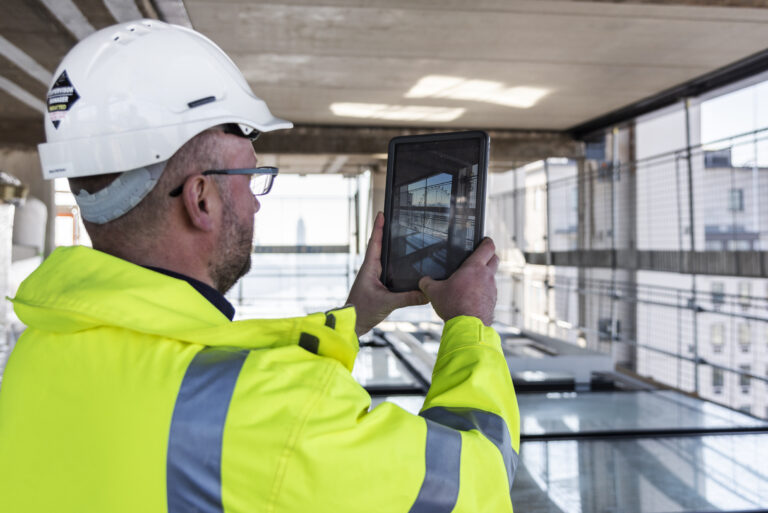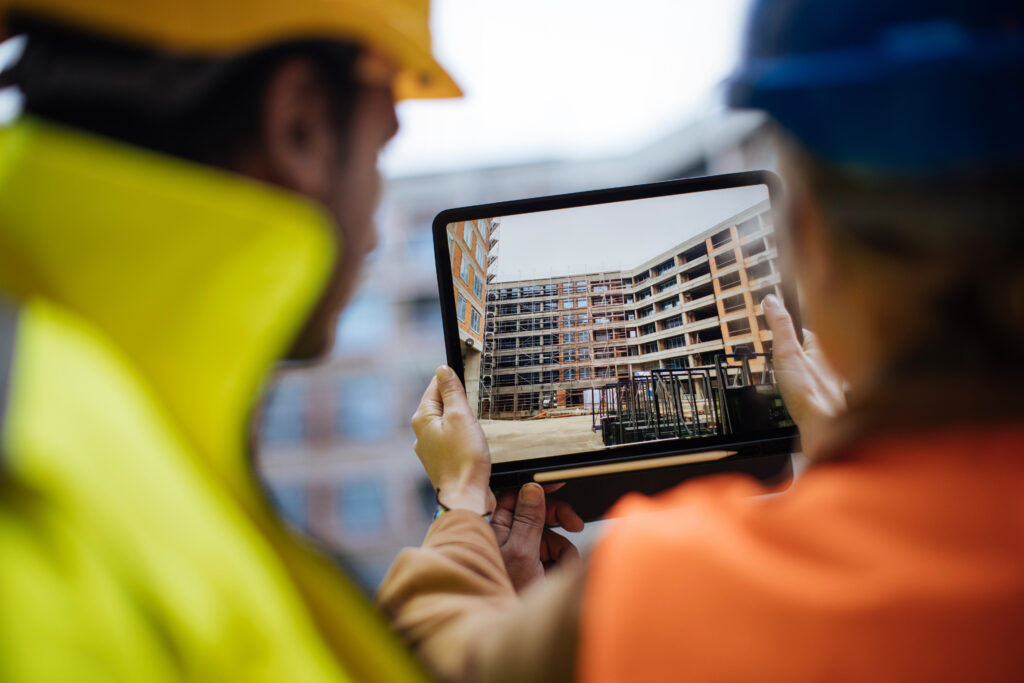
Every construction project management workflow is a chain of handoffs. A superintendent spots an issue, a project manager logs it, a subcontractor fixes it, and an owner hears about it a week later. At each handoff, information about the jobsite either survives or fades.
When the next person works from an accurate, current view of the site, the workflow holds together. When they work from a guess, it starts to break down. Site visibility, not the number of steps in a process, decides how well construction workflows perform across construction projects.
This article looks at where construction workflows lose information, and how a shared visual record keeps every role working from the same reality.
What is a construction project management workflow?
A construction project management workflow is the repeatable sequence of steps a project team follows to plan, execute, track, and close out work. It defines who does what, in what order, and how information moves between project phases. A clear construction workflow covers tasks like assigning tasks, reviewing shop drawings, tracking progress, and reporting to stakeholders.
Most builders already run these workflows. The difference between a workflow that works and one that stalls comes down to whether each step starts with up-to-date information. Manual processes and duplicate entries make the construction process time-consuming and introduce critical errors. A construction workflow built on a current visual record removes that friction and keeps projects moving forward.
Why construction workflows break down between project phases
Construction workflows break down at the handoffs, where one project phase passes work to the next. Each handoff is a moment where context gets lost. The field knows what changed on the construction site; the office knows what the schedule and project costs require; the owner knows what was promised. When those views drift apart, the workflow runs on assumptions, and project delays follow.
The cost shows up across the construction industry. Global construction labor productivity has grown only about 1 percent a year over the past two decades, compared with 2.8 percent for the world economy, according to McKinsey.
In one widely cited survey, only about a quarter of construction projects came within 10 percent of their original deadlines, KPMG found. Misaligned construction workflows, not a lack of effort, drive much of that gap.
When asked what typically gets lost when field observations are handed from the superintendent to the office, and how a shared visual record changes that handoff:
“The observation itself usually survives the handoff. What gets lost is everything around it. The superintendent saw the condition in context. He knew what was next to it, what stage the work had reached, what the access looked like. By the time that reaches the office as a note or a quick call, it has shrunk to a single sentence, and the office rebuilds the rest from memory. A shared visual record gives the office the same view the superintendent had, in place, so both sides work from what was actually there instead of two separate reconstructions of it.”
—Jess Lam, Staff Product Manager, OpenSpace
How real-time visibility strengthens the construction management workflow
Real-time visibility strengthens the construction management workflow by giving every project participant the same current view of the construction site. When the field, the office, and the owner can all see what exists today, decisions stop waiting on someone to drive to the job. The sections below show how this plays out across the main project phases.
Preconstruction workflow & construction planning
A strong preconstruction workflow sets the baseline for everything that follows. During construction planning, project teams align scope, sequence, and resource allocation against the design and applicable building codes.
A visual record of existing conditions gives planners an accurate starting point, so project planning reflects the actual construction rather than an outdated drawing. That accuracy reduces rework once crews mobilize and protects project timelines.
Daily field execution across jobsites
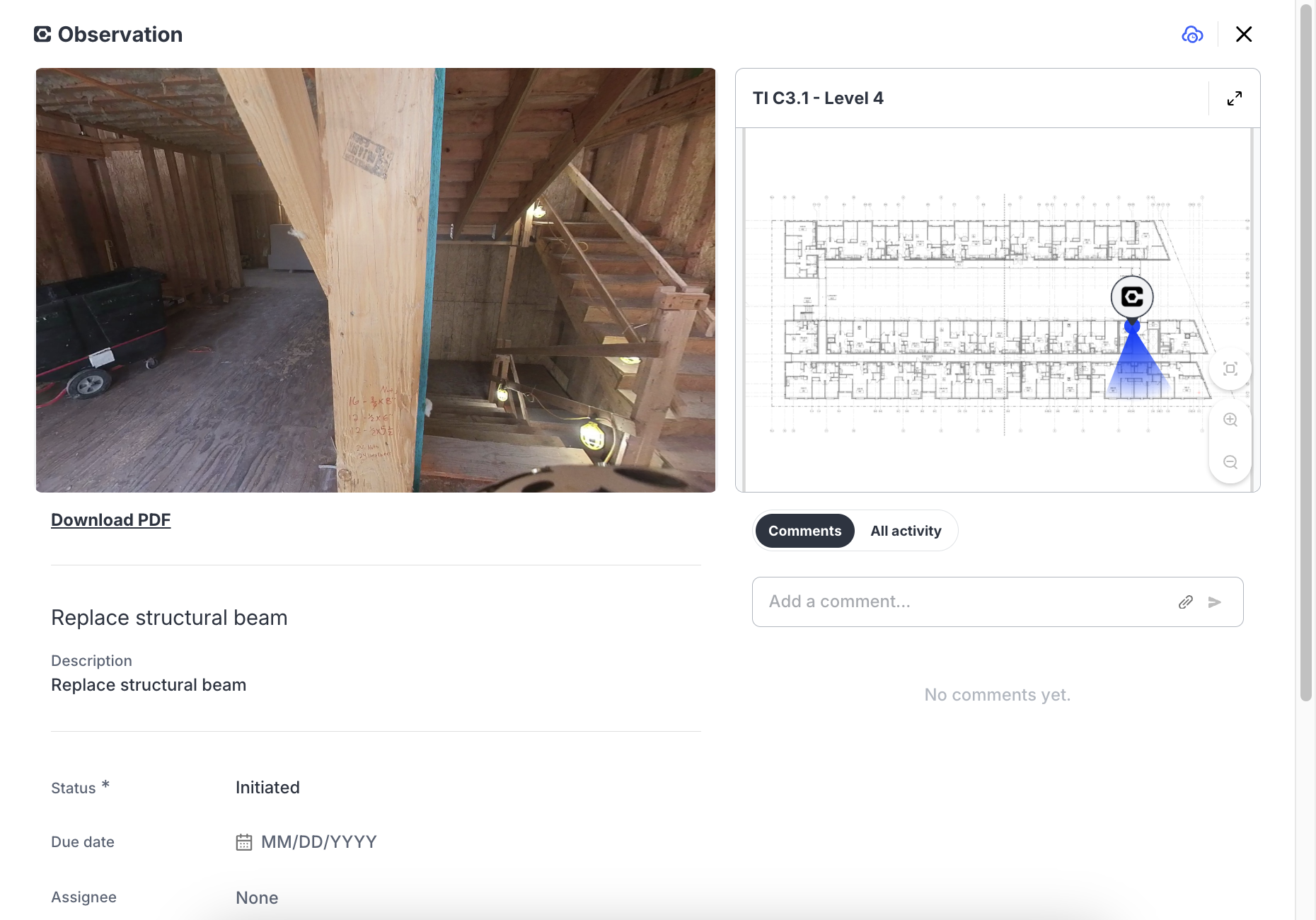
Daily field execution is where construction workflows either flow or stall. Superintendents and foremen walk jobsites, capture conditions, and log issues. With smartphone capture mapped to the floor plan, a walkthrough that once took an afternoon takes minutes, and every observation lands in the right location automatically.
OpenSpace Field supports image-based field task management that lets construction workers log an issue in about 30 seconds and handle assigning tasks on the spot, so problems get resolved before they reach the next crew. That is an efficient workflow in action: capture the site, connect the crew, keep rolling.
Trade coordination, shop drawings, & submittals
Trade coordination depends on every subcontractor working from the same model and the same site reality. When a visual record sits alongside shop drawings and installation instructions, teams catch deviations between actual construction and design early, while a fix is still cheap.
Document-heavy steps like the submittals workflow rely on construction workflow software to automate submittal logs and maintain a comprehensive submittal log with version control. Good trade coordination becomes a shared habit rather than a weekly scramble, and construction quality improves as a result.
When asked what catching a deviation between installed work and the model early can save a project downstream:
“A deviation between the model and what actually gets installed does not stay a small problem. Caught during coordination, it is a markup. Caught after the trade has moved on, it becomes a change order, a resequencing question, and a conversation about who pays for the rework. The value of finding it early is that the project is still in the cheapest place to make a correction, which is on the screen, before anyone has bent conduit or poured around it.”
—Molly Taylor, Senior Product Manager, OpenSpace
Progress reporting & risk management
Progress reporting turns site activity into decisions for project leads and owners. When reporting runs on verified visual evidence instead of written status updates, owners get an objective view of installed versus planned work. That same evidence supports risk management and cost control, since disputes over what was built get settled with imagery rather than argument.
OpenSpace Track delivers construction progress tracking that compares planned vs actual work to track progress, so teams flag risk early, control project costs, and keep a positive cash flow. A tight cost management workflow depends on exactly this kind of visibility.
Bringing construction workflow management into one common data environment
Construction workflow management works best when captures, issues, and reports live in one digital system rather than scattered across email and spreadsheets. Construction workflow management software keeps every project participant on the same page inside a common data environment, with one source for site imagery, field notes, and progress.
Pushing that structured information into the systems of record a team already uses, like Procore Punch Items and Observations or Autodesk Issues, means field activity flows into integrated workflows without double entry.
This is the practical core of construction workflow management: standardized processes, centralized documentation, and a current visual record that every role can trust. Digital technology turns scattered manual processes into automated workflows that simplify processes across the entire project. The result is fewer errors, a clear workflow, and a successful workflow that scales across complex projects.
Contact OpenSpace to map your construction workflow management onto one platform.
How construction management software supports better construction workflows
Construction management software supports construction workflows by capturing site reality and routing it to the people who need it. OpenSpace, the Visual Intelligence Platform for builders, turns smartphone, 360° camera, and drone captures into a time-stamped visual record mapped to the plan. From there, field teams, project managers, and owners work from the same up-to-date view, which is what lets them manage construction workflows without the usual project complexity.
When asked how verified visual progress changes the conversation with an owner compared with a written status update:
“A written status update asks the owner to take a number on faith. The report says the project is 60 percent complete, and the owner has to decide whether to believe it. That matters more than it sounds, because draws, lender reporting, and schedule decisions all move on that number. Verified visual progress puts the evidence behind the claim in the same place as the claim. The owner can see what is actually in place, so the meeting moves past the percentage and onto what to do about the work itself.”
—Michaela Rhile, Product Management, OpenSpace
Construction workflow software results from real projects
Builders see the difference a visibility-driven construction workflow makes in time, schedule, and cost. Each result below comes from a documented OpenSpace project.
Suffolk saves 5 to 8 hours a week per superintendent. Rather than scrolling through hours of photos or rewalking the site to confirm a past condition, teams pull up the exact capture in a click, which cuts the time spent reconstructing what happened and when.
The Boldt Company reduced scheduling delays by 20 percent, the figure OpenSpace reports for the partnership. On a healthcare remodel, the superintendent and architect reviewed the same captures to clear RFIs without a site visit, and the team caught a wrong prefab backing before installation, avoiding the rework that would have pushed the schedule.
Power Design saved $15,000 on individual projects by trimming the documentation and coordination time that used to pull project managers away from higher-value work.
These outcomes show what a visibility-driven construction workflow makes possible: faster decisions, fewer project delays, and stronger project performance.
Frequently asked questions
How is a construction workflow different from a construction schedule?
A construction workflow is the repeatable process for how work and information move between roles, while a schedule is the timeline for when activities happen. The schedule says what is due; the workflow involves how project teams plan, execute, and report against it. Strong construction workflows keep the schedule accurate by feeding it current site information.
Who owns the construction management workflow on a project?
The general contractor typically owns the construction management workflow, coordinating subcontractors, project managers, and owners around a shared process. On larger or more complex projects, a VDC or operations lead may formalize and maintain the workflow. Ownership matters because project workflows without a clear owner drift back into manual processes.
How long does it take to add reality capture to existing construction workflows?
Most teams add reality capture to existing construction workflows in minutes, not months. Capture runs on any smartphone with no special skills, so a superintendent can document a site on the first walk and share it the same day. Because it integrates with construction management software that general contractors already use, adoption rarely disrupts the workflow already in place.
Ready to give every role the same view of the jobsite? Request a demo of OpenSpace.