
INTEGRATIONS
Integrations that fit the way you build
Connect OpenSpace with the construction technology you already use—from project management and BIM to scheduling and custom workflows.

62%
of ENR Top 100 general contractors trust OpenSpace
110K+
projects across 132 countries
77B+ ft2
of imagery captured

Works with the tools you already use
Connect OpenSpace with the platforms you already use, so visual data stays in sync with project management, coordination, and scheduling.

Connect OpenSpace with Procore to keep field documentation, observations, and project management connected.

Connect OpenSpace with Autodesk to bring visual jobsite data into design, coordination, and project workflows.

Connect OpenSpace with Revizto to view field documentation alongside model coordination and issue tracking.

Connect your schedule
Import your project schedule into OpenSpace Track. Compare planned vs. actual progress by trade, floor, or zone—all in one place.

Oracle P6

Asta Powerproject

Microsoft Project

Microsoft Excel
Robotics & autonomous jobsite capture
Your crew can’t be everywhere. Supplement your OpenSpace capture process with autonomous robots to keep your visual jobsite record complete and consistent.



Bring Visual Intelligence into your workflows
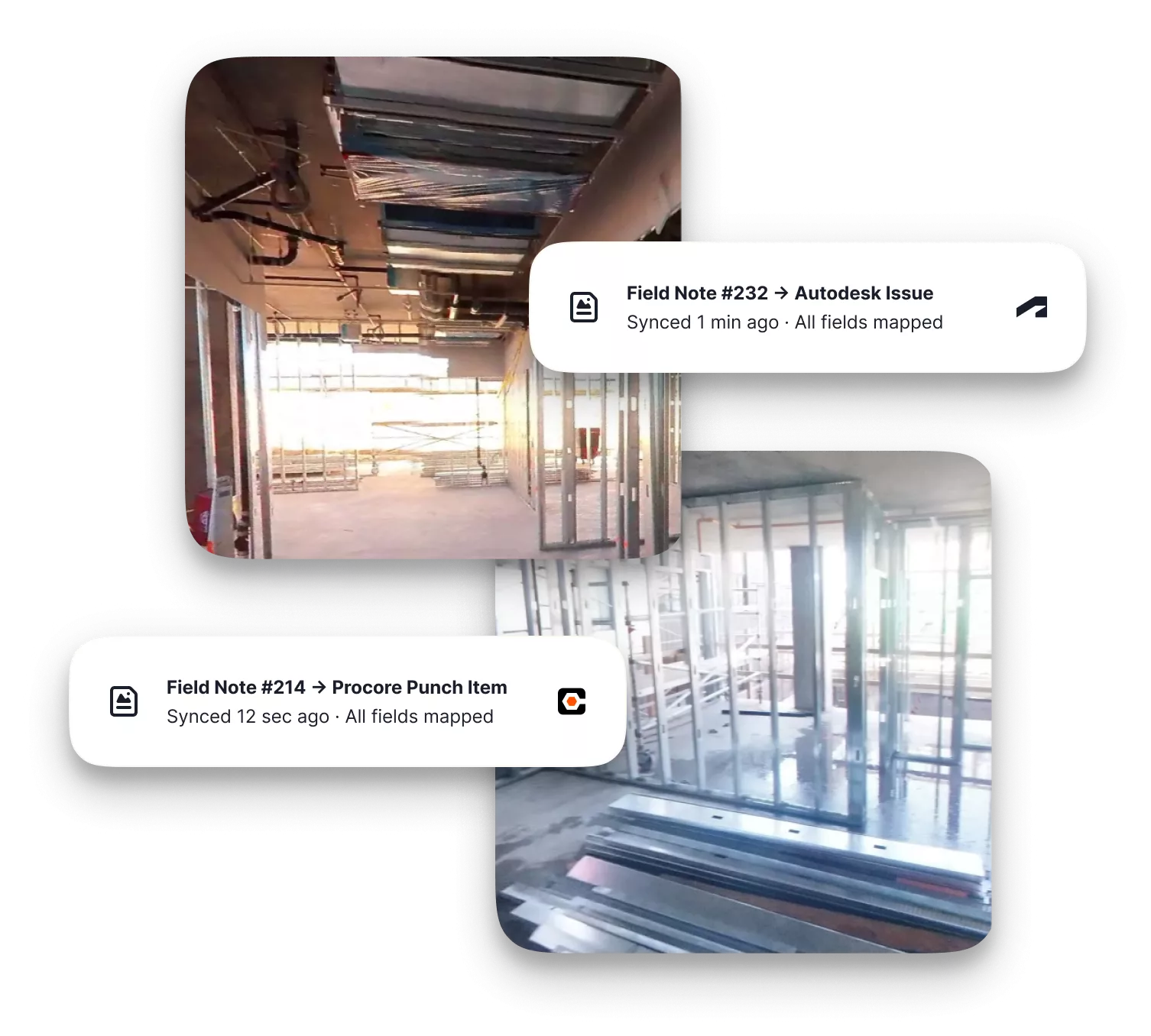
Integrated Field Notes
Create Autodesk Issues and Procore Punch Items and Observations right in OpenSpace with Integrated Field Notes. Two-way sync keeps updates, locations, and visual context aligned in each platform.

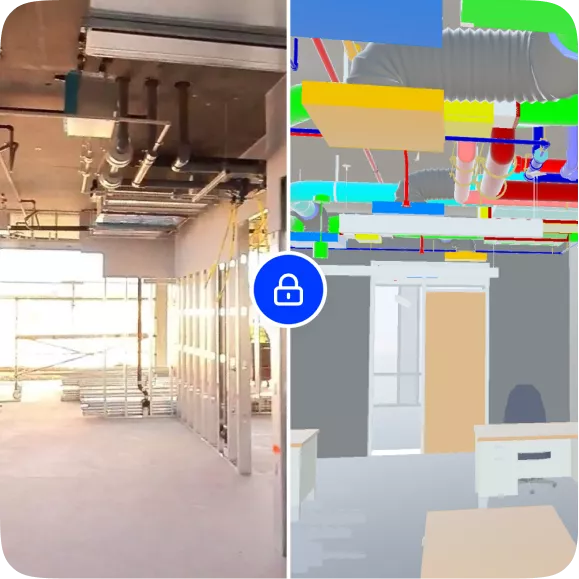
BIM tools
Import BIM models from Autodesk so you can compare design intent next to work-in-place.
Embed OpenSpace inside Procore & Autodesk
Open your OpenSpace project inside Procore or Autodesk—no extra logins or switching apps. See your visual data alongside the rest of your project information.
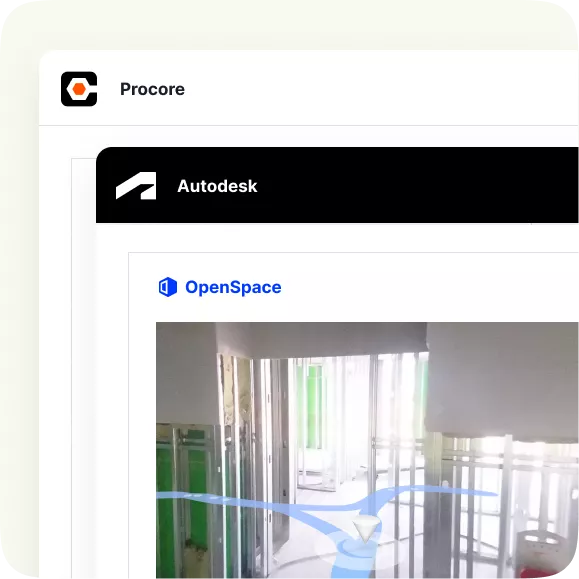
See how OpenSpace fits into the tools you already use.
Frequently asked questions
What if my project management system isn't listed?
You can use our APIs to pull OpenSpace project data—imagery, Field Notes, usage—into any platform your team uses. Learn more about OpenSpace APIs.
Do I need IT or technical resources to get started with integrations?
Not necessarily. Most integrations are set up directly in OpenSpace without involving IT; however, admin-level permissions on the Autodesk or Procore side are required to enable integration. For API-based workflows, some technical resources may be needed depending on your setup.
If I update data in Procore or Autodesk, are those changes reflected in OpenSpace?
Yes. Our Procore and Autodesk integrations are bi-directional. Updates you make in either system sync automatically. No double entry required.
What data is available through your APIs?
OpenSpace APIs provide access to imagery, Field Notes, and usage data. The Usage API is included in our Core subscription. Images and Field Notes APIs are included in our Enterprise subscription. Learn more about OpenSpace subscriptions.
Can we run OpenSpace alongside multiple project management systems?
Yes. OpenSpace supports simultaneous connections to multiple platforms. For example, importing sheets from Procore while syncing issues to Autodesk.