One of the best parts of hosting a live demo is the opportunity for us to hear, and answer, questions from the attendees. In our live demo of OpenSpace Field, the chat was buzzing with thoughtful, practical questions—from integrations and AI to punch lists, pricing, and project scale.
We rounded up the most common themes we heard and provided answers to help you see how OpenSpace Field fits into real-world workflows. We’ll start with an overview of OpenSpace Field which our host, Product Manager Wesley DuBose, did a great job of describing during the webinar. (To see the demo, catch the on-demand recording anytime.)
What Is OpenSpace Field?
Construction teams have long trusted OpenSpace as a visual record—powered by 360° captures, drone imagery, and time-stamped documentation.
With OpenSpace Field, that foundation expands. OpenSpace is now a Visual Intelligence Platform that connects jobsite capture to real field workflows. In short, OpenSpace Field is an image- and location-based solution for creating and managing tasks and issues on the jobsite.
OpenSpace Field brings together:
- AI-powered field workflows.
- Faster QA/QC and punch processes with AI Voice Notes (talk to create issues instead of typing) and AI Autolocation (real-time autolocation on your plans).
- Seamless two-way integrations with Procore and Autodesk.
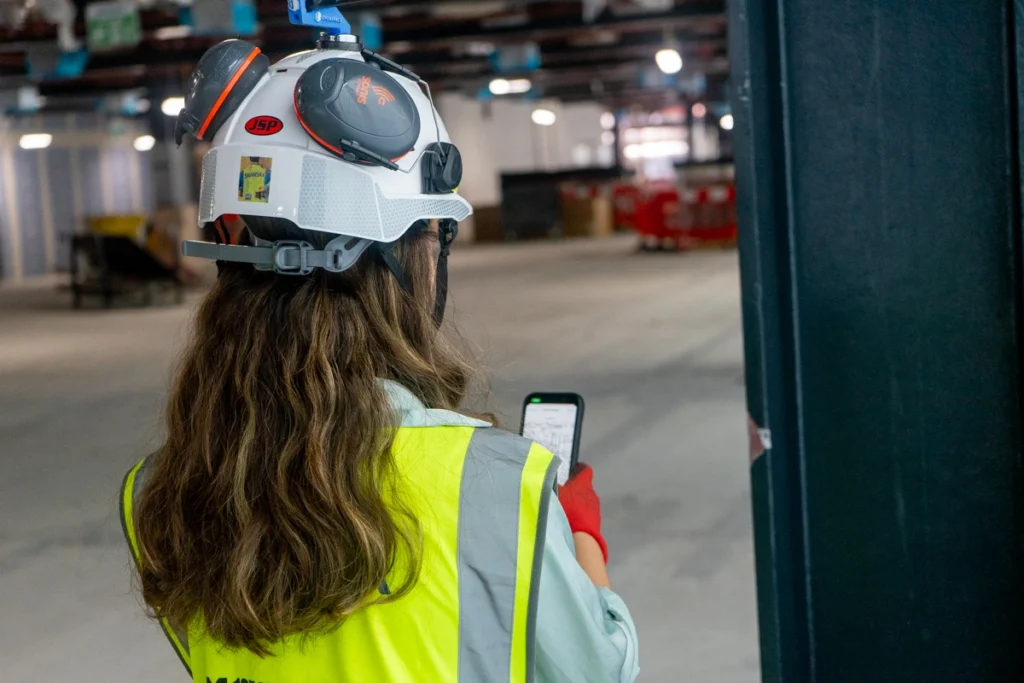
Field teams can capture photos with their smartphones, 360° walkthroughs, drone imagery, and notes. But now, they have AI assistance to significantly speed up creating issues, including automatically mapping items on the correct spot.
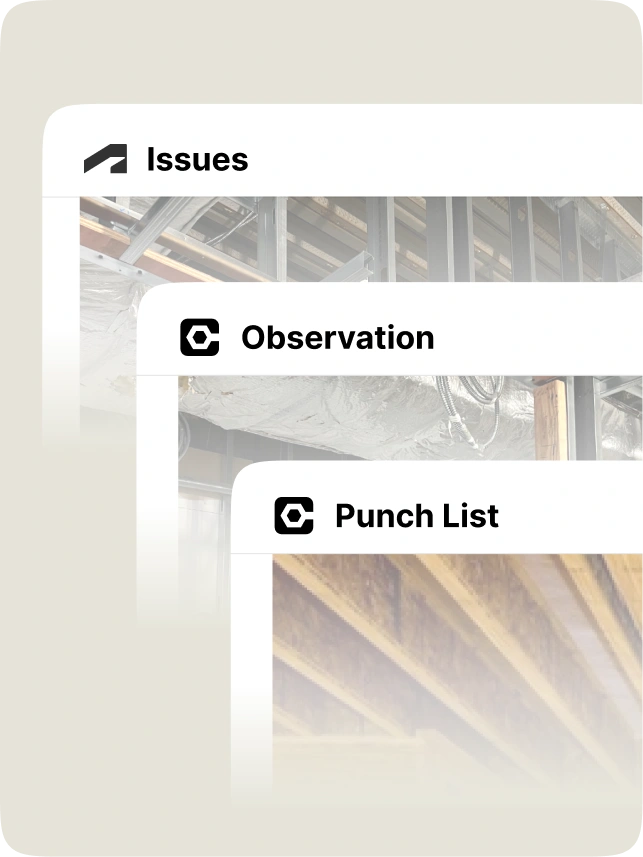
You can create Procore Punch Items and Observations and Autodesk Issues directly in OpenSpace. Saving even more time, updates in both systems sync both ways—no double entry needed. Whether you’re working in OpenSpace or in Procore or Autodesk, your data stays aligned and up to date.
The result: less typing, less backfilling, and more time spent building.
Integrations & connected workflows
Does OpenSpace integrate with systems other than Procore or Autodesk?
During the webinar, several attendees asked about integrations with other construction platforms such as CMiC and Fieldwire.
Today, OpenSpace Field has built-in two-way sync integrations with:
- Procore Punch List Items and Observations
- Autodesk Issues
However, if you’re using another solution where a direct integration is not yet available, you may be able to use our Field Notes API (available with an Enterprise subscription) to support custom workflows. If you’re a customer interested in connecting another system, reach out to your OpenSpace representative to discuss options.
Do Punch Items & Observations have to originate in Procore & Issues in ACC?
No. One of the key advantages of OpenSpace Field is that you can create Procore Punch Items and Observations and Autodesk Issues directly in OpenSpace on your phone while walking the site. Once saved, the item automatically pushes to Procore or Autodesk.
From there, two-way sync keeps everything aligned. Updates made in Procore or Autodesk appear in OpenSpace, and updates made in OpenSpace appear in Procore or Autodesk.
Field teams can capture and log issues significantly faster using the OpenSpace app, while the system of record stays up to date. For example, top ENR general contractor Suffolk Construction was an early customer. They report that an issue that took 3-5 minutes per punch item in their previous workflow takes 25-30 seconds per item using OpenSpace Field. That’s a 5x speed increase. Plus they also saw a 5x increase in the number of notes taken.
Do photos taken in the OpenSpace app automatically upload to Procore Daily Log?
No, photos captured in OpenSpace do not currently push to the Procore Daily Log. As noted in the previous question, OpenSpace Field has two-way integrations with Procore Observations and Punch List Items.
Pricing & product availability
How much does OpenSpace cost?
OpenSpace offers two subscription choices: Core and Enterprise. Both include access to the Visual Intelligence Platform for capturing, managing, and sharing site reality. Pricing is based on your annual construction volume (ACV) and the subscription tier you choose. This ensures pricing scales with how much you build, not per user or per project. The more ACV you add, the better the pricing.
For context, OpenSpace projects start at around $10,000. OpenSpace Track is available as an add-on to Core and Enterprise subscriptions. Find more information on subscriptions our Pricing page where you can also request a custom quote.
Is AI Autolocation available now?
Yes. All OpenSpace Field capabilities—including AI Autolocation—are now generally available.
If you’re an existing OpenSpace customer, OpenSpace Field is included in your subscription, and AI Autolocation can be used today in the mobile app.
AI Autolocation allows you to automatically place issues on the correct location in a floor plan while walking the site. Like GPS for indoors, our AI pins your Field Notes on your exact location, in real time. No more pinching and zooming on your plans. No more manual tagging.
AI Autolocation is the clearest example of that intelligence at work in the field, since it has to understand where a capture sits before it can pin anything to the plan.
Punch lists, QA/QC & your current workflows
Do teams have to change their existing process?
A question from the webinar asked how OpenSpace fits into established punch list workflows, especially when owners or architects are involved.
The short answer: With OpenSpace Field, you don’t need to change your existing process.
For example, if your team already manages punch lists in Procore, you can continue doing that. The difference is you can create items in OpenSpace while walking the site, and your items sync to Procore automatically. And everything stays in sync both ways. Same with Autodesk Issues.
General contractors, specialty subcontractors, and all teams still manage their workflows how they want. But now they can do it much faster, with rich visuals and details, and automatic location pinning—right from the field.
How can subcontractors use OpenSpace to document installations & avoid backcharges?
Attendees asked about using OpenSpace to document work for liability protection or backcharge prevention. Because OpenSpace captures time-stamped visual documentation of the jobsite, trades can create a clear record of:
- Installation progress.
- Conditions before drywall or finishes.
- Work completed before other trades arrive.
Combined with issue tracking in OpenSpace Field, this documentation can help resolve disputes or verify scope completion later in the project.
What tasks can AI help with for trades like electrical?
AI in OpenSpace Field reduces manual data entry for common field workflows. For example, teams can use AI Voice Notes to dictate an issue such as:
“Install missing conduit clamp. Electrical room level two. Assign to the electrical subcontractor.”
OpenSpace converts the voice note into a Field Note, automatically filling in the description and helping populate other fields. This speeds up documentation without requiring teams to type out detailed reports in the field. And don’t worry about loud jobsites: AI Voice Notes can hear through the noise.
Project data & deliverables
What happens to OpenSpace captures at the end of a project?
OpenSpace hosts your project data while you remain a customer.
At project closeout, you can also request an Offline Deliverable—a file of an OpenSpace project that you can store locally on your server. Offline Deliverables are great for closeout documentation or packages. The project data is viewable by anyone with access to the file. Learn more in our Support article.
Project types & scalability
Can OpenSpace support heavy civil projects & drone imagery?
Yes. OpenSpace supports drone workflows through OpenSpace Air. You can ingest and analyze aerial imagery on large or outdoor sites, making it perfect for heavy civil and infrastructure projects where ground captures alone may not provide full visibility.
Can OpenSpace handle hundreds of projects at the same time?
One attendee asked if OpenSpace can support large portfolios—for example, organizations managing 500 or more concurrent projects. The answer is absolutely yes. OpenSpace can scale to fit any size project, including entire portfolios. In fact, our Visual Intelligence Platform is powering more than 89K projects for teams in over 130 countries.
AI Autolocation on repetitive building layouts
Does AI Autolocation work on buildings with repeated unit layouts?
We were asked how AI Autolocation performs on buildings with identical floor plans, such as apartment or condo projects where units repeat across levels.
AI Autolocation can pinpoint where you are within the building and can differentiate locations even when layouts look similar. It can also recognize when you move between floors and prompt them to confirm the correct level before continuing.
Want to learn more about OpenSpace Field?
OpenSpace Field goes beyond better documentation. It delivers clearer communication and speedier resolution, right from the field. You’ll improve QA/QC and safety workflows, reduce unnecessary complexity for the people doing the work, and transform what’s happening on your jobsite into real intelligence.
- Watch the on-demand webinar for a demo and overview.
- If you’re a current customer and need help getting started, check out our OpenSpace Academy courses or reach out to your OpenSpace representative.
- If you’re not a customer yet, let’s set up a quick demo to see how OpenSpace fits into your projects.