Unlock Risk Mitigation & Insurance Benefits with OpenSpace
Download this one-pager for an overview of using OpenSpace for remote construction monitoring and risk assessments.
Learn moreYou can only be in one place at a time. By capturing with OpenSpace, you get a complete visual record of your site, giving you the power to keep up on all your projects, whether they’re spread across cities or continents. And OpenSpace is incredibly intuitive—easy to capture. Easy to navigate.
Building and civil engineering contractor Namibia Construction keeps a project in a remote location on track with OpenSpace.
Watch this webinar to learn how Coakley & Williams Construction uses OpenSpace for more efficient remote construction monitoring.
Sharing virtual construction site captures with clients means BW Workplace Experts can have conversations earlier and solve problems.
In this on-demand fireside chat, OpenSpace has an informative conversation with Shawn Black from CGP Maintenance & Construction Services, Inc. He shares, “[They can] literally walk around and look around just like they’re there. The transformation of that communication is 100 times better.” Watch the full video for more details on how OpenSpace, including how easy it is to access remotely, drives significant improvements in facility management, inspections, risk mitigation, and more.
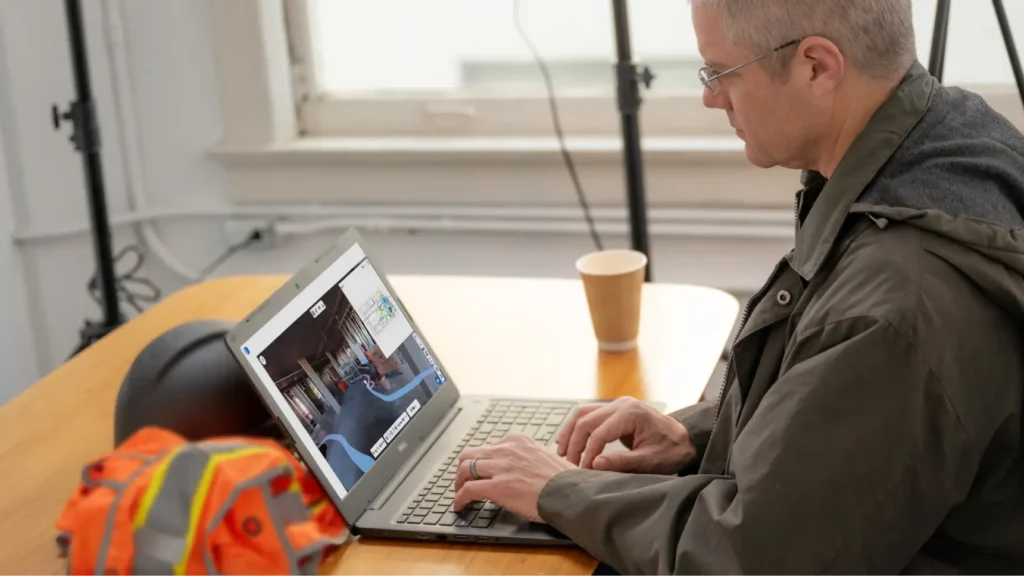
When you (or any project team member or stakeholder) need to visit a site but can’t get there, simply open your 360° capture and conduct a remote construction site inspection from wherever you are. On your virtual walk, use Field Notes to make comments and assign action items—efficient, visual communication from anywhere.
Quality control in construction is easier with virtual QA/QC walks. Access your 360° capture from your desk and walk the site as if you were at the job. When you spot an item that needs to be addressed, create a Field Note with all relevant details, including an image. You can continue to remotely track all communication in Field Notes, making it easy to check on the status of issues, all the way through resolution.
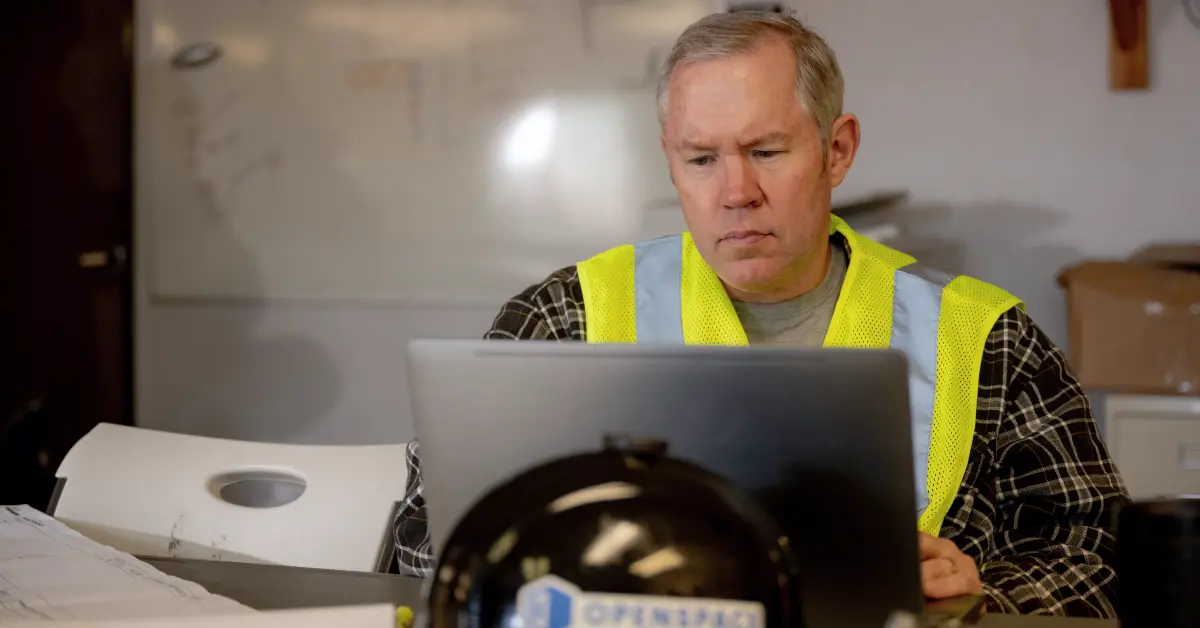
Traveling to jobsites takes time and money. OpenSpace can reduce the amount of flying and driving you might normally do to manage a project or multiple projects—customers even report a 50% reduction in travel time. Anytime you need to make decisions from a distance, occasionally or for an extended period of time, OpenSpace has you covered. Walk your site virtually, track project performance, and move on to the next job.
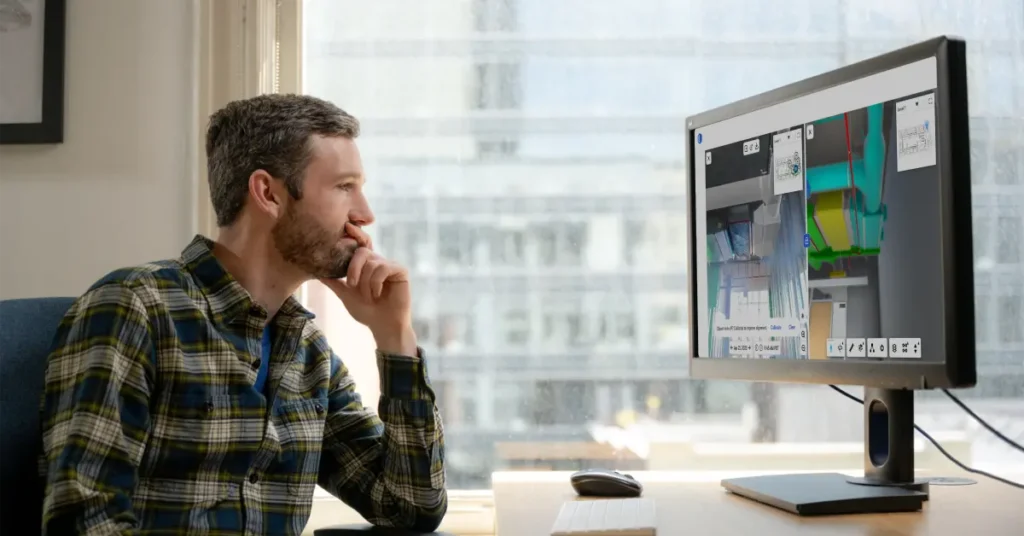
Instead of shuffling through thumbnail images in multiple folders during owner, architect, and contractor (OAC) meetings, you can access your virtual record in OpenSpace to easily show the area of discussion. As you’re talking, quickly jump to the relevant spot in OpenSpace. Everyone can see what’s going on and talk about the project as if they were standing on-site.
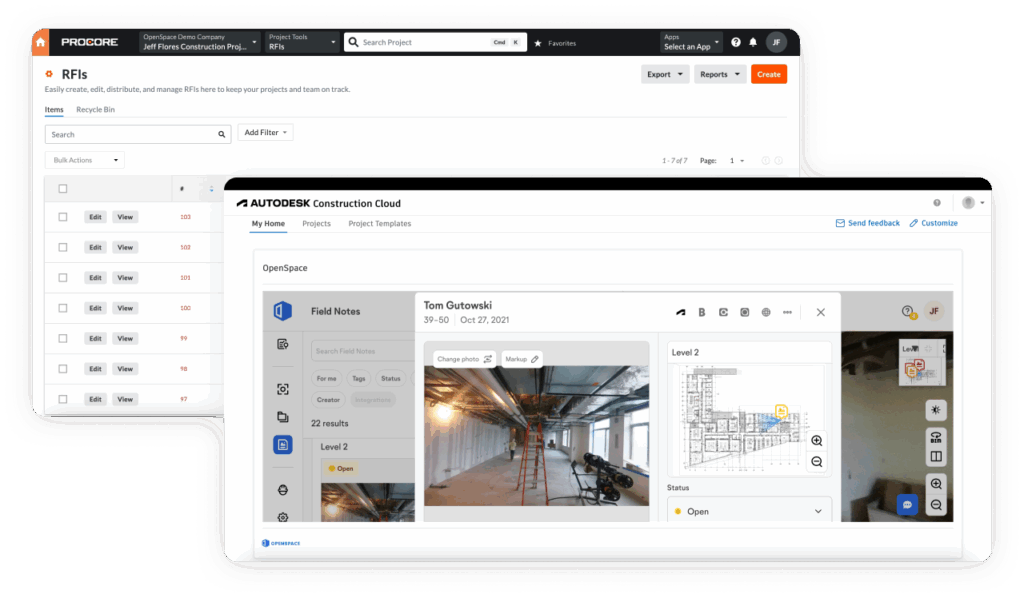
Resolving a request for information (RFI) is faster than ever with OpenSpace. Rather than heading to the job to take a new photo, you can navigate to the location in OpenSpace, find what you need, and start coordinating. Create a Field Note and send it to your internal team for resolution. Or, push your Field Note to your project management system as an RFI—complete with the image, markups, and comments so the design team has what they need to respond quickly.

Remote construction site inspection software lets construction professionals, including project managers, superintendents, and consultants review a construction site without traveling there in person. OpenSpace captures the site in 360°, maps every image to the floor plan automatically, and lets anyone on the project walk the space virtually, flag issues with Field Notes, and track them through resolution.
A field team captures the jobsite using a 360° camera or smartphone, and the OpenSpace Spatial AI engine automatically locates that imagery on the floor plan. From there, anyone with access can open the capture, easily navigate the site, and create Field Notes to document issues or assign tasks.
Remote inspections are built to reduce how often someone needs to travel for routine checks, OAC meetings, or RFI resolution, not to remove site visits altogether.
Yes. OpenSpace is built as a secure documentation platform with two-way integrations with Procore and Autodesk, so inspection data doesn’t sit disconnected from the rest of a project’s records. Shared Folders and permission-based links let teams share exactly what a stakeholder needs to see, without exposing the full project record.