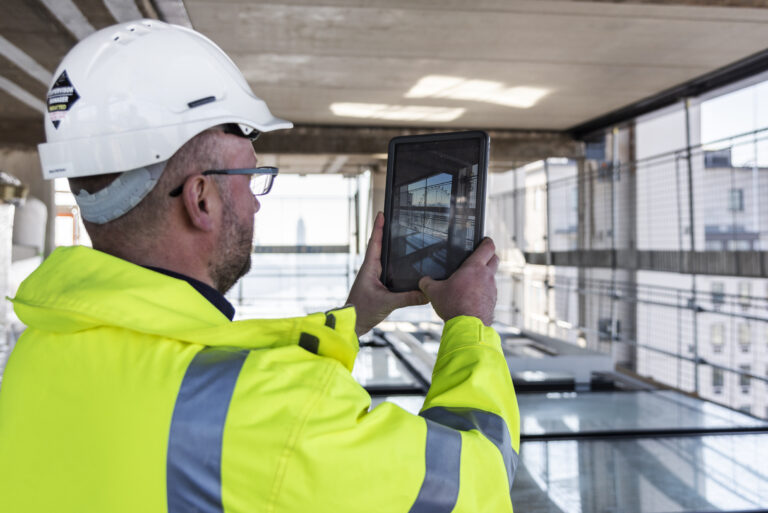
In general, field teams don’t have a documentation problem. They have a connection problem. Issues get logged on-site, then typed up again in the office, then chased over email to confirm status. OpenSpace and Autodesk Forma Build close that loop—so what your field team captures becomes what your office team acts on, automatically, with no duplicate entry.
The three pillars of construction technology
Construction technology has evolved a lot over the past decade. Today, most project teams are running on some version of these two technology stacks: an ERP to manage finances, and a project management platform to manage process. For a huge number of teams, that second pillar is Autodesk Forma.
The third pillar is where Visual Intelligence comes in. It’s your field system of work. What your team uses to get the job done. That’s what the OpenSpace Visual Intelligence Platform is built for. It enables you to capture what’s actually happening on-site in real time, so you have the visual context you need to take action.
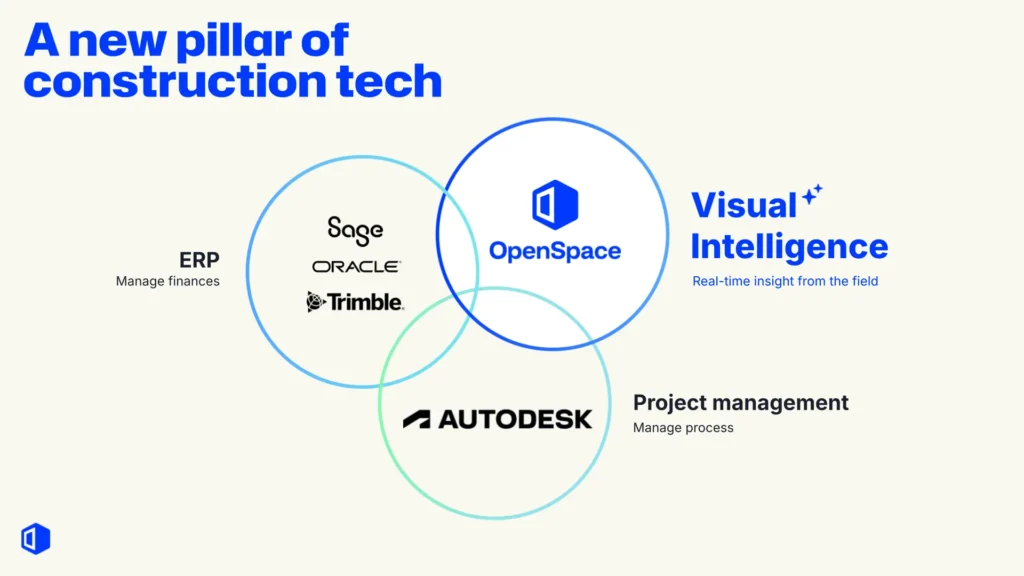
These three pillars don’t compete. They complement each other. ERP manages your money. Autodesk Forma manages your processes. OpenSpace gives you real-time Visual Intelligence from the field and connects it directly into your workflows.
Where the field meets the office
If you’ve been keeping up with Autodesk’s roadmap, you’ll know the platform has evolved significantly. Autodesk Forma (formerly Autodesk Construction Cloud) is now the unified platform spanning the entire project lifecycle, from planning and design through precon, build, and operations.
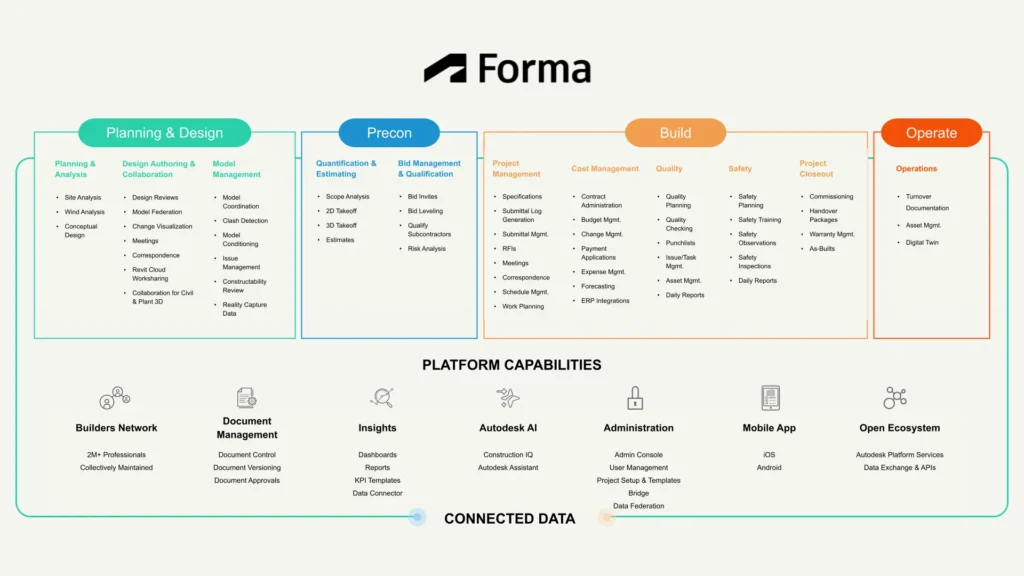
For field teams, Autodesk Forma Build is the module covering project management, quality and safety, cost management, and issue/task management. It’s where your office lives. The challenge has been: how do you bridge what the field sees to what the office manages?
OpenSpace & Autodesk workflow
As the Visual Intelligence Platform for builders, OpenSpace makes it easy to capture a complete visual record of your site with smartphones, 360° cameras, and drones. Powered by Spatial AI, it transforms those images into actionable intelligence, and connects that intelligence to your project management platform—including two-way sync with Autodesk Forma Build.
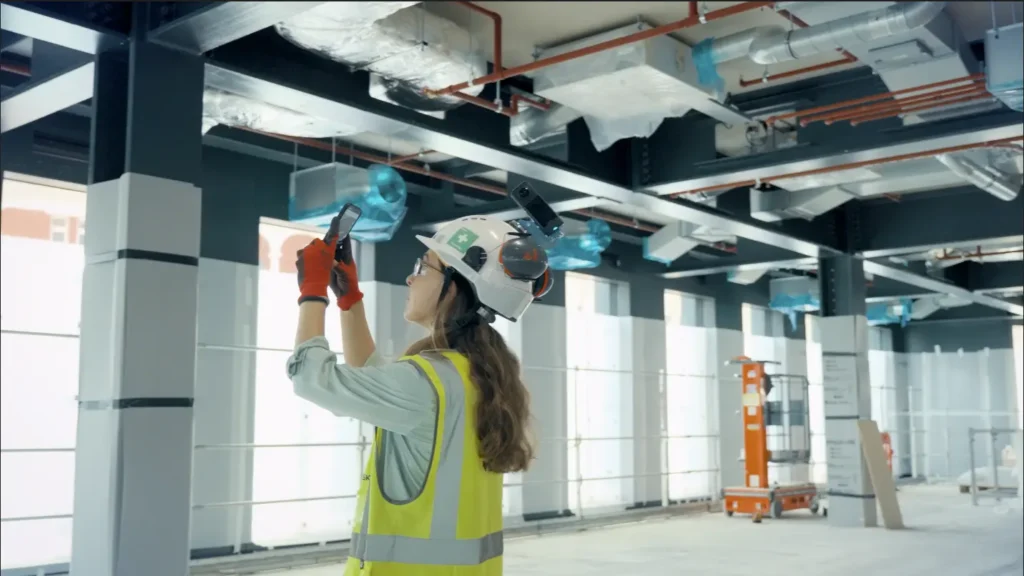
As an Autodesk AECO Gold Technology Partner, OpenSpace integrates directly with Autodesk Forma Build through a two-way sync. What you create in OpenSpace flows straight to Autodesk Forma, and edits you make in either platform stay aligned.
From jobsite to Forma Build in 25 seconds
Capturing and logging issues in OpenSpace is quick and matches your existing workflows. And with two-way sync, you avoid duplicate entry and chasing updates between systems.
Capture the issue in OpenSpace
You can log issues on-site in seconds, right from your phone. Open the OpenSpace mobile app, take a photo of the issue—a quality defect, a safety observation, or a coordination problem—and tap the Issue button to start your Integrated Field Note. OpenSpace does the heavy lifting from there.
AI Autolocation automatically pins the Field Note to the exact location on your floor plans—no manual tagging, no pinching and zooming. With AI Voice Notes you can describe the issue by speaking and OpenSpace automatically fills in all the relevant fields like type, assignee, due date, status.
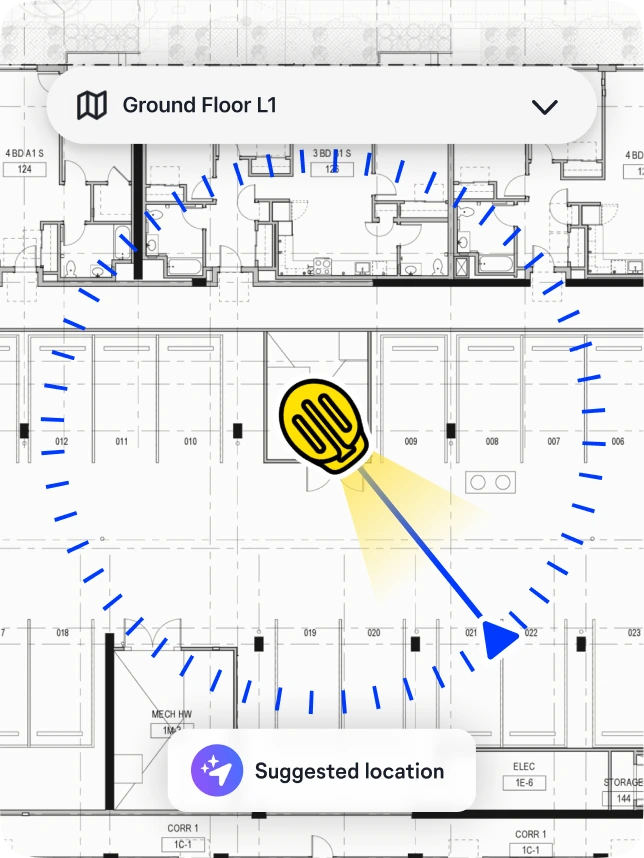
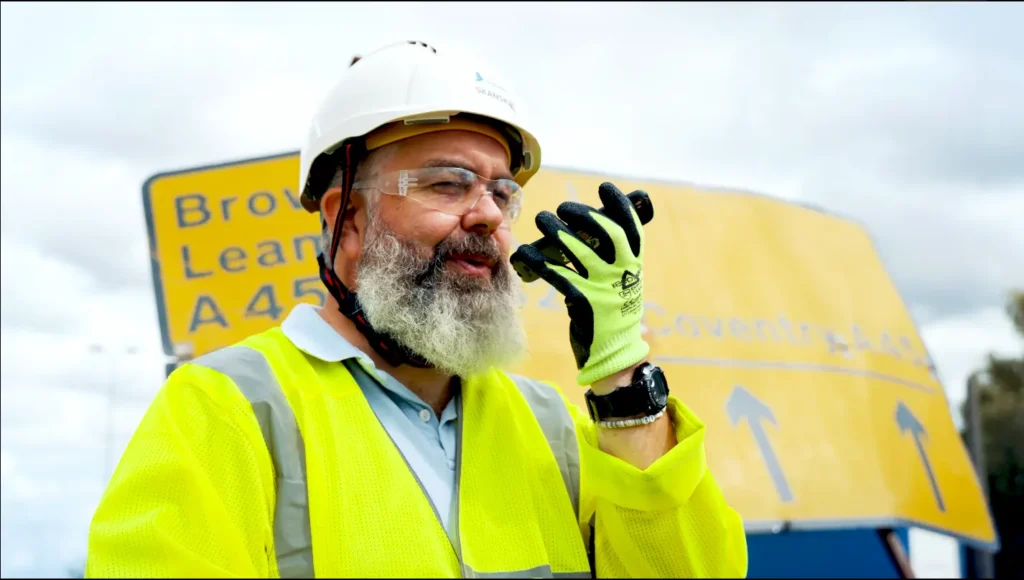
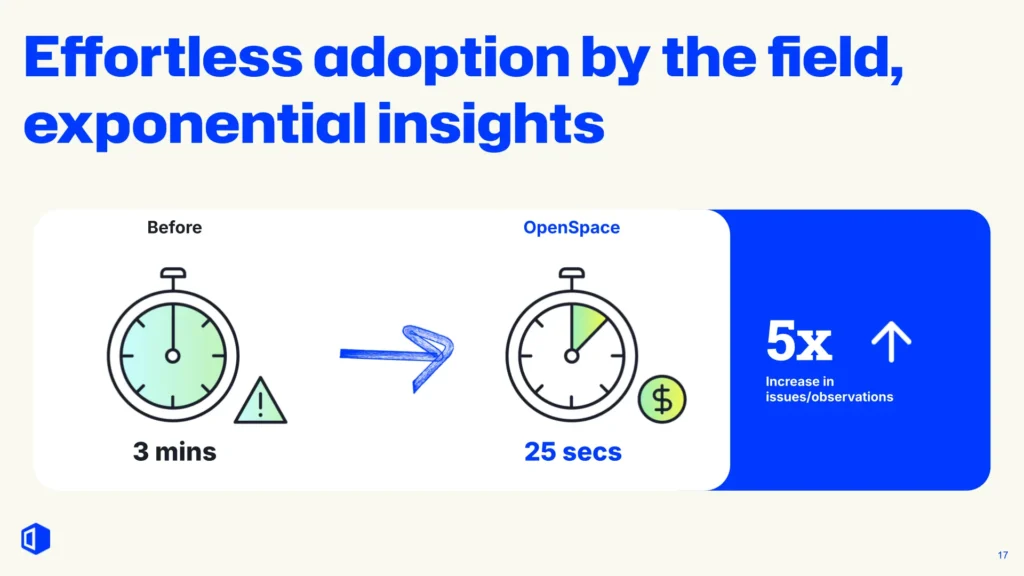
An issue that used to take three minutes to log now takes around 25 seconds. Since the process is fast and easy, teams actually do it, translating to 5x more issues and observations getting captured.
That’s it. Once you hit Save, the Issue appears instantly in Autodesk Forma Build, assigned and ready to act on.
Update in Autodesk Forma Build
From the Forma Build side, project managers and office teams get full visibility of every Issue raised in the field, with photo evidence and precise location already attached. They can view, assign, prioritize, add comments, and manage Issues through to resolution entirely within Forma Build.
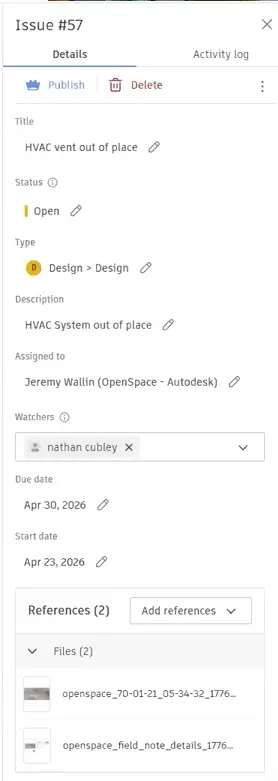
The integration supports the full range of Autodesk Forma Build Issue types. While the Issues module is used primarily for managing safety, quality, clashes, and observations for your project, Issues can also include punch list items and work to complete.
When the office team updates or closes an Issue in Autodesk Forma Build, those changes sync to OpenSpace automatically. The Field Note status updates in real time, giving the field team immediate visibility without having to log into another system or wait for someone to send an email.
The office team works where they always do: Autodesk Build Forma. The field team works where they already do: OpenSpace on their phone. Everyone sees the same data.
That’s two-way sync in action, a dynamic connection between field and office, not a one-way data dump.
Complete records, faster resolution
When logging an issue takes 25 seconds instead of three minutes, field teams log everything. When every issue has a photo, an exact location, and a clear owner from the moment it’s created, nothing falls through the cracks. And resolution cycles get measurably shorter across QA/QC, design coordination, site observations, safety, and closeout.
Frequently asked questions
Does AI Autolocation work automatically, or do you need to set location manually?
You only need to set location once at the start of a walk, then AI Autolocation automatically pins every Field Note to its exact position on the floor plan. No manual tagging as you move through the building. Note: You must have at least one recent and complete 360° capture per floor plan (sheet). The more frequent and comprehensive the captures, the better AI Autolocation will work. For best accuracy with AI Autolocation, perform new 360° captures when site conditions change significantly.
Can I create Issues in OpenSpace on desktop as well as the mobile app?
Yes. While the mobile app is the primary workflow for field capture, you can also create and manage Issues in the OpenSpace desktop platform.
Which Autodesk modules are needed to use the integration with OpenSpace?
The integration works with Autodesk Forma (formerly Autodesk Construction Cloud). You’ll need access to Forma Build for the Issue management workflow.
Does the Issue integration work as a one-way sync or a true two-way sync?
It’s a genuine two-way sync. Issues created in OpenSpace push to Forma Build automatically, and any updates made in Forma Build—status changes, comments, closures—sync back to OpenSpace in real time.
Is the integration available to all OpenSpace customers?
If you’re already using both OpenSpace and Autodesk Forma Build, see our Support article or reach out to your OpenSpace representative.
Learn more
- Watch our on-demand webinar for a demo and more information.
- Not a customer? Request a demo with one of our experts.