
Waypoint 2025: on-site with Gilbane
Watch this video to hear from Gilbane on a live jobsite. Learn how they capture using all the latest methods, including drones.
Watch nowConstruction photo documentation is where Visual Intelligence with OpenSpace starts. Capture your site from the ground or sky for a virtual and interactive visual record. See project progress and find the answers you need to make better decisions, faster.
Novo Construction captures a complete record of its jobsite 95% faster than manual processes.
Seeing through walls, ceilings, and floors, Kitchell Construction avoids destructive investigations.
With greater visibility into its projects, Boldt Construction keeps the schedule and flow of the job going.
Comfort Systems USA is a leading building and service provider for mechanical, electrical, and plumbing building systems. Watch the full fireside chat to learn why the company selected OpenSpace for 360° capture and discover how the technology is driving new efficiencies and improved coordination. You’ll learn how easy it is to create a new project in OpenSpace and perform an OpenSpace site walk. Plus see examples of how OpenSpace’s integration with Procore streamlines workflows and boosts efficiency.
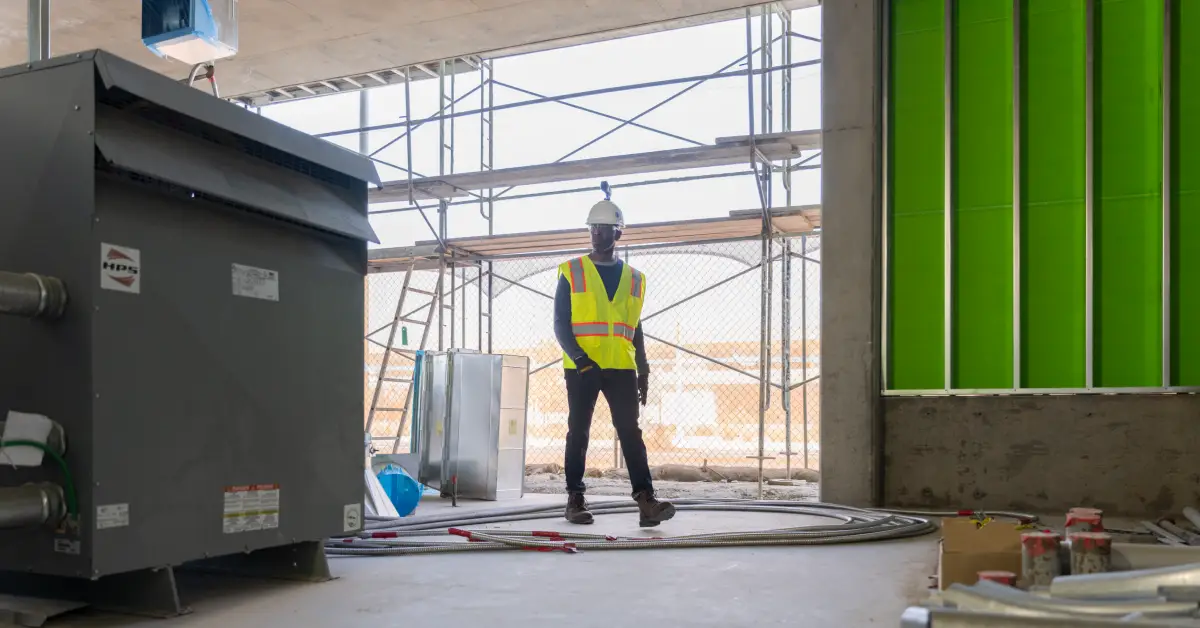
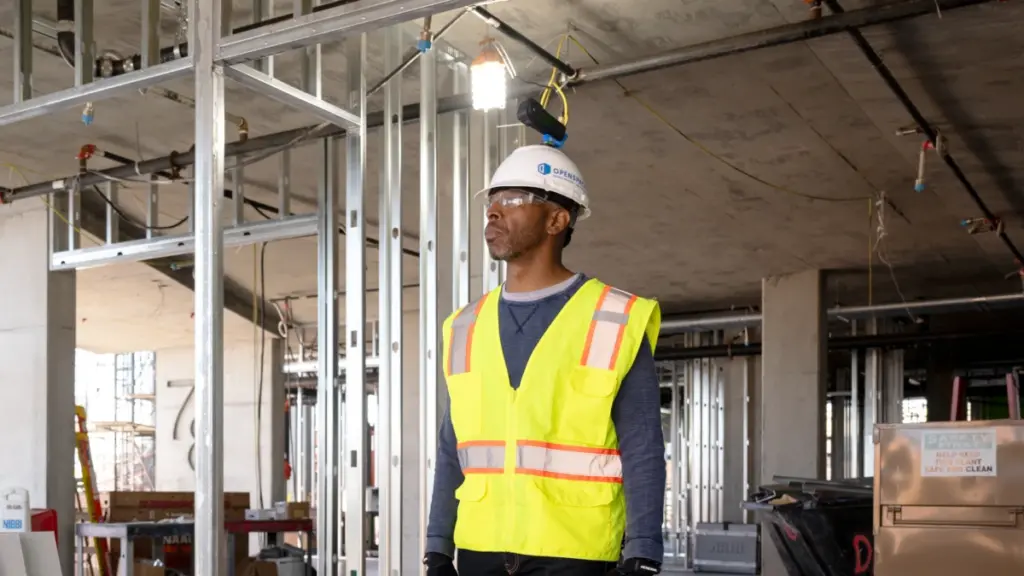
Capture complete, structured jobsite photo documentation without slowing down the work. With OpenSpace Capture, walk your site with a 360° camera and OpenSpace automatically timestamps and pins images to the exact location on your floor plan. Spot something in the field? Pull out the phone in your pocket to take a photo and create a Field Note on the spot. With AI Voice Notes, you can talk instead of type to quickly capture critical details, assign tasks, and keep work moving. Add drone imagery OpenSpace Air and 3D Scans for a complete visual record of your jobsite—from every angle.
When legal, safety, or financial questions come up, go back to a complete visual record of your jobsite. Pull up your OpenSpace images to see what work was completed, where materials were stored, and what conditions looked like at a specific point in time. With clear visual evidence at your fingertips, you can answer questions faster and resolve disputes with confidence.
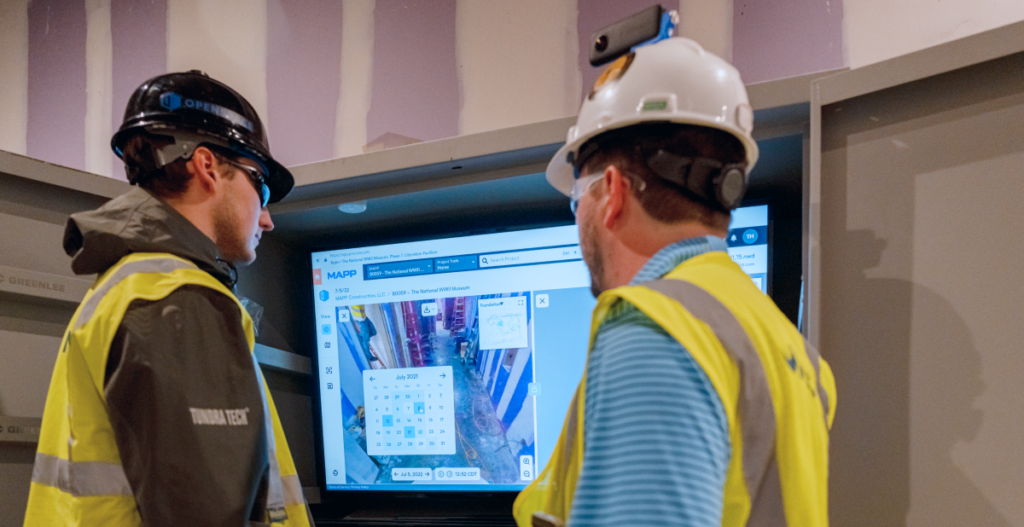
At the end of a job, OpenSpace makes it simple to provide your client a full visual record of the project to add to your closeout package. No need to dig through files and folders—just request an OpenSpace Offline Deliverable. Anyone with access to the file can look back at captured stages of the project. Years later, contractors can see how work was installed, where connections were made, and what’s behind finished surfaces before new work begins.


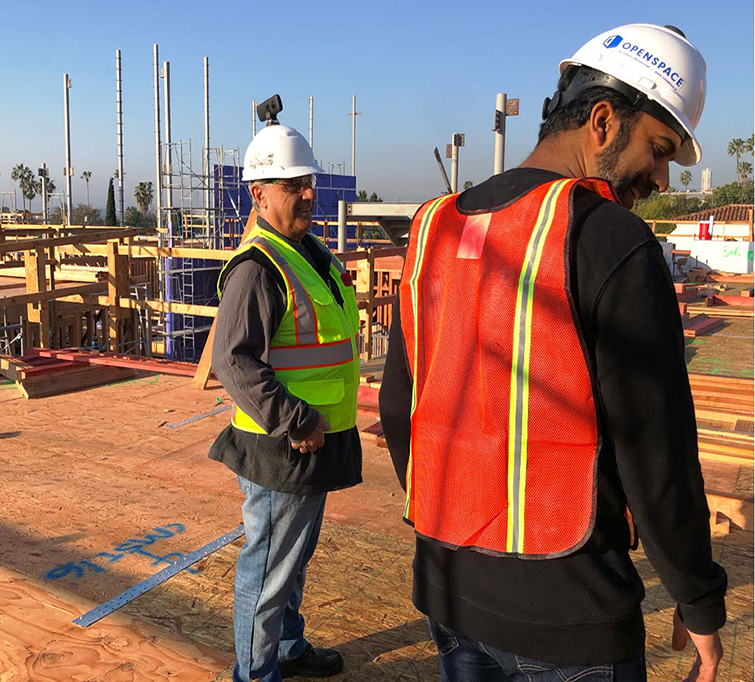
Construction photo documentation gives builders defensible proof. When a claim, change order, or inspection comes up months later, a timestamped visual record shows what was installed at that point in the project. That visual evidence can speed up approvals and support insurance claims. It also makes closeout easier because the project history is already captured and organized. Owners, inspectors, and other stakeholders can access photos to understand past site conditions without always needing another site visit.
The biggest benefit is a complete, searchable record of your jobsite from every phase. Construction photo apps can cut the hours crews spend manually hunting for images, give change orders and other project records clearer visual context, and help teams spot issues before work gets covered up. Combining photo documentation with progress tracking also gives leadership and other teams another layer of project data: objective insight into what’s complete, what’s falling behind, and how work is progressing against the plan. Photos capture critical details that documents, spreadsheets, and written updates alone can’t always show.
Construction photo documentation software captures, organizes, and stores project photos so builders can prove what was built, where, and when. Instead of scrolling through a camera roll or manually linking photos to locations, OpenSpace uses Spatial AI to automatically pin photos to the exact location on your floor plan.
Key features to look for include easy-to-use 360° photo capture, smartphone photos, fast access to project photos, and one platform for all your jobsite imagery, from the ground and sky. Integration is important too. OpenSpace connects visual documentation with the project management and issue tracking tools teams already use, including two-way integrations with Procore and Autodesk.
Construction photo documentation software and construction management platforms serve different—but connected—purposes. OpenSpace captures the reality of what’s happening on-site and turns it into visual project data that both field and office teams can use. Platforms like Procore and Autodesk manage the broader project workflows and records teams rely on.
OpenSpace connects the two. With two-way integrations, Field Notes, photos, status updates, dates, and other critical details can sync between OpenSpace and Procore or Autodesk. Teams can document and act on what they see in the field while keeping the systems of record used by the office up to date—without duplicate manual entry.
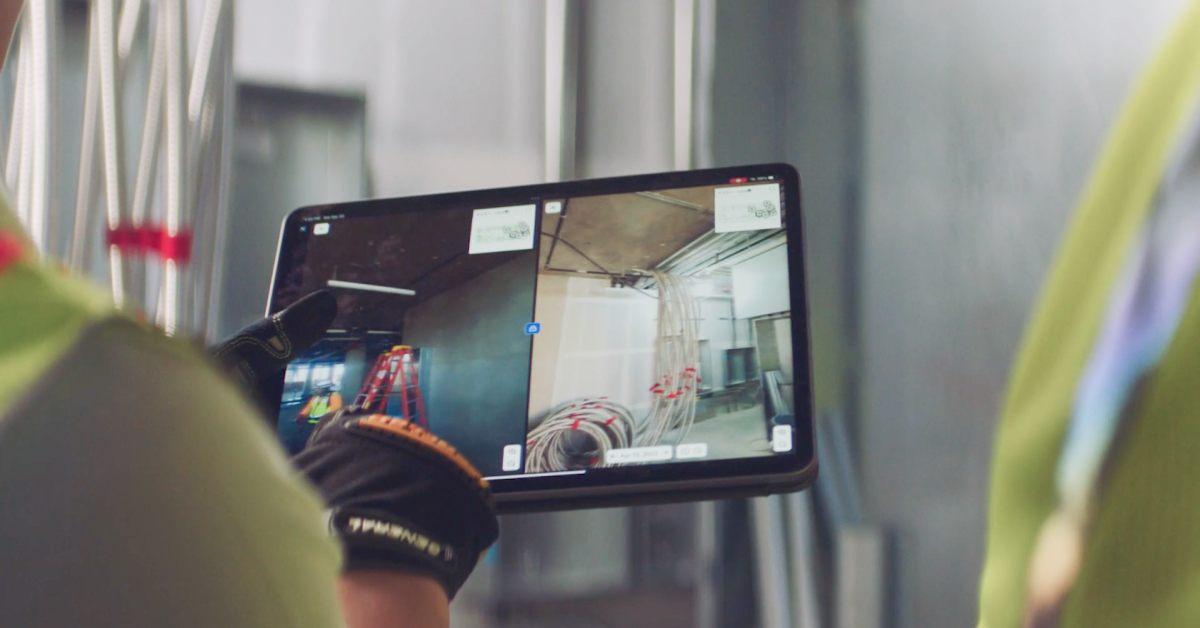
Strong site documentation starts with consistent capture: walk the same route, capture at the same stages, and let the software handle the filing. OpenSpace automatically timestamps and pins every construction photo to its spot on the floor plan. Office teams and owners get a clear view of project data and the visual record from anywhere, which means fewer phone calls chasing updates. With Split View you can compare any two dates and see what’s behind a finished wall.