
Coakley & Williams Construction Increased Efficiency with OpenSpace
Watch this video to learn how the company improved remote workflows, collaboration, and safety inspections, with features like Field Notes.
Watch nowMake construction safety easier to see, document, and act on with OpenSpace—Visual Intelligence for the built world. Bring real-world context to your construction safety management software with a visual record of site conditions. Quickly document safety concerns, spot potential hazards, follow up on issues, and reduce risk across construction projects.

Construction and engineering firm EEI uses OpenSpace to identify safety best practices and more.
Sweet Projects uses OpenSpace to monitor site progress, improve scheduling, and maintain high safety standards on a complex data center project.
You can’t be 12 places at once, according to Suzy Garcia at Humphrey Rich Construction. Hear her take on improved jobsite safety with OpenSpace.
Construction professionals from around the world meet up for our annual customer summit, Waypoint, for exclusive access to the latest product announcements from OpenSpace. But perhaps the most exciting part of the day is our customer panel—where power users like Suzy Garcia and Tom Garcia of Humphrey Rich Construction Group share concrete examples of how they’re getting the most out of OpenSpace. Suzy and Tom describe OpenSpace as a powerful tool, helping them mitigate risk and facilitate safety on every project. Watch the webinar for their full interview, plus more customer testimonials.
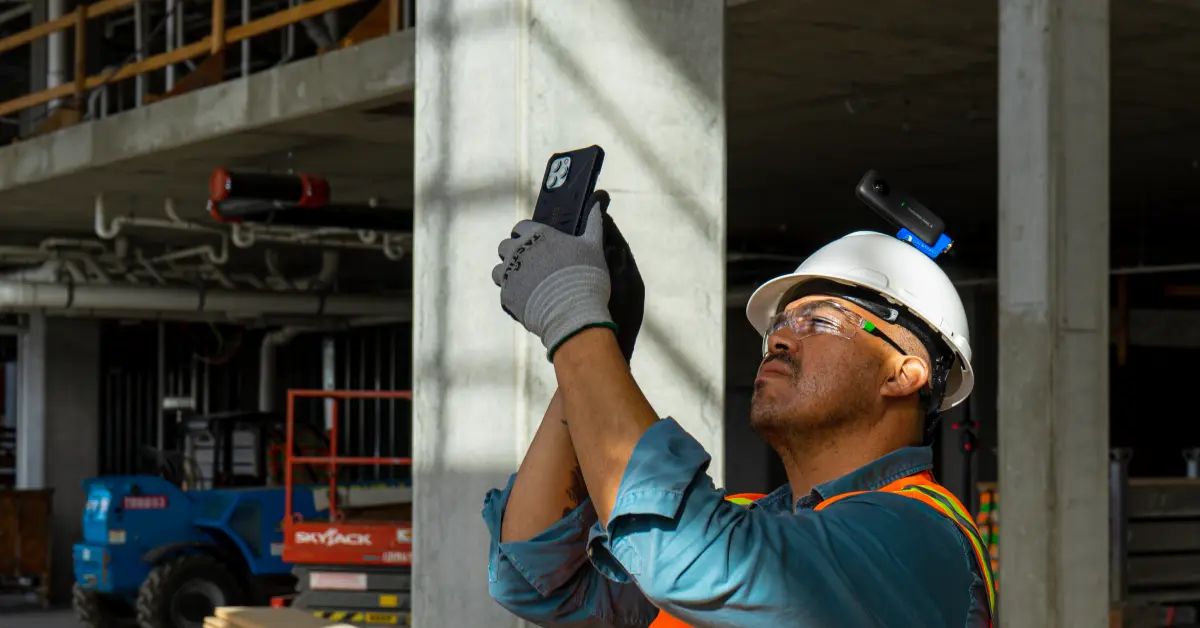
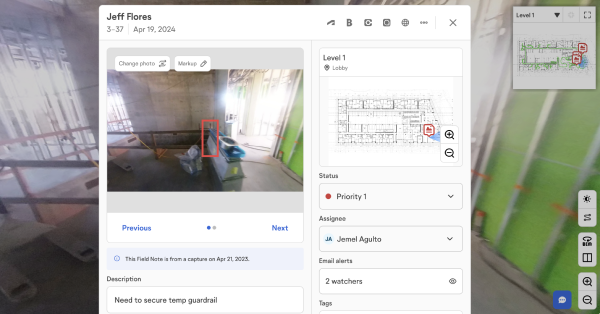
Start an OpenSpace 360° capture as soon as you begin a safety inspection, and you’ll have a complete visual record of the walk to review later. See a safety violation like a fall hazard from an elevator shaft not properly closed off? Document it on the spot with Field Notes. Take a photo, mark it up, add comments and a status, then assign the note to the right person for follow-up. AI Voice Notes make incident reporting and safety observations even faster: describe what you see, and OpenSpace fills in the details and assigns the task. No stopping to type.
After a safety walk, skip the manual write-up. Generate a PDF of your Field Notes, complete with comments and images, and attach it to your safety inspection records. Assign tags to Field Notes like Electrical Hazard, Confined Space, Temporary Guardrail, and Heat Awareness so you can filter and build comprehensive safety reports by category. Consistent construction photo documentation also gives you visual proof of site conditions if an incident or claim comes up. Add images to Shared Folders to easily share safety concerns with your team.
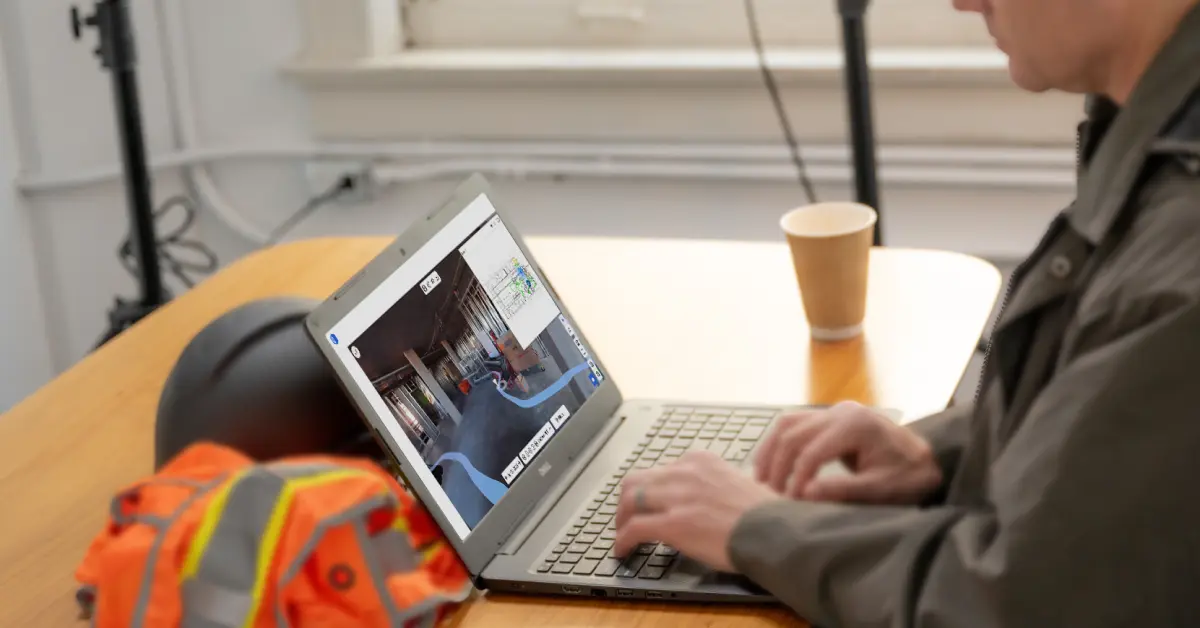
One capture can support more than one team. The same visual record used for construction safety can help project teams review weekly progress—without another walk. Over time, that visual record becomes a source of safety performance insight: safety managers can identify trends across projects, compare safety metrics between jobsites, and spot where risk keeps showing up. Captures also power internal training—set up a project as a training module for new hires, let them walk a practice site and call out concerns using Field Notes, then review what they caught and missed.
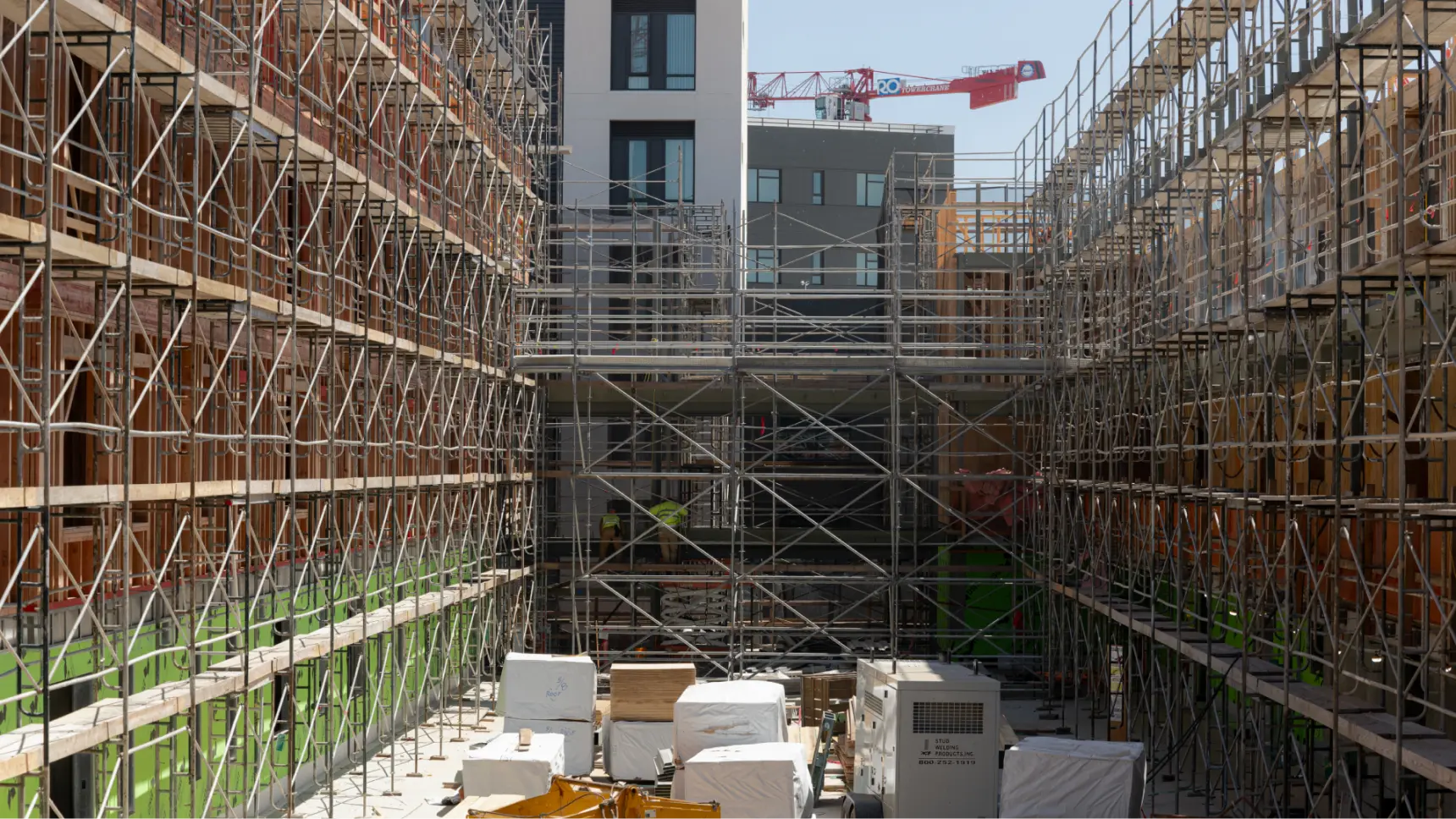

Construction safety software reduces incidents by making hazards visible before they cause harm. With OpenSpace, safety managers document conditions during every site walk and capture real-time data they can act on immediately—a blocked exit, missing guardrail, or PPE gap flagged the moment it’s spotted. Because every observation is time-stamped and tied to a location, teams can trace root causes, track how quickly issues get resolved, and strengthen their safety program over time. That pairing of fast field capture and safety data turns a reactive process into a proactive one.
Visual documentation improves construction safety by replacing memory and paperwork with verifiable proof. Instead of relying on written notes, builders capture 360° imagery of the construction site, so anyone can see the exact condition of an area on a given day. When a question or claim comes up later, that visual record supports regulatory compliance and gives everyone a shared, accurate reference. It also speeds up reporting—teams attach imagery to safety reports and show, rather than describe, what was on-site.
Start with how your field workers actually work. The right safety management software has to be easy enough that crews use it. Look for safety management solutions that capture visual proof, sync both ways with the platforms you already run like Procore and Autodesk, and turn field observations into safety metrics you can report on. OpenSpace is field-first for exactly this: putting safety in reach on every walk, without adding time-consuming steps.