Build capital projects with greater clarity
Big builds. Bigger stakes. From major capital projects to billion-dollar megaprojects, OpenSpace helps you see what's real, stay ahead of delays, and keep work moving.
Capital construction projects. Measurable results.
8K+
QA/QC observations closed with the help of OpenSpace
2 mos.
faster project completion
1,000+
data center projects have run on OpenSpace
20%
fewer scheduling delays

Big capital projects come with big challenges. Get the visibility to match.
Data centers, advanced manufacturing facilities, airports, hospitals, stadiums, major infrastructure. Complex projects have a lot of moving parts. OpenSpace gives project teams visual evidence and reliable progress data to stay ahead.
See the whole picture
Get a clear view of site conditions across sprawling jobsites, multiple buildings, and every phase of construction.
Stay ahead of schedule
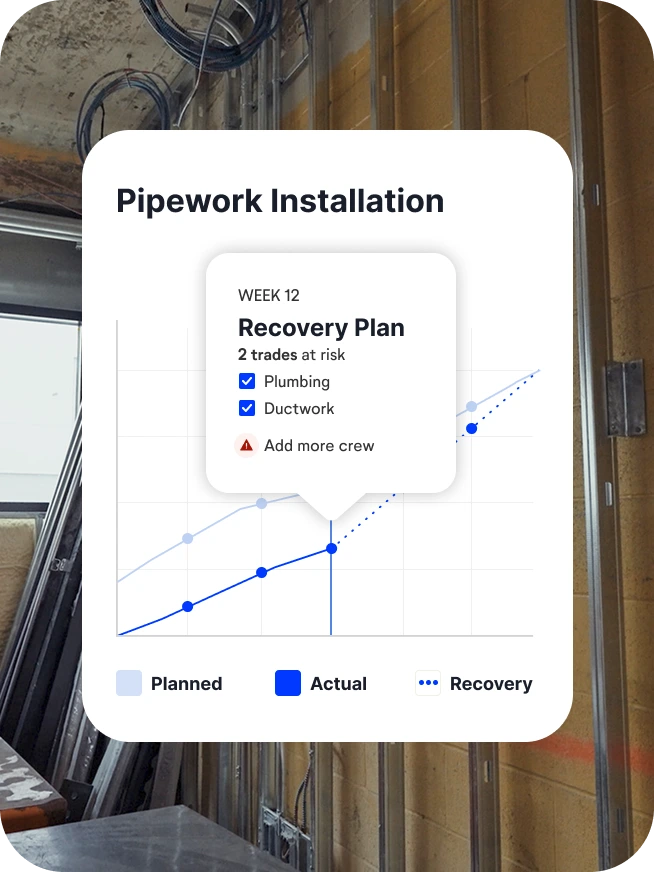
Compare planned vs. actual progress and identify delays before they affect critical milestones.
Keep stakeholders aligned
Give project owners, general contractors, and specialty trades a reliable view of what's happening on-site.
Protect your investment
Identify issues earlier, verify completed work, and reduce the risk of costly rework and disputes.
From site capture to smarter decisions
Managing major capital projects and megaprojects takes more than reports and occasional site visits. OpenSpace brings 360° documentation, drone mapping, field coordination, BIM, and verified progress tracking together in one Visual Intelligence Platform. See what’s happening across the project, from specific work areas to the big picture.
See the entire site, from ground to air
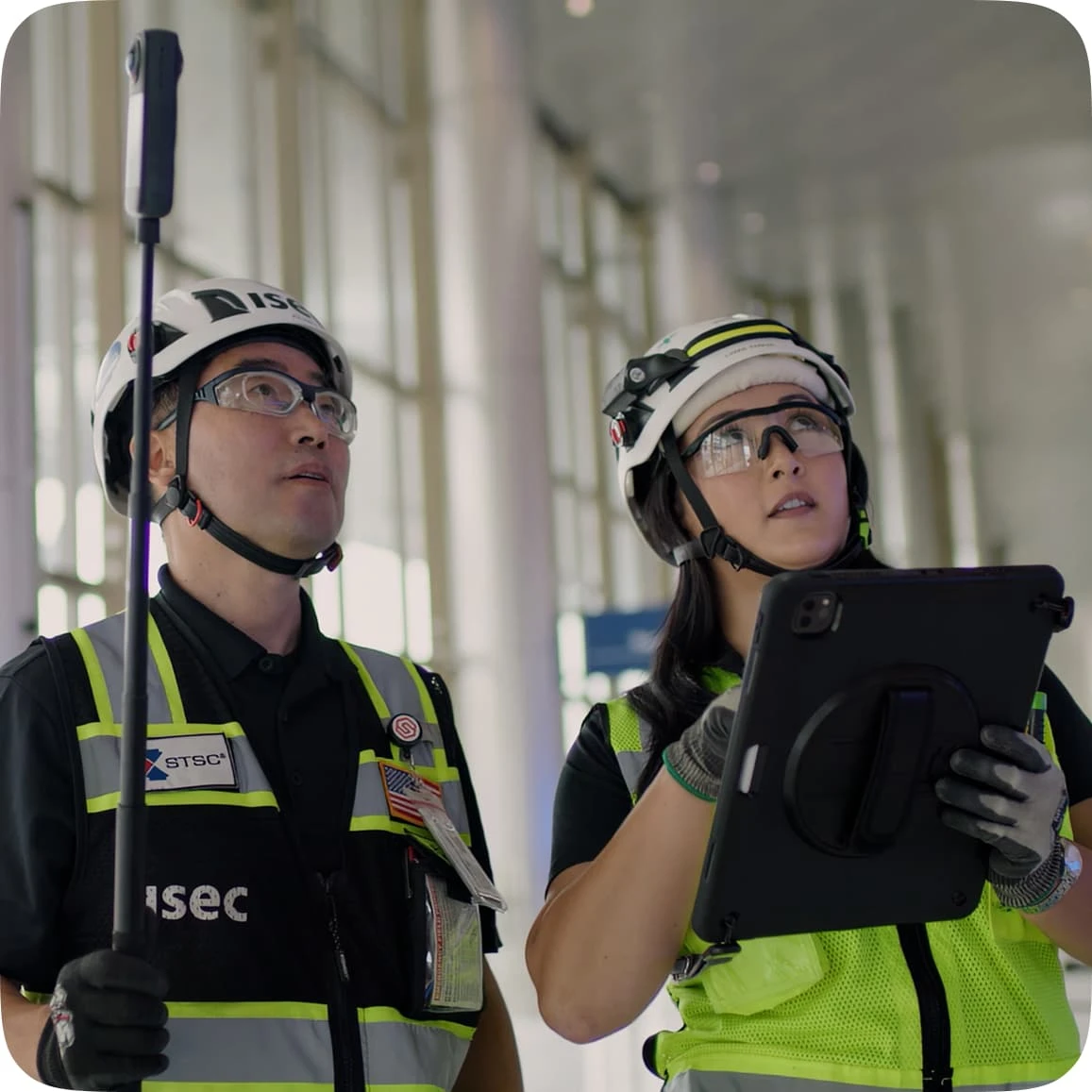
Capture with smartphones, 360° cameras, and drones. OpenSpace maps imagery to your plans, for a visual record across buildings, work areas, and construction phases. OpenSpace Air adds aerial maps, 3D models, and measurements for large sites and earthworks. Need help with capture? Hand it off to our Walk & Pilot Services.
Know what’s built & spot what’s behind
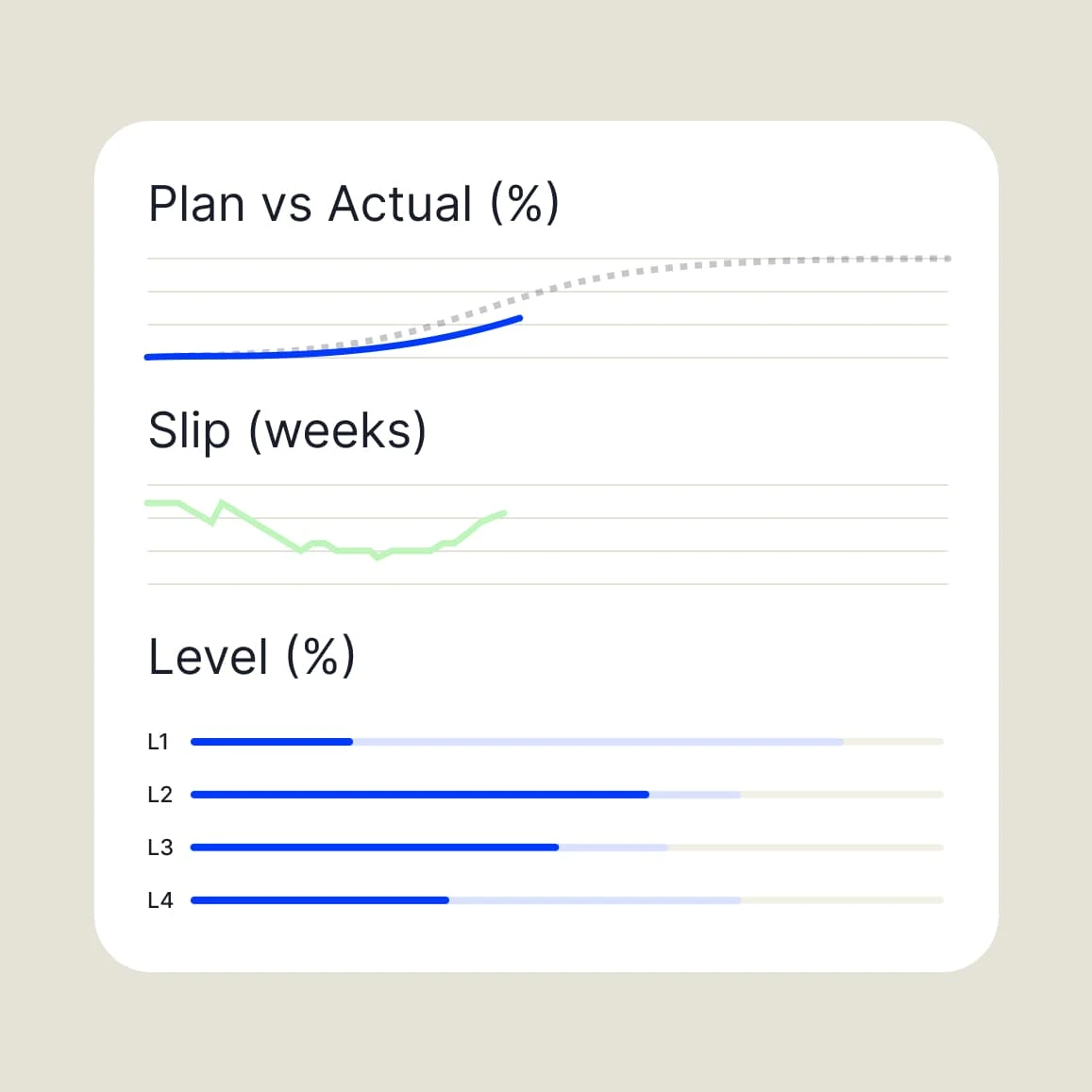
No more guessing which trades are on track. OpenSpace Track gives you expert-verified completion percentages, installed quantities for supported scopes, and planned vs. actual progress. See where work is falling behind, avoid cost overruns, and act before delays spread.
Keep design & construction aligned
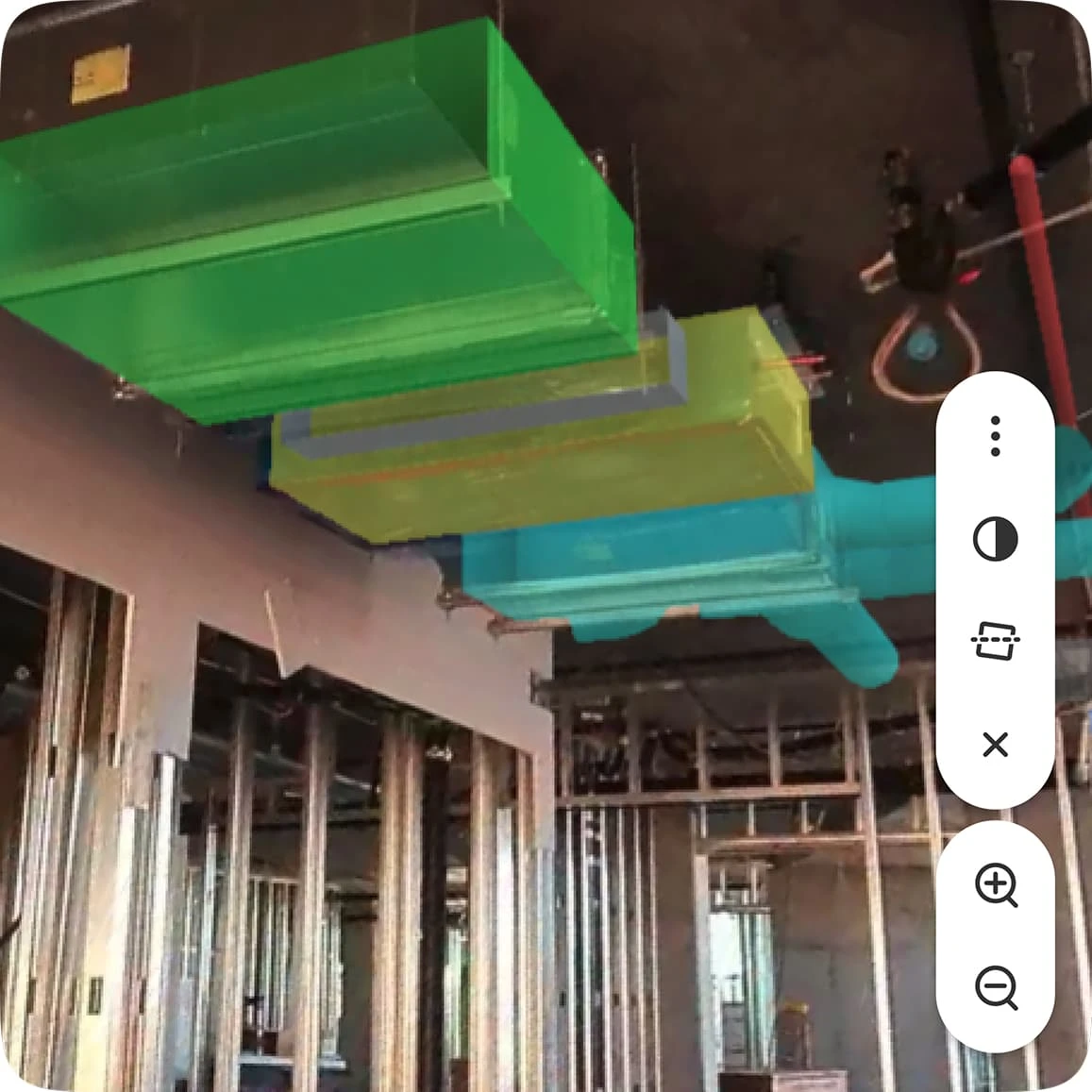
Compare what’s installed with BIM models to identify missing or misplaced work before it leads to rework. Use overlays, measurements, and side-by-side comparisons to resolve questions and keep construction moving. Even as your designs evolve.
Get field issues to the right people, faster
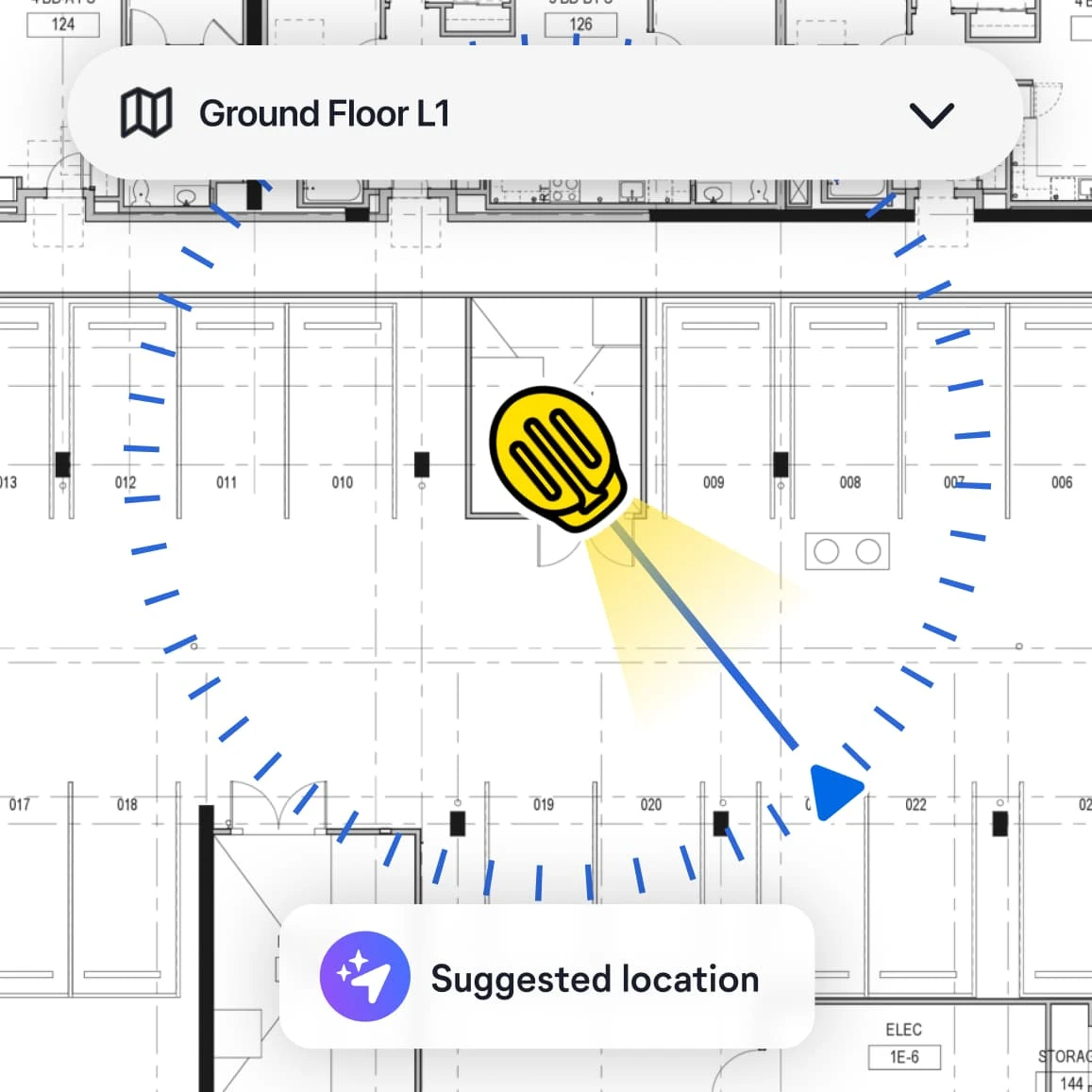
Capture and assign issues right from the field. Use AI Voice Notes to document details by speaking. AI Autolocation places notes in the right location. Two-way integrations with Procore Observations and Punch List items and Autodesk Issues keep field and project management workflows connected.
Give owners progress they can trust
Keep everyone informed with consistent visual documentation and verified progress data. Review completed work, support payment applications, and maintain a dated record for change orders, quality checks, and handover. Give decision-makers the evidence they need without another round of manual reporting.
CUSTOMER STORY
KEO accelerates project completion by two months with OpenSpace
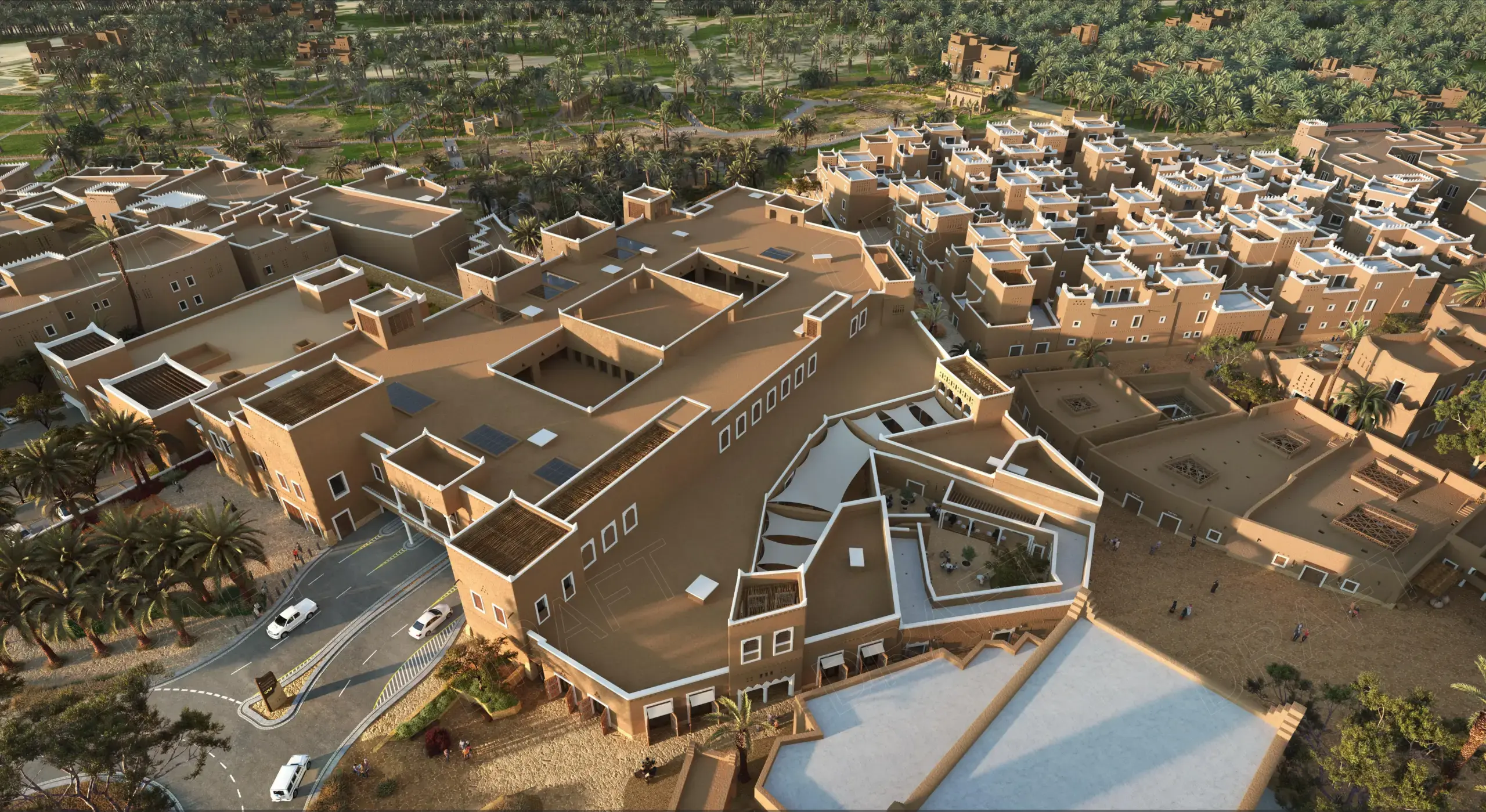
On a major mixed-use development in Saudi Arabia, KEO used OpenSpace to document construction, coordinate teams, and resolve issues faster. With a clear visual record, the team closed more than 8,000 QA/QC observations, supported payment verification, and accelerated project completion by two months.

Big capital project? Get the full picture.
Frequently asked questions
What is a capital construction project?
A capital construction project creates, expands, or substantially improves a long-term physical asset. Examples include data centers, advanced manufacturing facilities, airports, hospitals, transportation infrastructure, and mixed-use developments. Capital projects range from smaller facility improvements to billion-dollar megaprojects, with owners from private developers to government agencies.
What's the difference between a capital project and a megaproject?
Capital projects include construction investments of many sizes. Megaprojects are exceptionally large and complex capital projects, commonly defined by budgets of $1 billion or more. They often involve years of construction, multiple contractors, and extensive coordination among stakeholders. Both require effective project management, but megaprojects bring additional challenges in scale, project scheduling, and risk.
What are the biggest challenges in capital construction project management?
Large capital projects and megaprojects involve multiple contractors, work areas, schedules, and construction phases. Delayed progress reporting, design changes, coordination issues, and incomplete documentation can lead to costly surprises. OpenSpace helps project teams see current site conditions, track progress against the schedule, and resolve issues before they disrupt upcoming work.
How does Visual Intelligence support capital project management?
Capital project management software helps teams handle project scheduling, cost management, document management, and task management. OpenSpace adds Visual Intelligence, connecting jobsite imagery with plans, BIM models, and verified progress data. Owners and builders can see what’s happening on-site, compare conditions over time, and make decisions based on visual evidence.
Does OpenSpace replace capital program management software?
No. OpenSpace works alongside capital construction project management software and capital program management software as the system of work for the field. Two-way integrations with Procore and Autodesk connect Field Notes to project management workflows, so field and office work from the same information.
How can teams track progress across multiple contractors and work areas?
OpenSpace Track uses AI-powered analysis and expert verification to measure construction progress against project drawings and schedules. Teams can see completion percentages and planned vs. actual progress by trade, phase, floor, or zone. This helps project leaders identify work that’s falling behind, coordinate upcoming activities, and report progress with confidence.
Does OpenSpace Track require a complete BIM model?
No. OpenSpace Track can use 2D drawings and construction schedules to track progress without a complete BIM model. Teams can incorporate BIM information as it becomes available, making it easier to monitor construction progress even when project models are incomplete or changing.
Can drone imagery support progress tracking on large capital projects?
Yes. OpenSpace combines drone imagery with ground-level 360° imagery to document large construction sites. OpenSpace Air helps teams monitor sitework, earthworks, and exterior construction through aerial maps, 3D models, and measurements. Drone imagery can also support verified progress tracking for applicable external scopes, giving teams a broader view of construction activity.