
Construction progress tracking, made simple
OpenSpace Track
The most comprehensive, flexible, and reliable construction progress tracking software to track major project milestones, percent complete, planned vs. actual insights, and rate of work.

Fast—really fast
It starts with a capture—your site imagery is ready in 15 minutes on average.
Reliable & accurate
AI-powered tracking with humans in the loop for unparalleled accuracy.
Total task visibility
Track 700 visual components in 200+ schedule tasks.
Tracks your way
Customize to track unique conditions and deploy on any project—no BIM required.
Check project progress. Stay on schedule.
OpenSpace Track combines OpenSpace Capture, analytics, and verified project progress tracking in a single, trusted platform. Flexible, customizable, easy to use—BIM-informed (not required). Reliable, quality results for general contractors, owners, and trades.

Progress tracking with Visual Intelligence
Capture site conditions and get reliable insights. Validate work. Catch potential issues early. Optimize resource allocation. It’s all part of our Visual Intelligence Platform that keeps construction teams aligned and projects moving.
AI + humans
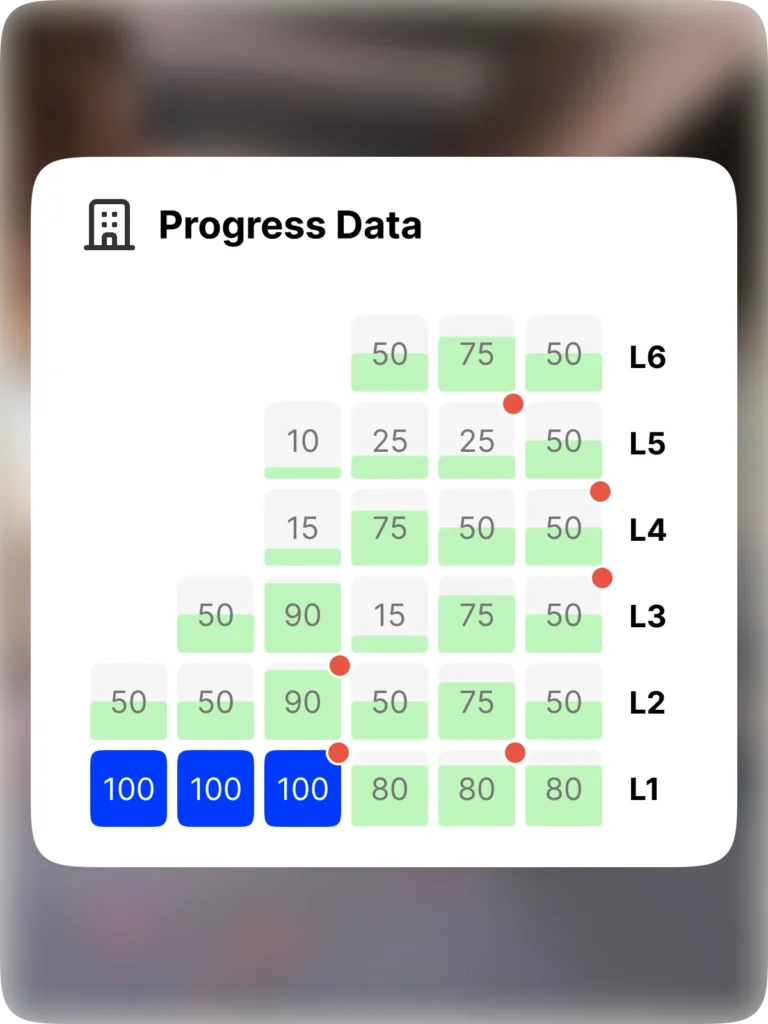
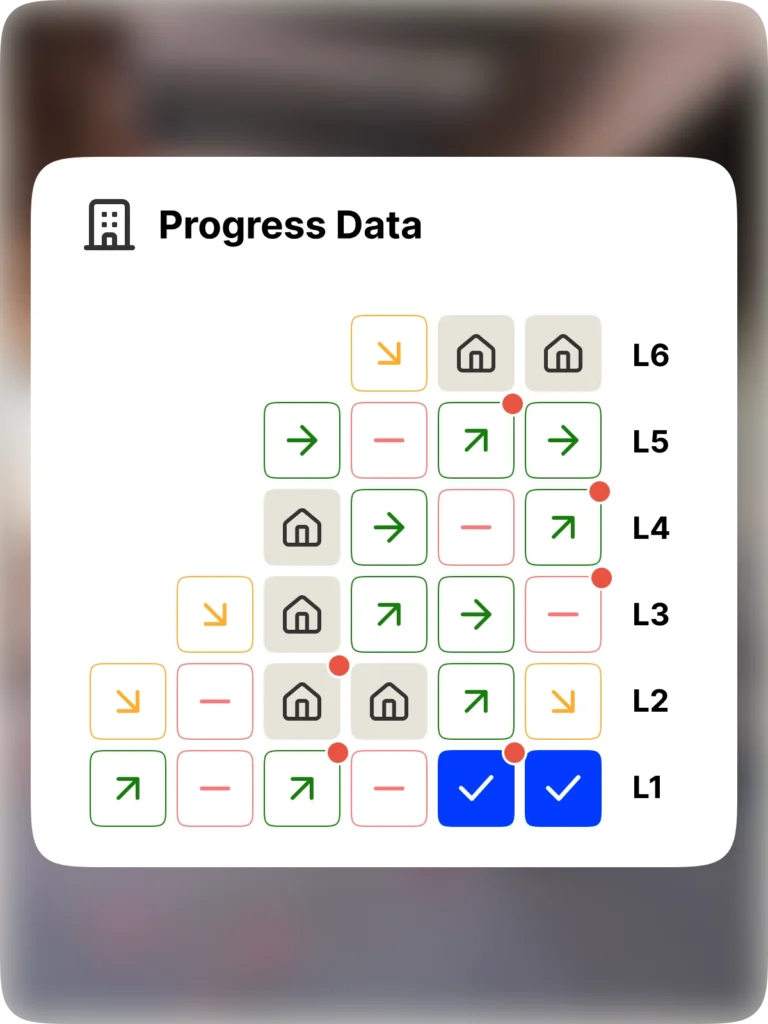
Get the best of both worlds: fast, AI-powered 360° capture paired with expert human review. A reliable hybrid approach that turns images into a visual record of progress. See our OpenSpace Track FAQ blog post for more.
Details view
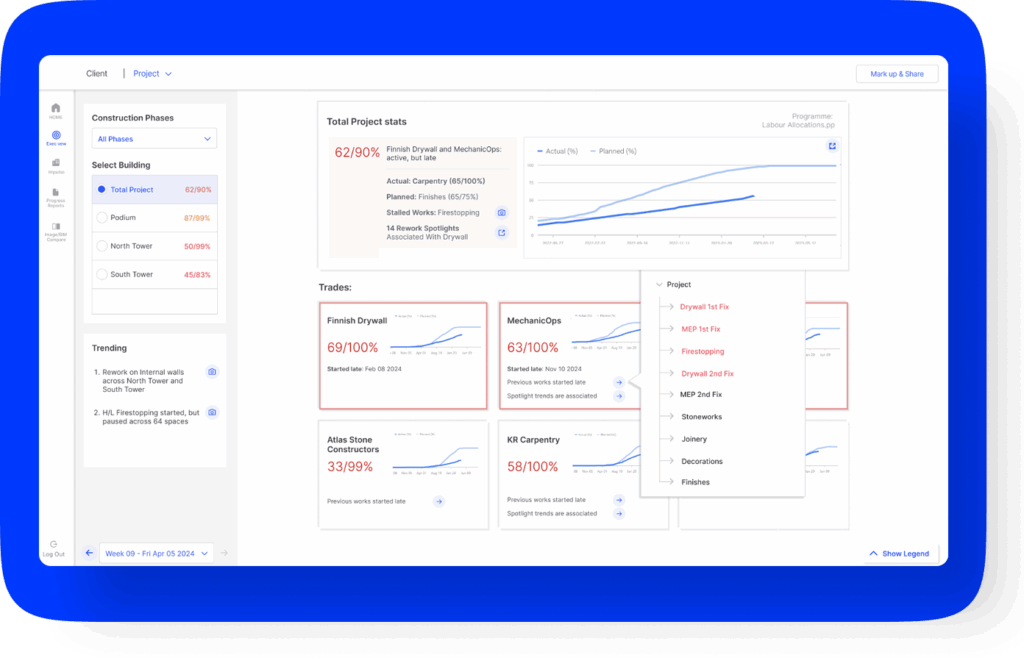
Track trade progress and see if work is on schedule, with direct integration to P6, Asta Powerproject, Microsoft Project, and Excel. Access images and status updates on interactive dashboards.
Spotlights
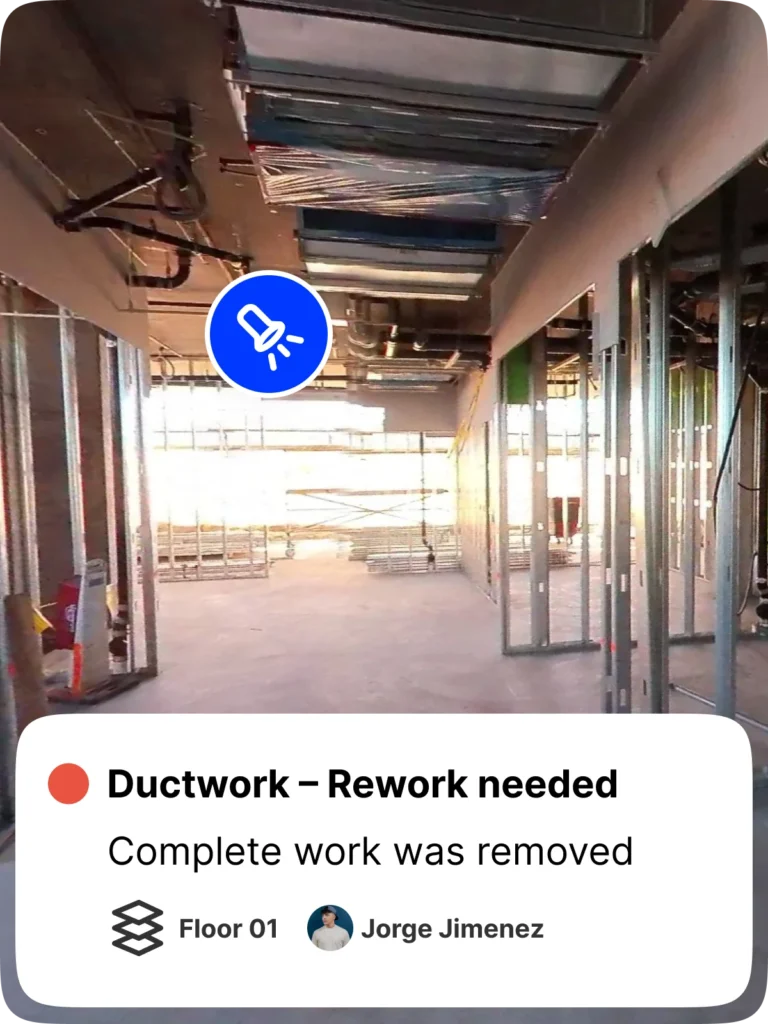
Spotlights are alerts that flag unfinished work or blockers so you can act fast and avoid costly delays, rework, or missed dependencies. Like an early warning system for your entire project.
Advanced progress reporting
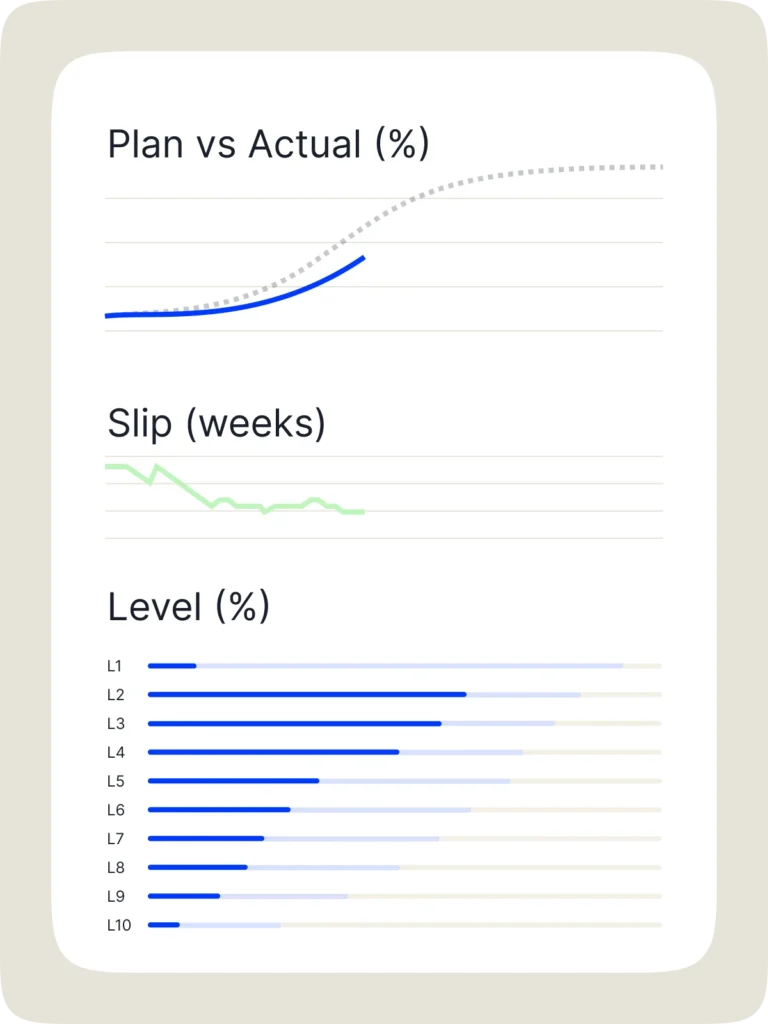
Progress data the way you want: by phase of work, trade, or across all tasks and spaces. Compare planned versus actuals—no cross referencing.

“OpenSpace has proven invaluable as a single source of truth, particularly within the change order process, delivering returns already of up to 10x on investment in some instances.”

Support & learning. On your time.

OpenSpace academy
Free, on-demand courses with easy-to-follow instructions, tips, and tricks.

Support
Our 360° approach to support: 24×6 support lines plus online support for advice and answers.

ROI
Resources for evaluating how OpenSpace can help you build faster and with less risk.

Frequently asked questions
What can you track with OpenSpace Track?
OpenSpace Track allows you to track over 700 visual components across over 200 schedule tasks. From framing and MEP to finishes and fireproofing, if it’s visible, it can be tracked. You can even create custom components based on your project’s goals and unique needs. Whether you want a high-level project progress overview or granular detail control, OpenSpace Track delivers.
What schedule software does OpenSpace Track work with?
OpenSpace Track supports P6, MS Project, Asta, Excel, and Gantt chart schedules. Updates are shared to your project team in PDF and native file formats so anyone on your team can view schedule and project progress data and make more informed decisions.
Does your construction progress tracking software require BIM?
No, BIM is not required to use OpenSpace Track. If you can see it, we can track it. The solution works directly from your 360° image captures, making it fast and easy to deploy on any project—regardless of whether a BIM model is available. That said, if you do have a BIM model, we can incorporate it to enhance the analysis and alignment of your progress data. The flexibility to work with or without BIM ensures that teams can benefit from progress tracking on construction projects of all sizes.
How does OpenSpace Track work with my captures?
You’ll capture your site just like normal—no extra work required. Once you capture your site (typically taking just 10 minutes to capture 25,000 sq. ft.), we analyze the visual data, connect it with your project schedule or program, and deliver clear, structured progress reports—between 24-48 hours.
What are the most common uses for OpenSpace Track?
Our construction progress tracking software is used across a wide range of construction workflows to provide real time visibility, accountability, and efficiency. Project teams rely on it to validate work-in-place for billing and payment applications, identify schedule risks early by comparing actual progress to planned milestones, and coordinate more effectively across trades using objective updates. It’s also a powerful tool for managing quality, ensuring installation completeness and sequencing, improving communication, and delivering clear, visual progress summaries to owners and stakeholders. Whether you’re a general contractor, developer, or trade partner, OpenSpace Track helps keep everyone aligned and projects on track.
Find more details about OpenSpace Track in our FAQ blog.
How does OpenSpace Track improve efficiency?
When you eliminate the tedious work of walking around with a clipboard and highlighter to document the status of specific areas, you gain hours to focus on other tasks. With OpenSpace Track dashboards, data, and images at your fingertips, documenting and communicating progress is more efficient. Ultimately, improving the accuracy of your schedule is the biggest gain—you’ll have insight into whether you’re on track for a profitable, on-time delivery or are in danger of significant delays and project cost overruns.
What does OpenSpace Track cost?
OpenSpace Track is sold as an add-on to your OpenSpace Core or Enterprise subscription license and available at the project level or for your entire portfolio of projects. Your price is based on the type of project and scope of what you’re looking to track. Contact us to learn more.