
Capture your site. See clearly.
OpenSpace Capture
Where Visual Intelligence starts—the fastest, most seamless way to document your job. Intelligence from images you can act on. Right away.

All in one
Capture everything easily.
See it in one place. Connected with the tools you use.
Fast—really fast
Document 25K sq. ft. in 10 minutes. View your 360° captures in 15 minutes, on average.
Automated & powerful
AI does the heavy lifting—mapping images and delivering intelligence for confident decisions.
Secure & proven
Trusted on 100K+ projects. SOC 2 certified. FedRAMP Moderate Authorized.

Capture how you want
Confidently capture everything happening on your site.
See it all clearly, in OpenSpace. No losing photos. No switching apps.

Smartphones
There’s a smartphone in every pocket—the easiest way for field experts to document insights. Our mobile app works with Apple and Android.
360° cameras: video & photos
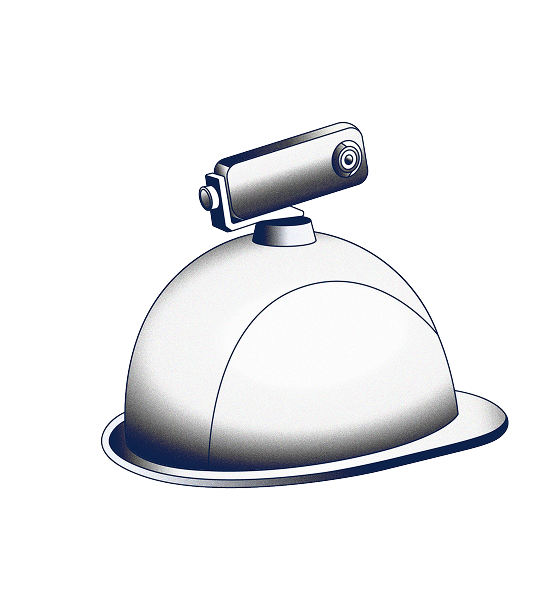
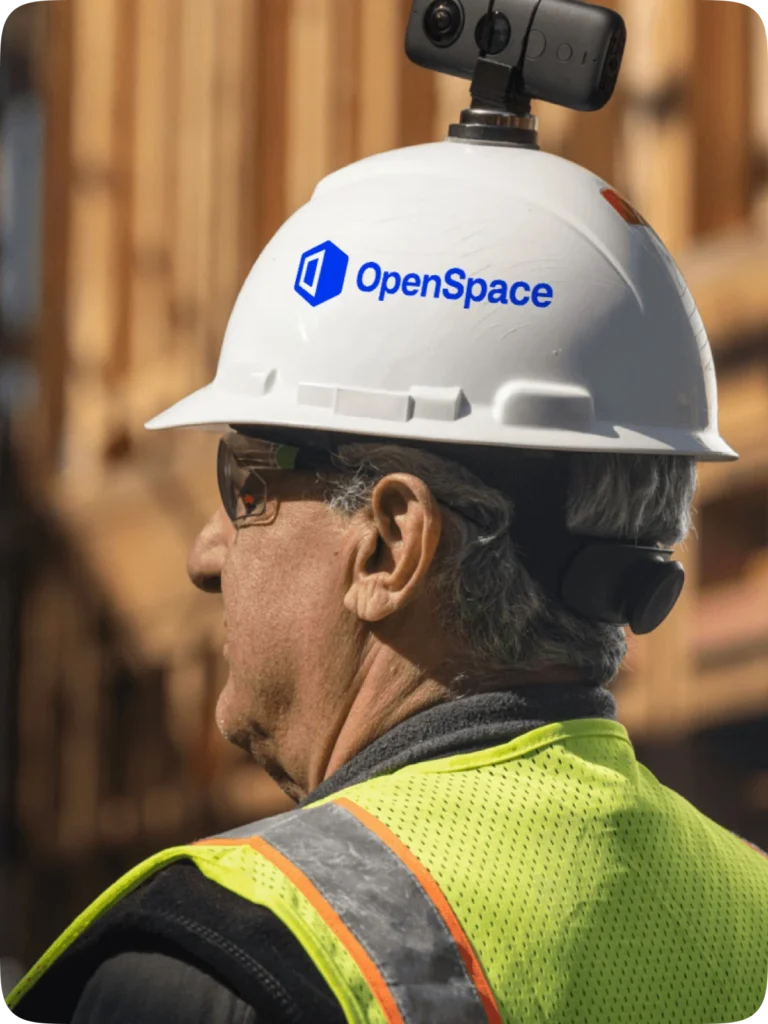
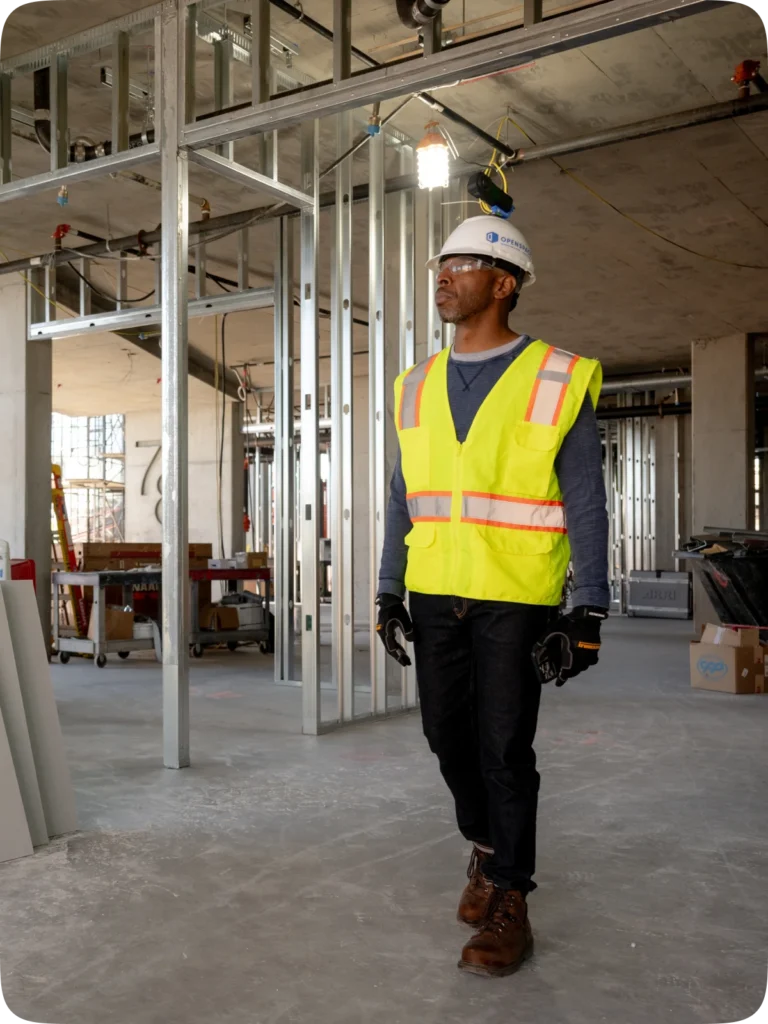
Connect your camera and walk. Our Spatial AI engine automatically timestamps and maps images to plans. Take 360° photo stills anytime.
Drones
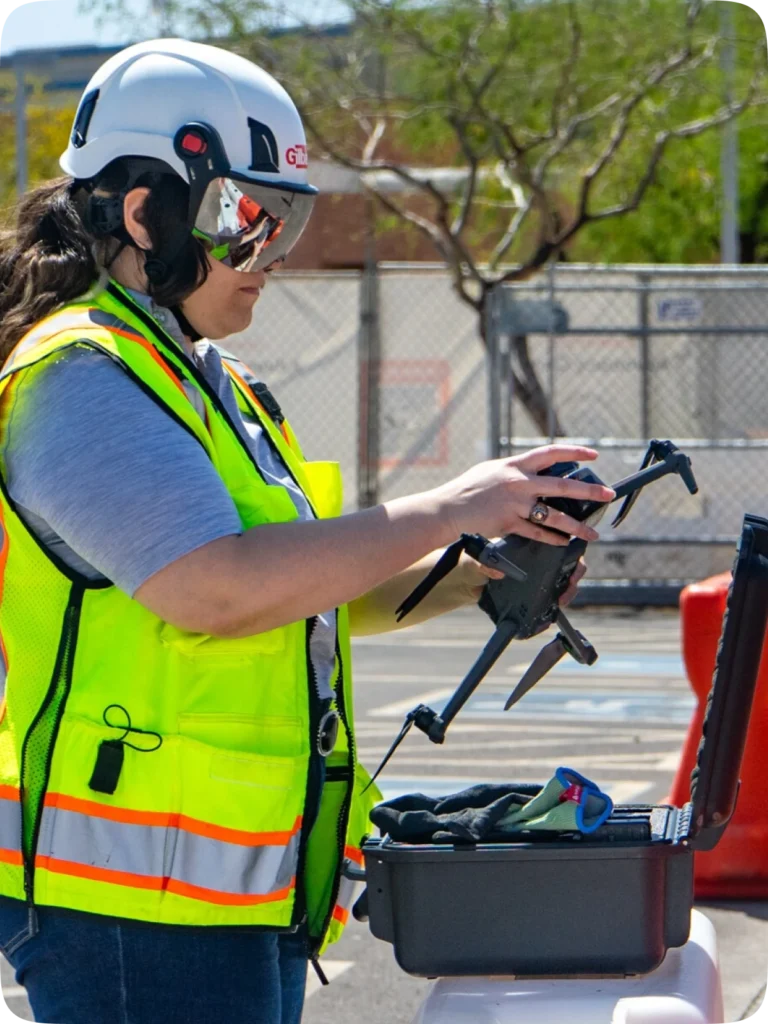
Import drone images into OpenSpace Air and we take it from there—transforming the images into point clouds, 3D meshes, orthomosaics, and elevation models for quick and clear insights.
Laser scanners
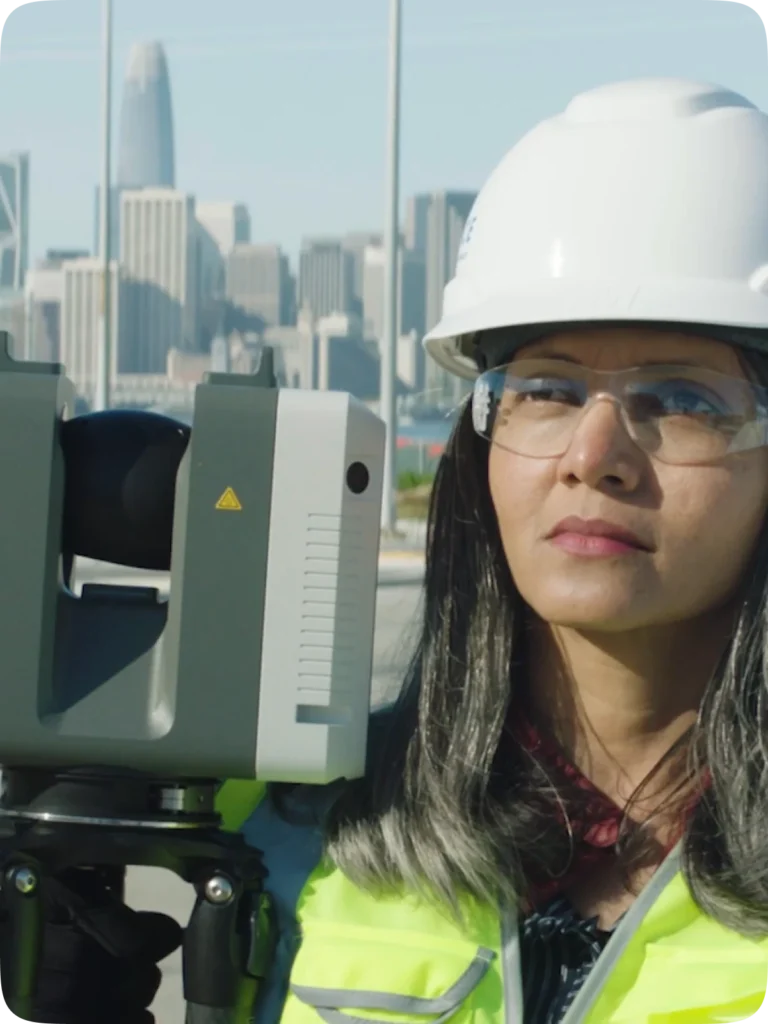
Import point cloud data from laser scanners into OpenSpace BIM+. Store, view, and share with all teams.
Walk services
Capturing is easy, but if you’d like someone else to handle it, check out our walk services.
Visual coordination, real progress
Communicate visually. Critical information at your fingertips. Quickly make decisions and progress.
Split View
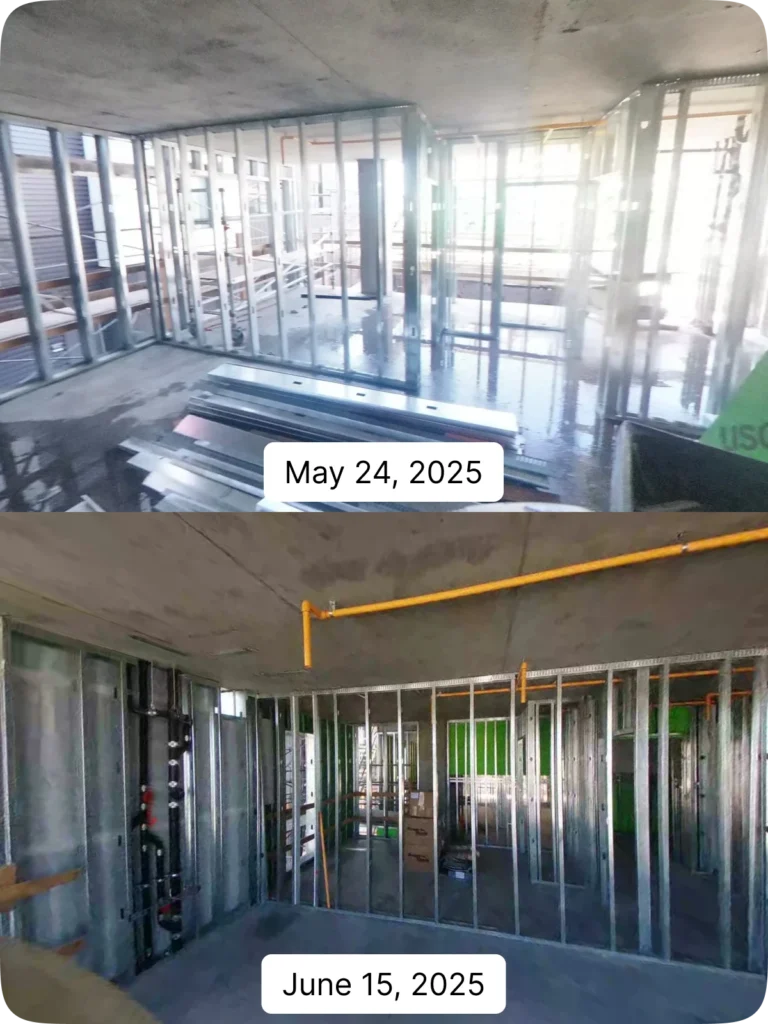
Compare any captured area from two dates side by side. Track progress from the trailer or across the world.
Reveal Mode
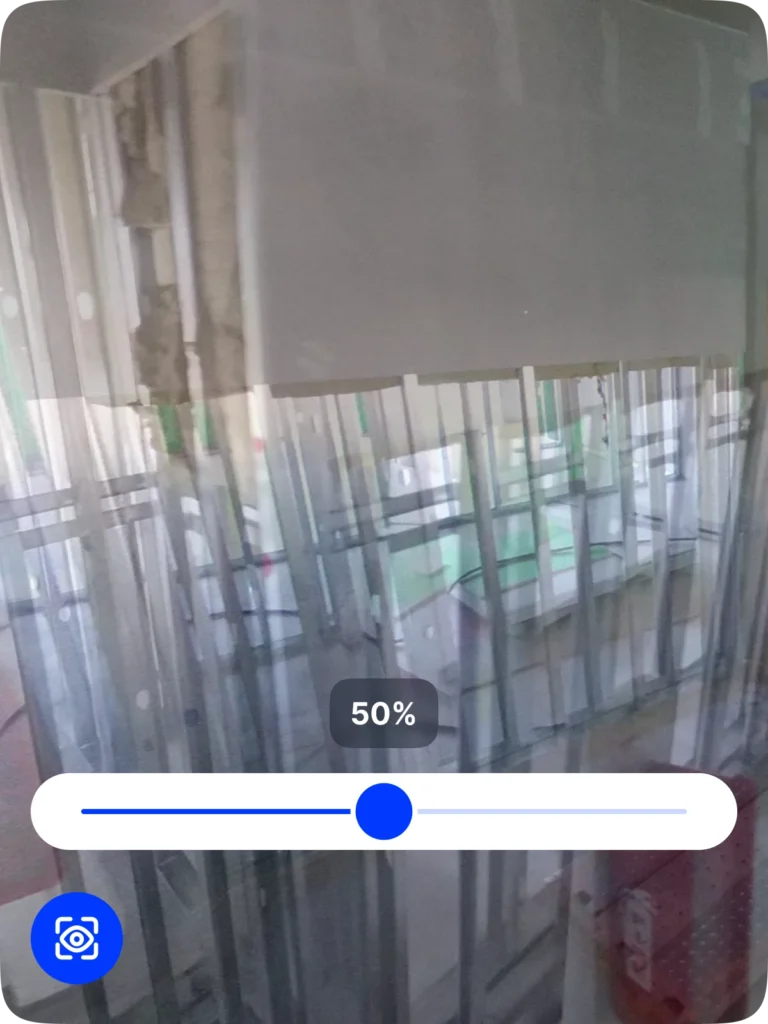
Use Reveal Mode’s slider in the mobile app to compare what’s now and what was—quickly revealing what’s covered up or built over.
Shared Folders
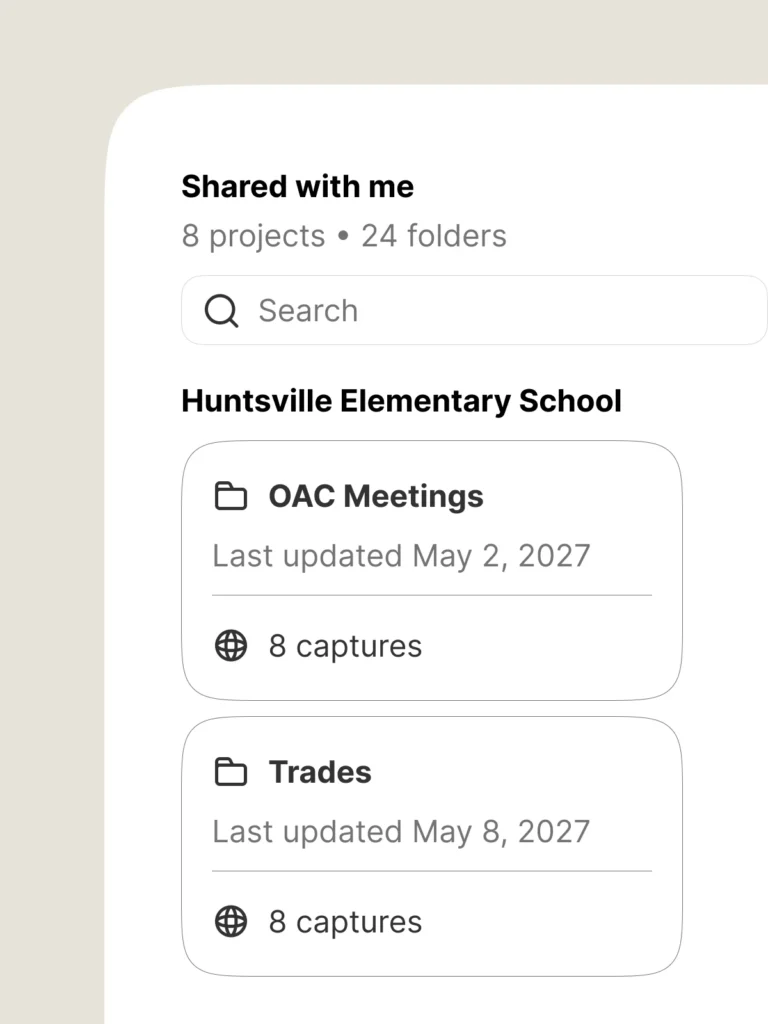
Share a set of OpenSpace captures with your team (even with guests using a public link). Because sometimes you only want to share certain areas of the job.
Field Notes
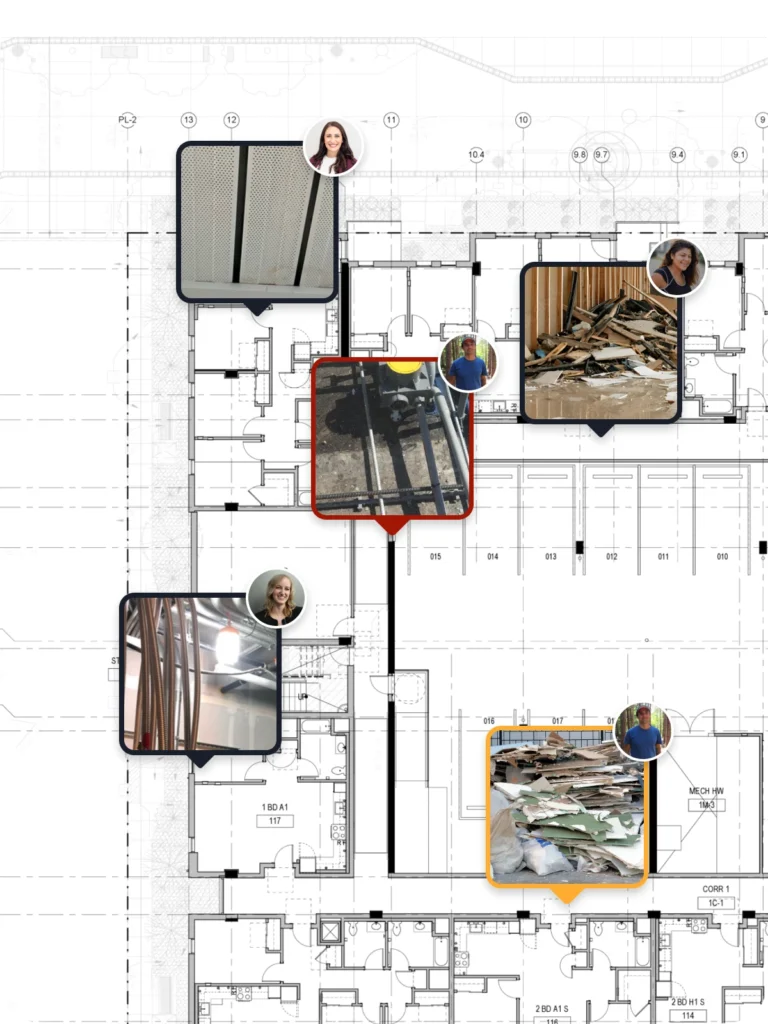
Spend more time building, less on gathering info and images with Field Notes—powerful, image-based workflows and communication.
BIM coordination
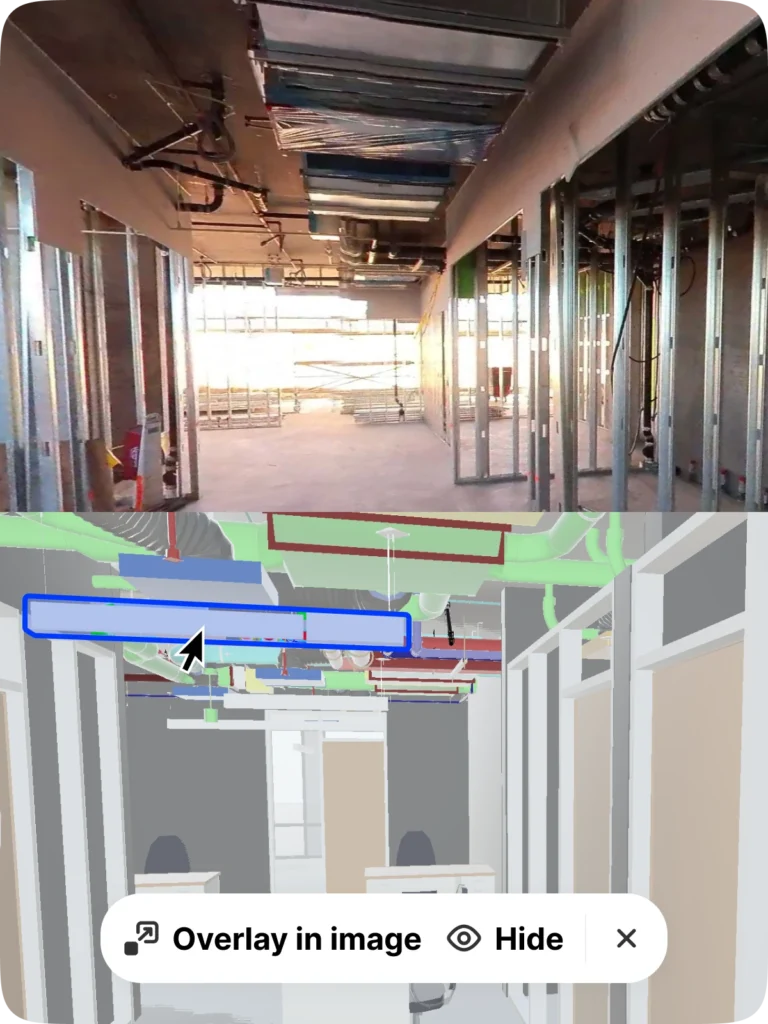
Better connect 2D drawings to 3D information in your model. Compare site conditions to your model, and more. (Add OpenSpace BIM+ for even more BIM coordination tools.)
Integrations
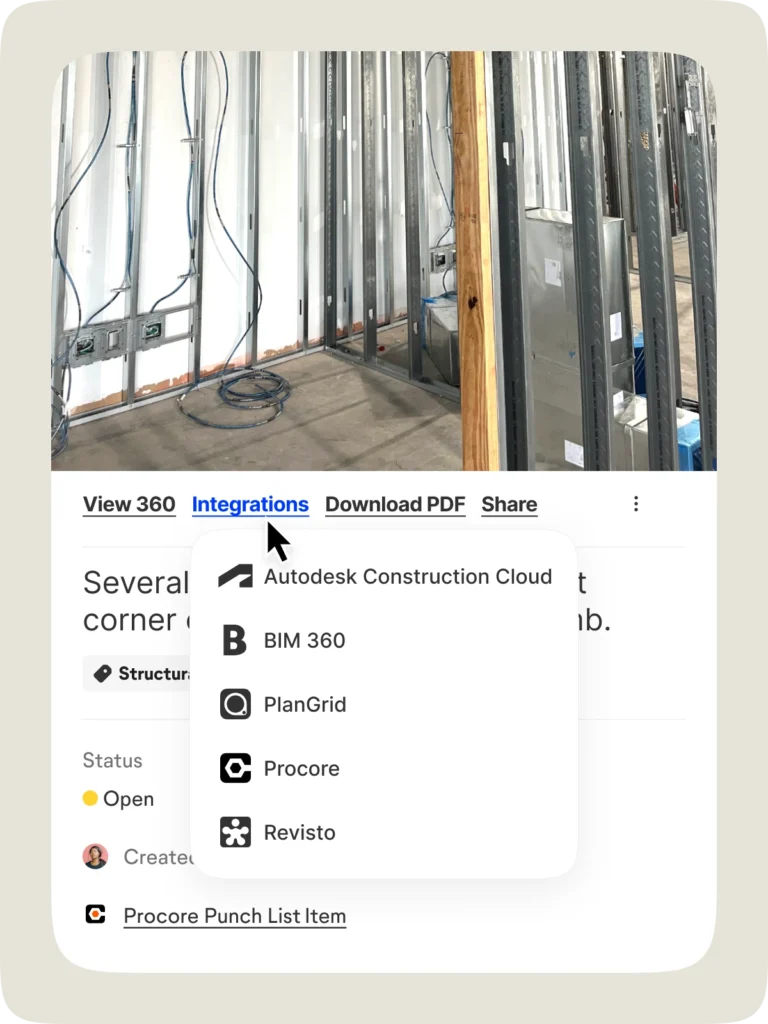
Skip double entry. View captures and Field Notes in Procore, Autodesk, and Revizto. Even export image data directly into observations and more. Learn more.
Manage projects & users
Reliable, fast, and secure. Admin tools help you quickly scale OpenSpace and our commitment to security delivers peace of mind.

User management
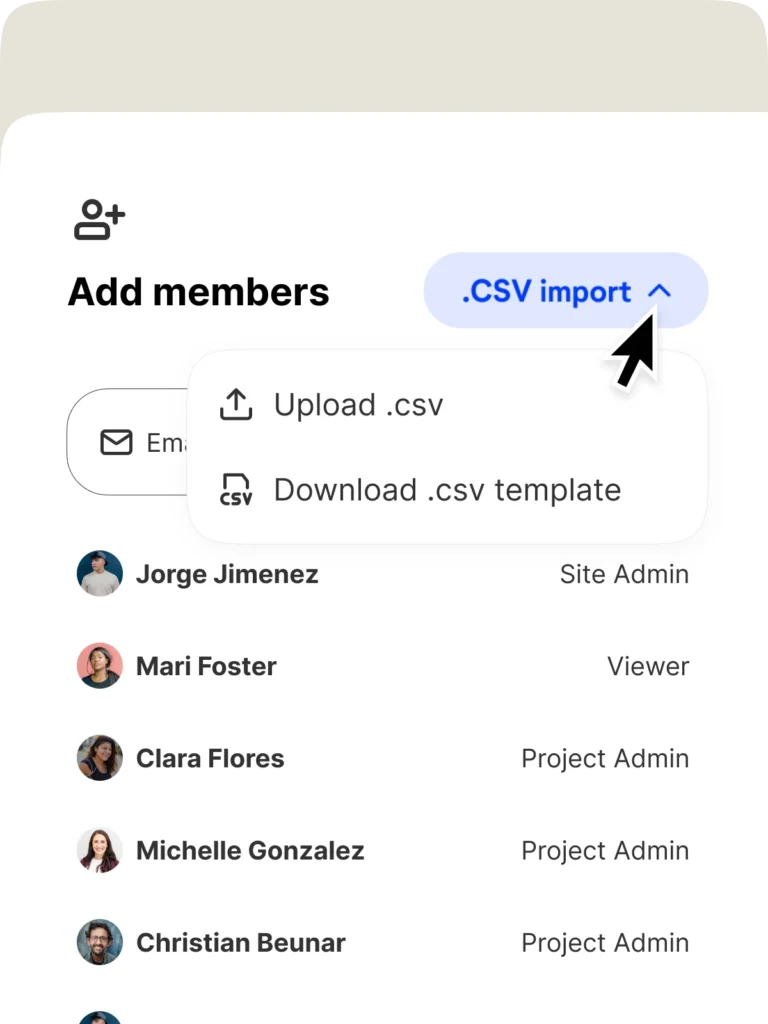
Save time with our Team Management tool and make sure everyone has the right access. Add hundreds of users in seconds, or integrate with single sign-on.
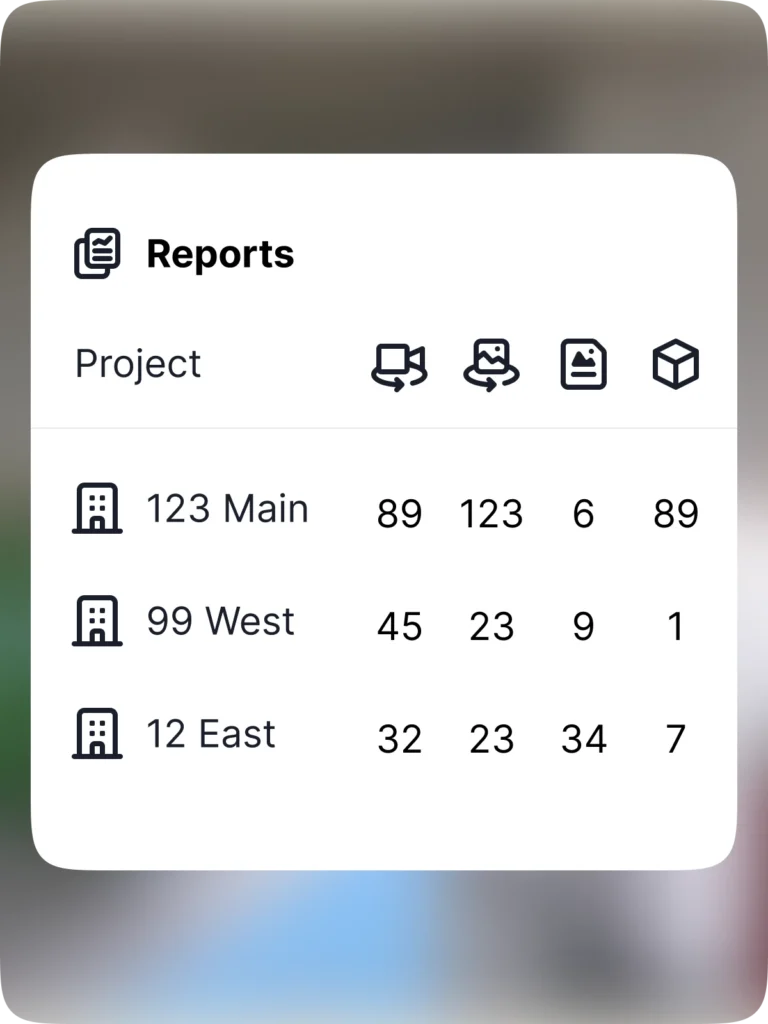
Admin reports
Get a snapshot of captures, Field Notes, and more with admin reporting. Want to showcase the ROI of OpenSpace? Export reports and share with anyone.
Industry-leading security
OpenSpace is Privacy Shield certified, SOC 2 compliant, FedRAMP Moderate authorized, and even compliant with the planet’s strictest security policies, EU’s GDPR. Learn more.
Offline Deliverable
Get a zip-file of your project to keep for a lifetime (or longer). Access the file to view all captured stages of the project. See what was installed when.
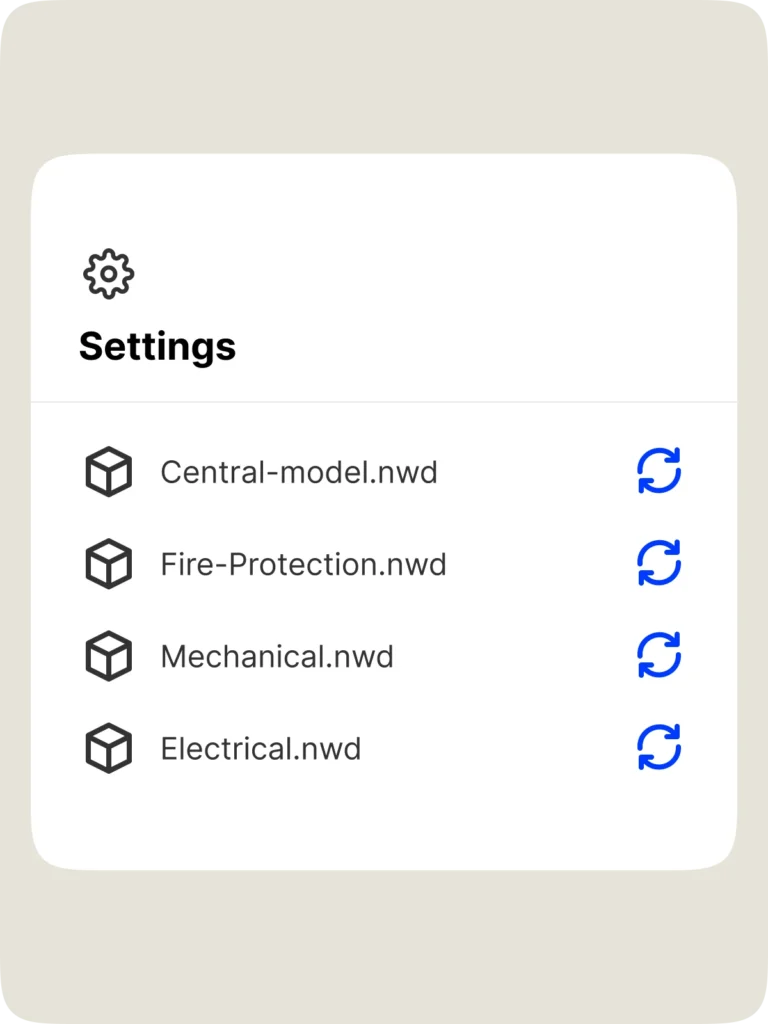
Up-to-date plans & BIM
Admins can easily update floor plans and BIM in project settings. No additional work needed—our AI automatically maps every image to your new plan or model.

“We consider OpenSpace to be a time machine. We always have all the historical information we need, which is super important for many reasons.”

Support & learning. On your time.

OpenSpace academy
Free, on-demand courses with easy-to-follow instructions, tips, and tricks.

Support
Our 360° approach to support: 24×6 support lines plus online support for advice and answers.

ROI
Resources for evaluating how OpenSpace can help you build faster and with less risk.

Frequently asked questions
What is OpenSpace Capture?
OpenSpace Capture enables you to easily document your site how you want—with 360° cameras, smartphones, drones, and laser scanners. Fully document your site with unmatched speed and simplicity to see what’s really happening on your project from every angle, all in one place: our Visual Intelligence Platform. A clear, comprehensive view of the reality on your sites gives you the insights you need to answer questions and quickly take action. OpenSpace Capture requires little to no extra labor and zero infrastructure. To learn more and get a demo, talk to one of our experts.
How do you create a site capture with OpenSpace?
When you want to do a 360° capture, such as during a routine inspection or site walk, simply attach a 360° camera to your hard hat, and tap record on our app. Our Spatial AI engine automatically maps images to floor plans and BIM, giving you existing site condition views in minutes. You can also use smartphones, drones, and laser scanners to capture what you want—all your images and intelligence will be in one place, our Visual Intelligence Platform. When you’re doing an OpenSpace site capture, you can also use Field Notes to take photos and notes while you walk, and our tech will automatically pin those images and comments to the location where the note was made.
What are the most common uses for OpenSpace Capture?
To start, OpenSpace is an easy and efficient way to document a jobsite—to see what was built and when. With a visual, as-built record of the building from preconstruction to handover and operation, customers can use OpenSpace photo documentation for remote collaboration and communication—efficiently creating RFIs, change orders, and punch lists. Intelligence from your images—combined with expert field insight using Field Notes—helps you find the answers you need, improve decision making about schedules, manage completed project handovers, and more. Learn more from our customer stories.
Who can use OpenSpace Capture?
Anyone walking the jobsite can create a 360° capture using OpenSpace. And anyone with access to your OpenSpace project can view images and add Field Notes. Navigating your virtual site is as easy as navigating with Waze.
With OpenSpace Capture, does one of my team members do the 360° walks? Or do you provide someone?
OpenSpace is so easy to use, your field team can capture the job by simply walking the site as they normally do, using off-the-shelf 360° cameras and our mobile application. Most customers use existing staff to walk their sites for 360° photo documentation—field teams know the site best, and since they’re there every day, they’ll capture the most data.
However, if you’d like someone else to handle your site capturing, learn about our walk services.
Can OpenSpace Capture save us money?
Using OpenSpace can lead to substantial cost savings linked to reduced travel, fewer destructive investigations, improved image organization, better workflows for QA/QC, better resource planning, improved closeout packages, and lower insurance premiums. Read more on the value of reality capture.
How will using OpenSpace Capture make us more efficient?
In an OpenSpace customer survey, 67% reported saving thousands of dollars on average on project costs thanks to OpenSpace, while 74% saved multiple hours per week. These savings come from the ability to increase site coordination, reduce rework costs, and provide a trusted, complete record of site status—all on our Visual Intelligence Platform. Customers like RG Construction, a specialty drywall contractor based in Chicago, have seen the benefits of OpenSpace for more efficient construction, reporting 15% faster site documentation.
What does OpenSpace Capture cost?
We offer flexible subscription pricing that is based on the amount of construction you do, with an unlimited number of captures and project team members. Read more about OpenSpace Capture pricing and request a quote.
If I’m ready to use OpenSpace Capture on my next project, how do I sign up and get started?
We’re ready to talk when you are! Simply fill out our Talk to an expert form and someone from our team will be in touch to talk about getting started with OpenSpace.
How do I set up a project?
Once you have your subscription, all you need to do is upload your floor plans. Using BIM? You can optionally upload your model as well and track actual progress versus the model. Check out the free on-demand courses at OpenSpace Academy, with practical modules covering setting up projects, capturing your site, and more. You can also visit Getting Started with OpenSpace.
How much data can I capture?
As much as you want. Walk the job as much as you want, capture as many images as you want, ingest as much drone data as you want.
How many people can I invite to view a project?
An unlimited number! Add as many people to a project as you want from any organization you choose. OpenSpace Capture is all about helping you improve coordination, so we don’t needlessly limit access.
Where do I download the OpenSpace app?
Our mobile app works on Apple and Android. Go to the App Store on your iPhone, or the Google Play Store on Android.
What is the difference between OpenSpace Capture and other 3D capture tools?
While other 3D capture tools require dedicated setup and capture time or require experienced photographers to document your jobsite, conducting 360° video walks with OpenSpace Capture is special because it’s essentially 100% labor free. Simply attach your 360° camera to the top of your hard hat with the included mount, then walk your site as normal—our proprietary artificial intelligence algorithm does the rest!
Plus, OpenSpace Capture is more than reality capture, it’s part of our Visual Intelligence Platform—a single place where you can capture how you want and have everything you need for strategic insights to take quick action.
When doing a 360° capture, do we take individual pictures to capture the site, or do we record a video and have those frames separated into images?
A 360° video walk is recorded at two frames per second. Each frame along your walk path is automatically pinned to the plan as a 360° image. We also offer the ability to capture and pin individual 360° images, video attachments, PDFs, and traditional photos with mobile devices to your floor plans.
What cameras do you support?
We support the latest 360° cameras after extensive testing by our team. You can find the list in our Supported Cameras Support article, and more details in our Camera Comparison Guide. If you don’t have a 360° camera, don’t worry! We can get you set up.
How quickly can I start capturing 360° video? How fast is your processing speed?
OpenSpace Capture is easy to use, and you can get started in minutes. It takes just 5-10 minutes to set up a project. Then, upload your floor plans, and you’re ready to go capture. Attach a camera, mark your starting point, tap record in our app, and then walk the site like you normally do. It’s that simple.
Construction is always moving, and we keep you ahead of it. Images are processed and ready to view within 15 minutes on average after a capture is uploaded. Your model is fully aligned to all images with our BIM Compare feature, so you can navigate models just as easily as viewing the 360° images. Our processing speed and our ease of use are unmatched, which translate to easy adoption.
How easy is it to roll out OpenSpace Capture at scale and gain adoption?
OpenSpace was built on the jobsite from day one. Our reliable, user-friendly products are tech your teams will want to use. We offer an exceptional level of customer support including access to OpenSpace Academy—free, on-demand training courses designed to enhance your team’s knowledge of OpenSpace products and features.
Capturing adds little to no extra work for field teams. We work on Android and Apple devices. Plus, we integrate seamlessly with the construction tools you’re already familiar with. You’ll see value after your first capture. Lastly, functionality is meaningless if your teams aren’t collecting and using the data, so you can feel confident knowing OpenSpace is the fastest and most widely adopted 360° capture technology out there.
Does OpenSpace Capture support drones?
Yes. With an OpenSpace Capture subscription, you automatically have access to OpenSpace Air. Import drone-captured data into the OpenSpace platform (on unlimited projects) and transform it into valuable insights such as point clouds, 3D meshes, and orthomosaics. Our solution seamlessly integrates with all DJI, Esri, and Skydio drones, eliminating the need for multiple software platforms. OpenSpace Air delivers fast, automated drone image processing and seamless integration within your construction workflow.
Have you run into any safety issues having the camera mounted on the hard hat?
No. The mounts do no damage whatsoever to the hard hat. We have also made sure to solicit approval from safety managers on existing jobs, and we have always received a thumbs up. You can walk the site with a 360° camera on a monopod if you want as well—but the hard hat is our recommended method; it keeps your hands-free to take notes and do useful work!
What software does OpenSpace Capture integrate with?
We integrate with Revizto, Procore, PlanGrid, and Autodesk Construction Cloud (BIM 360 & Build). Our integrations include single sign-on, data export, integrations with RFI and Observation workflows, and much more.
Does OpenSpace Capture have a Procore integration?
Yes, we have full integration with Procore RFIs, observations, and punch lists. We also have an embedded experience with full functionality that allows you to view your OpenSpace project and use all features without leaving Procore. Download our data sheet for more information.
Can I export my OpenSpace Capture data?
Our customers own their own content—we provide a variety of ways to export data in the form of select PDFs, JPGs, and auto-generated PowerPoint reports.
Is OpenSpace Capture data available offline (images, video, PDF export of progress)?
Yes, you can export specific areas as images, PDFs, or raw video files. In addition, we can provide an offline deliverable that consolidates all information into one deliverable viewable without an internet connection. Here is a sample offline deliverable.