


Answers on-site fast
Answer BIM questions on-site. No specialized training. No new hardware needed.


See & solve
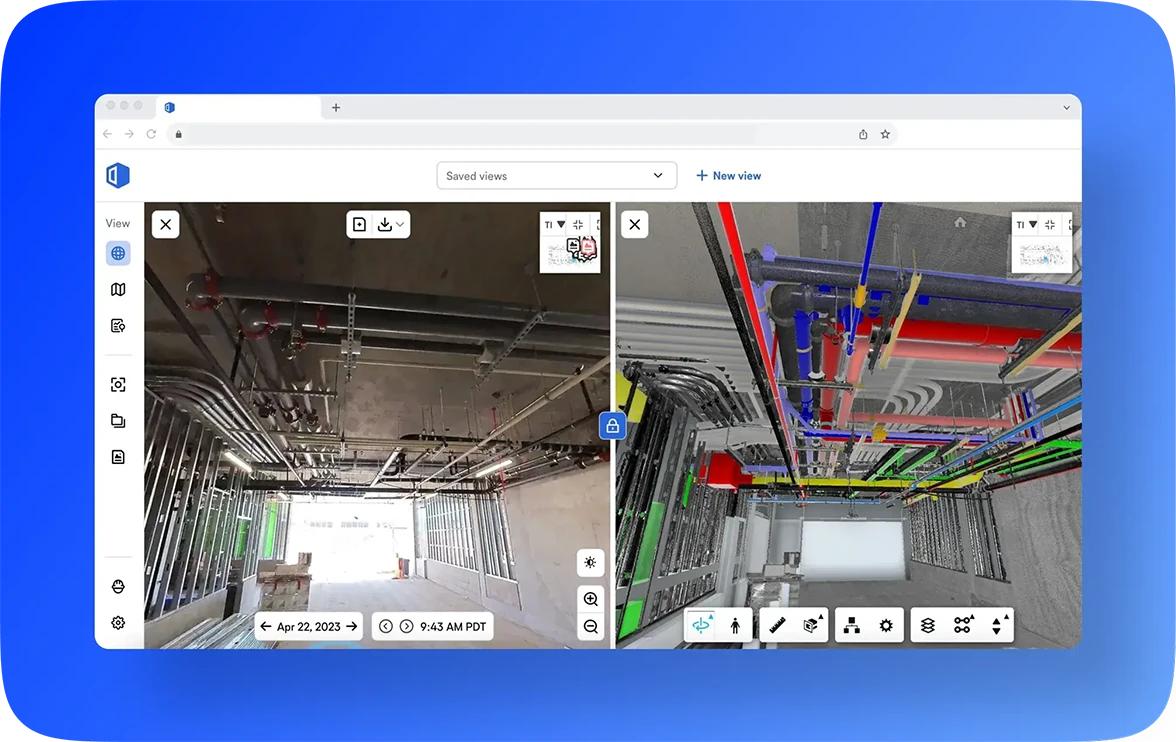
See your model side by side with what’s built. Make decisions with clarity.

Coordinate with clarity
BIM capabilities combined with a fully captured site—enhancing coordination, helping teams work like teams.
Connect the crew & office with BIM
What if anyone could view the model on-site and answer their own questions? Faster coordination—without the back and forth.
BIM analysis made easy
Get clarity from your model and 360° images. Easy to navigate. Easy analysis. No more guesswork.
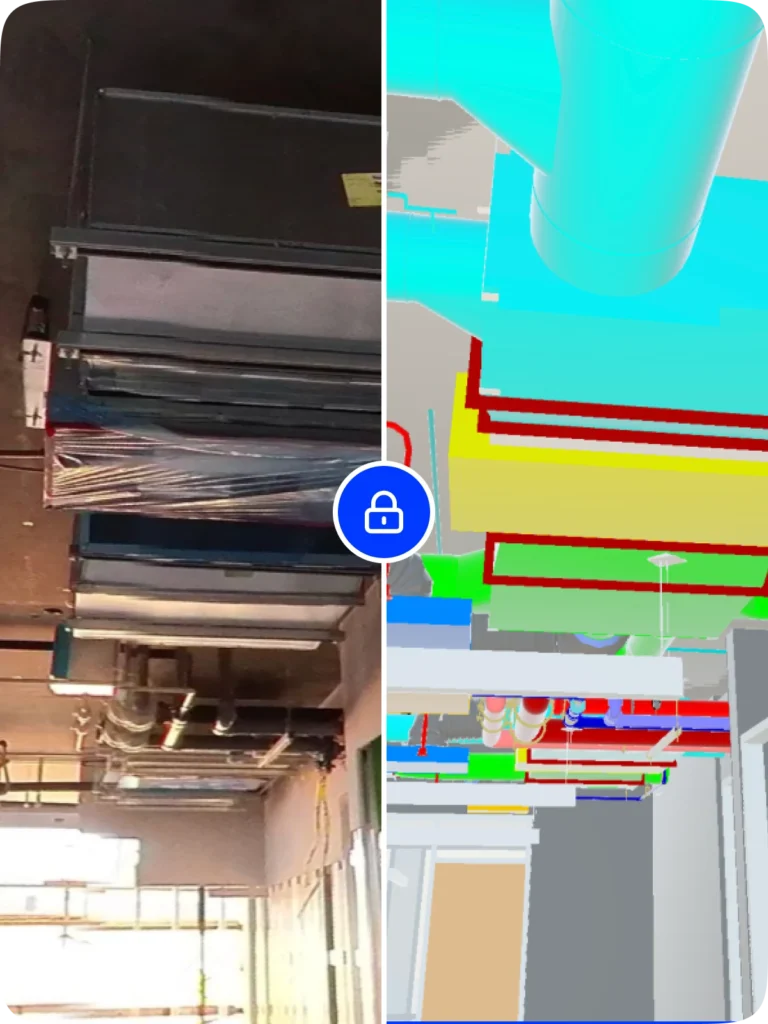
View your model and 360 images side by side: spot discrepancies, snap measurements, toggle layers, and plan what’s next.
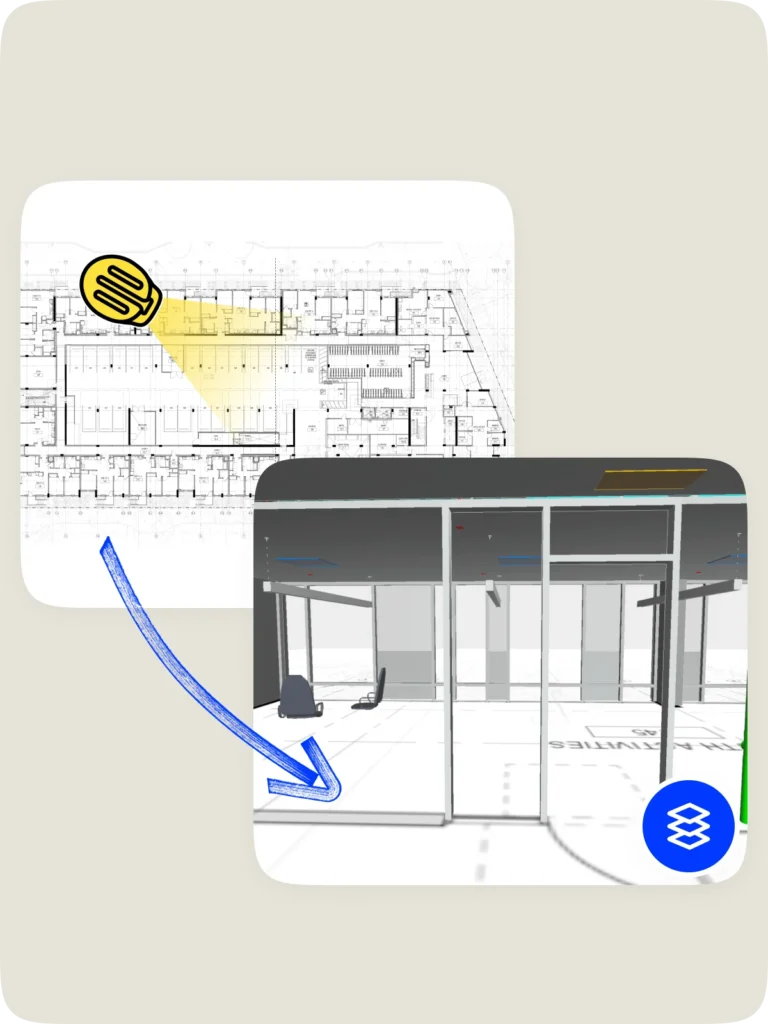
Layer 2D sheet drawings (including annotations) on the floor of the model—quickly reference surrounding rooms and understand where you’re standing in the project.
Let images & models do the talking
Visual Intelligence connects site imagery and BIM for clear communication, right away.
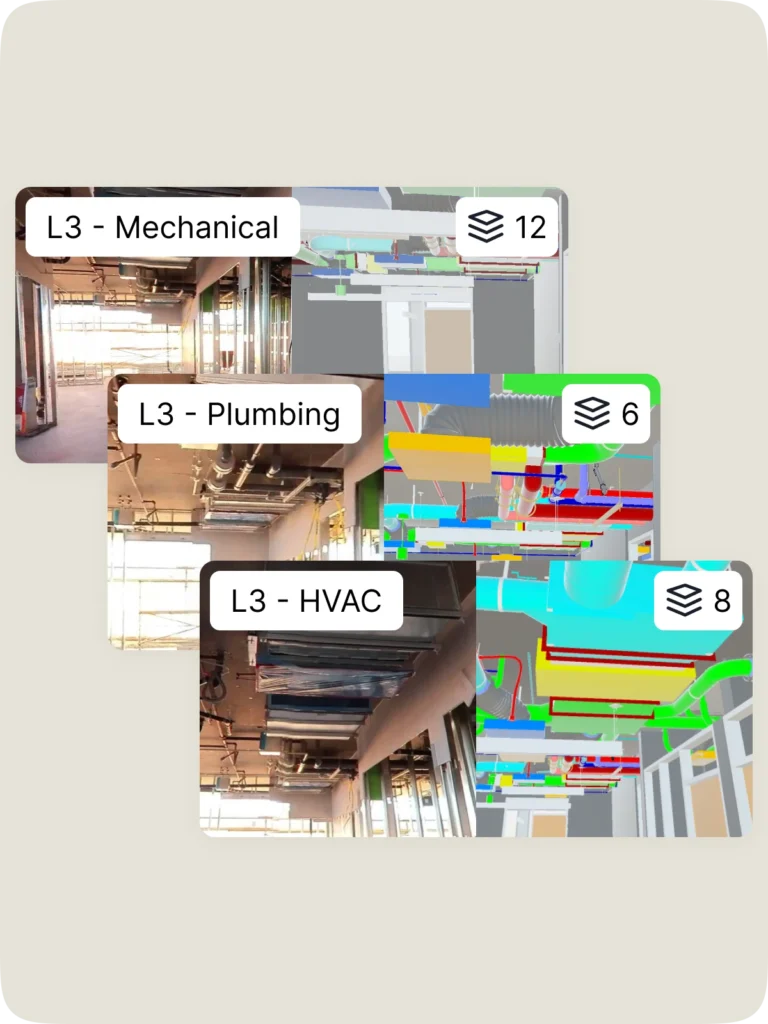
Bookmark common BIM views (e.g., first floor bathroom-no ceiling or slabs hidden) so anyone can jump in and get oriented fast—no model wrangling needed.
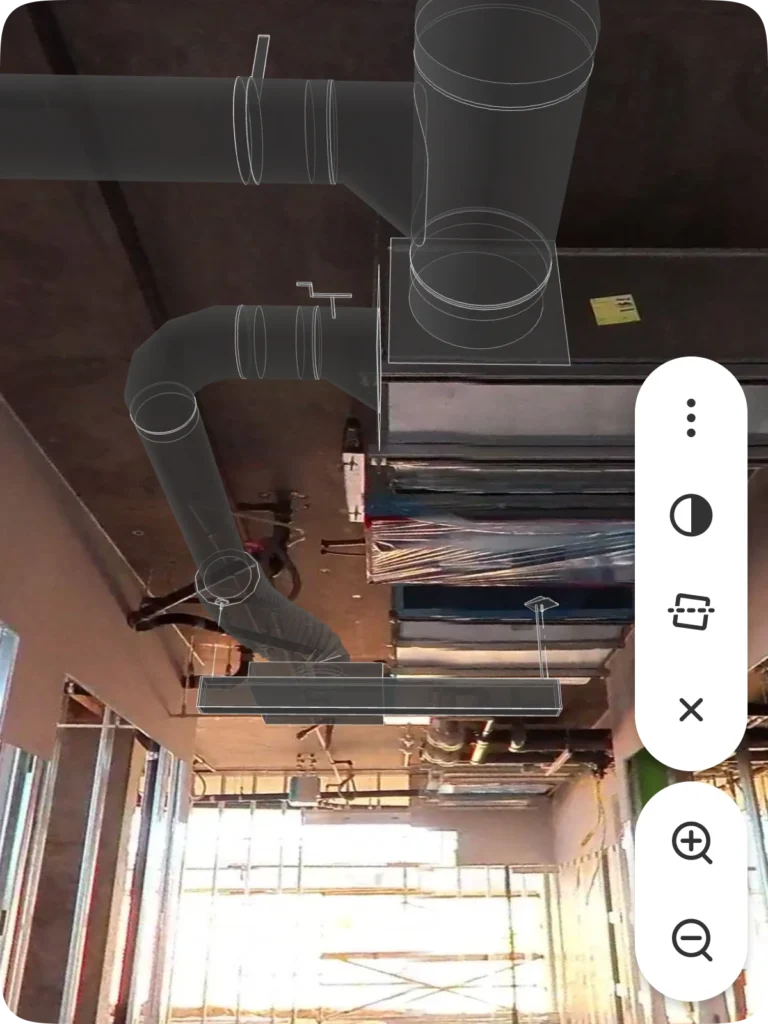
Drop model elements, like HVAC grille, into your site imagery for better spatial planning and coordination. No need to switch between multiple platforms.
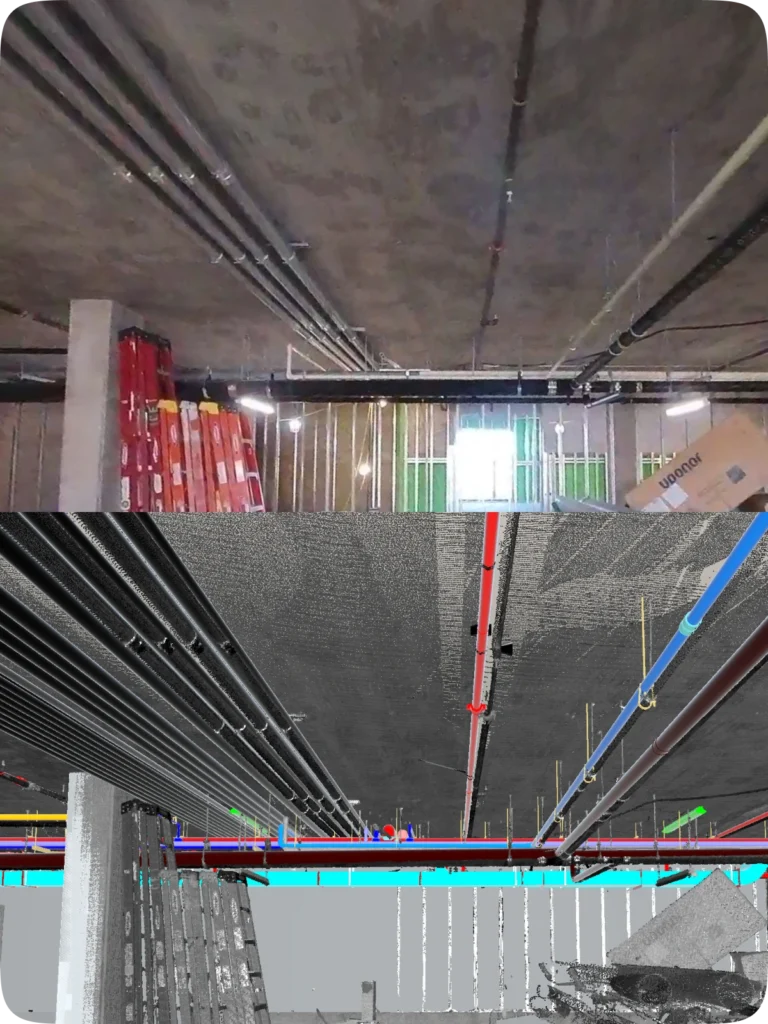
Compare laser scan point clouds to your model to spot clashes and solve coordination problems right from the field—saving a call to a BIM specialist.
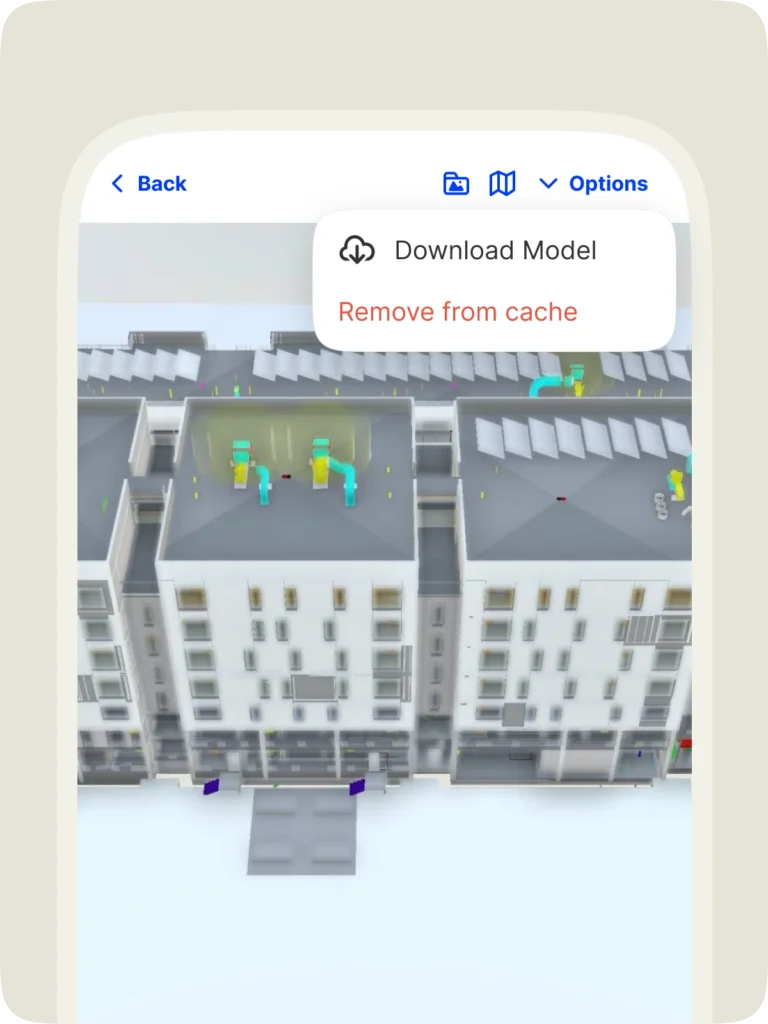
No signal? No problem. Download models in the app and view them on your smartphone, anytime, anywhere.
Call out discrepancies between BIM and what’s built—with the image and model in a single view. Mark up, tag, add assignees, and more. Resolve issues quickly and visually.
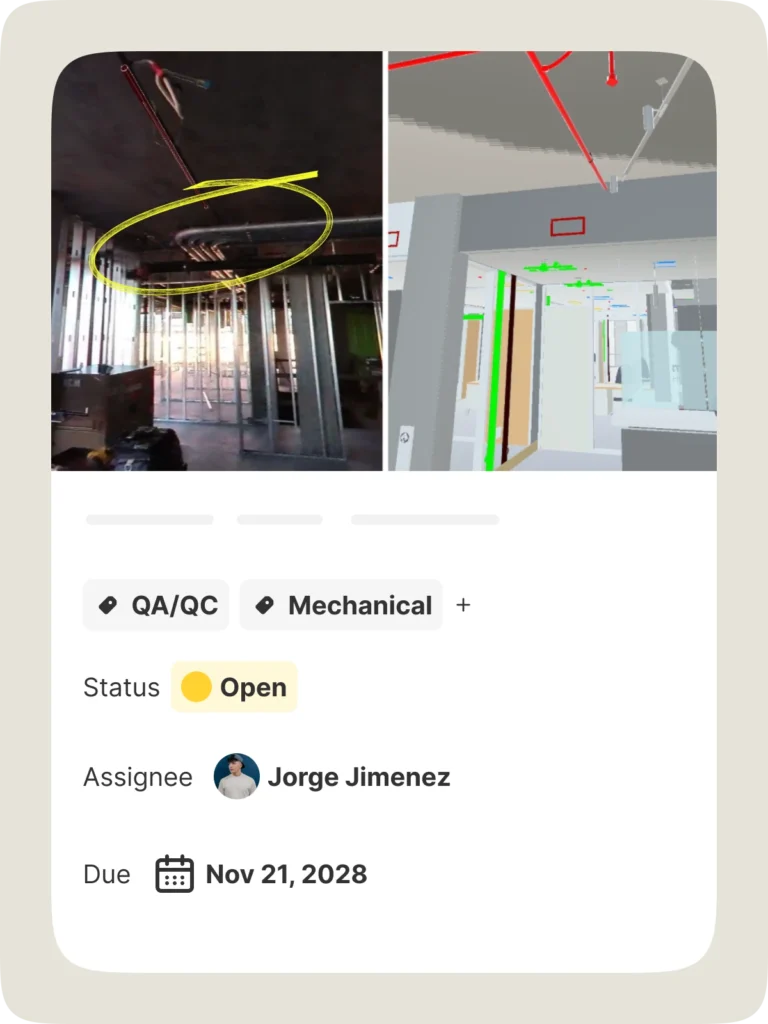
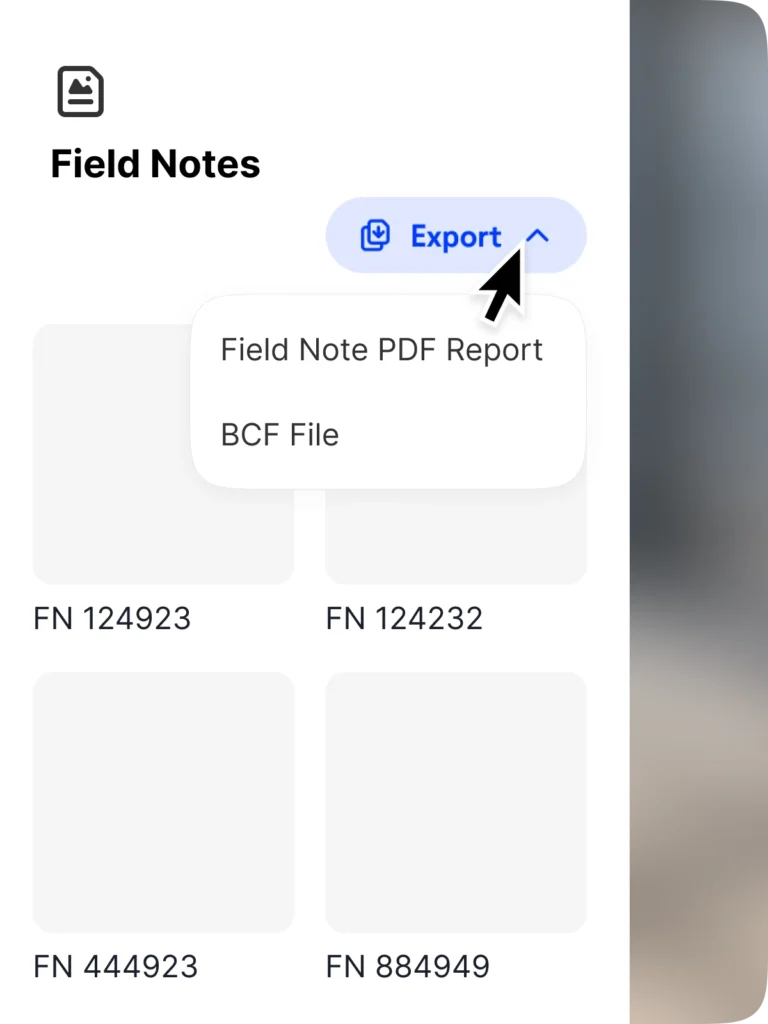
Streamline workflows with access to your Field Notes—including associated data and 3D coordinates—in your BIM program. Just export your notes and import into a BCF-compatible tool.
View models the way you want
Stay current with up-to-date models straight from the source. Multiple model support delivers faster loading and smoother coordination.
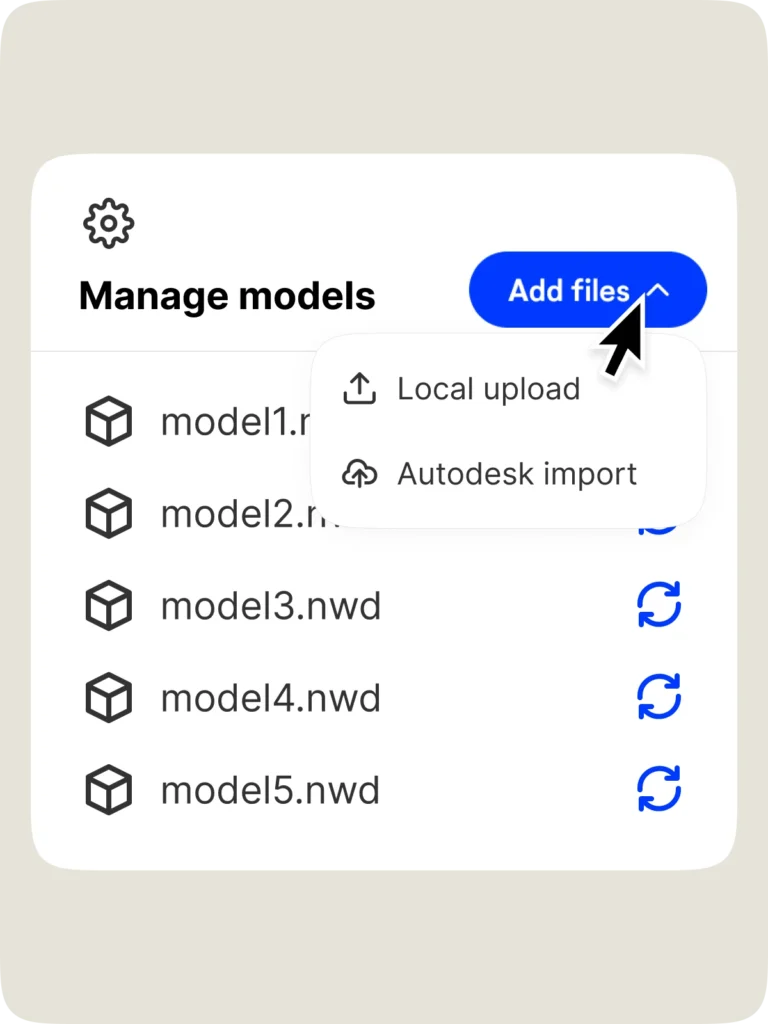
Import models directly from ACC or BIM 360 Docs. No manual downloads or uploads. Just done.
Link multiple models to a project. Choose the one you want to view. Even split models by floor or scope for faster load times and better focus.
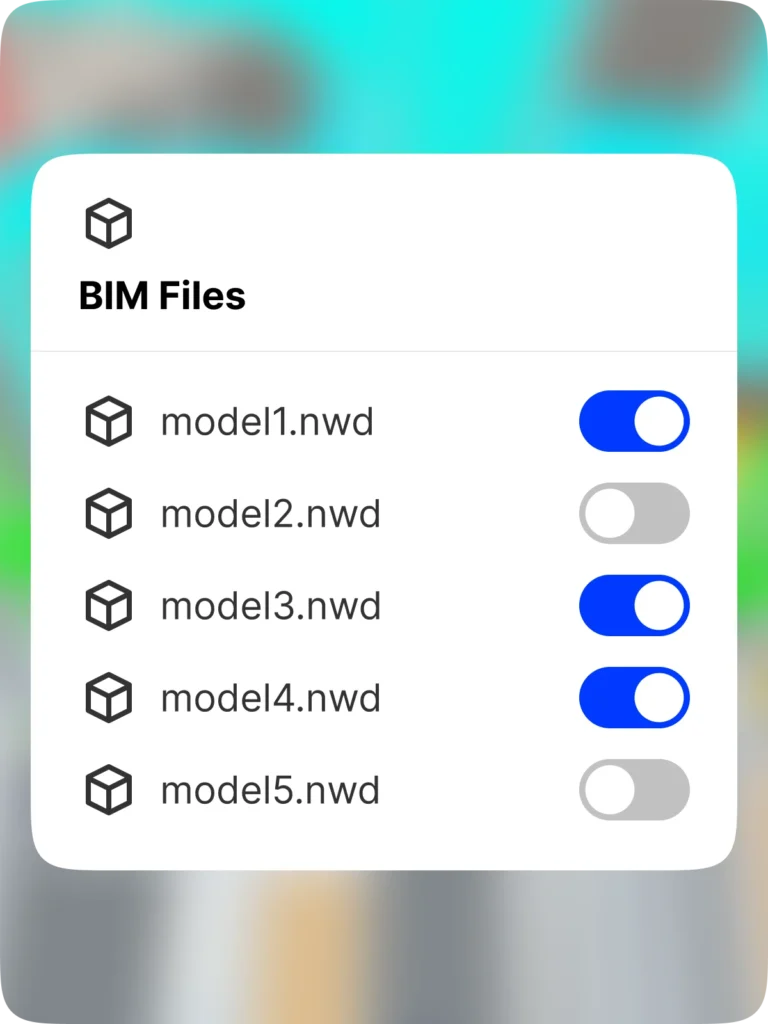
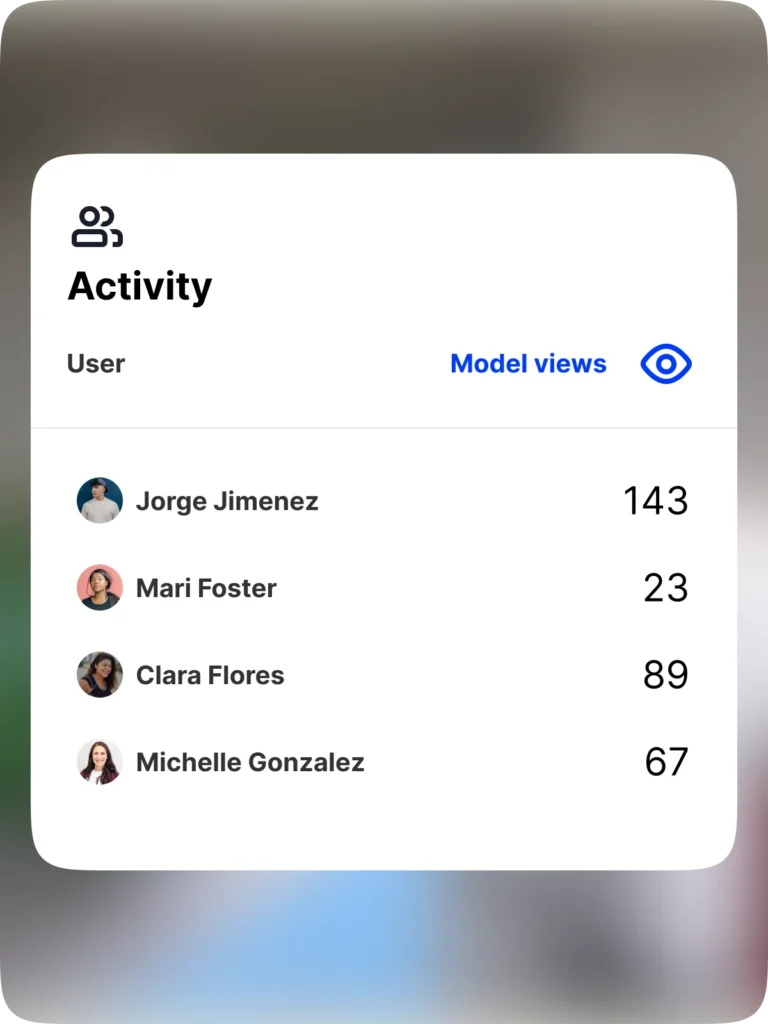
See who’s viewing what model and how often, making it simple to measure ROI for BIM.

“With OpenSpace BIM+, our project teams can answer questions in minutes from the field, reducing the back-and-forth they experience when resolving everyday issues.”



Support & learning. On your time.

OpenSpace Academy: Free, on-demand courses with easy-to-follow instructions, tips, and tricks.

Support: Our 360° approach to support: 24×6 support lines plus online support for advice and answers.

ROI: Resources for evaluating how OpenSpace can help you build faster and with less risk.

Frequently asked questions
OpenSpace BIM+ is a package of easy-to-use 3D tools that helps you get work done faster by unlocking BIM coordination between the office and the field. If you’d like to get started using OpenSpace BIM+, request a demo.
OpenSpace BIM+ is an add-on module that expands on our BIM Compare feature. The additional BIM capabilities included in OpenSpace BIM+ make it even easier to navigate, analyze, and manage your BIM models by leveraging the image and location data of OpenSpace Capture.
Yes, the images and functionality of OpenSpace Capture are the foundation for OpenSpace BIM+. You cannot use OpenSpace BIM+ without OpenSpace Capture.
Yes, OpenSpace BIM+ furthers your BIM investment by making your models available to all project team members including field teams.
Yes, OpenSpace BIM+ is available to everyone. Interested in getting started? Request a demo.