
Built for the field
OpenSpace Field
An image-based task management solution for the field. Powered by AI Autolocation. Every task, issue, and report anchored to real-time visual context. Automatically.

Autolocated, even indoors
GPS doesn’t work indoors. AI Autolocation does—automatically pinning every Field Note to the right spot on the drawing so you always know exactly where to take action.
Smartphone first
Optimized for the smartphone in every worker’s pocket, so anyone on the job can capture photos and Field Notes with spatially accurate, context-rich data.
Speed unlocked with AI
Create issues up to 86% faster with AI Voice Notes and AI Autolocation. Turn what you see and say into complete, workflow-ready items in seconds.
Deep integrations
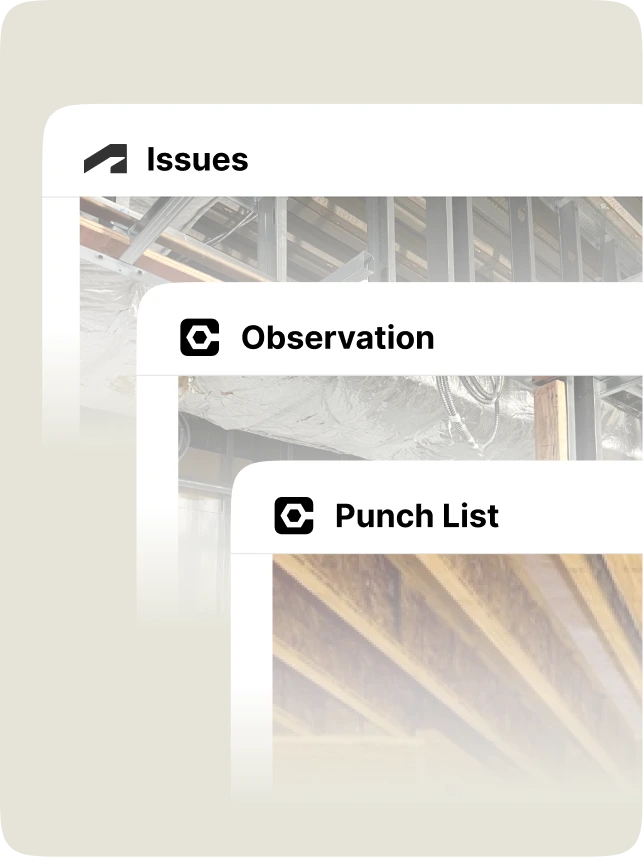
Create ACC Issues and Procore Observations and Punch items once-mapped correctly and synced both ways-so your data stays up to date everywhere.
Works how the field really works
OpenSpace Field is for the people doing the work. Less typing. Fewer steps. More work captured while it's happening. All with speed and simplicity, making your workflow easier, not changing it.

Start with what's real
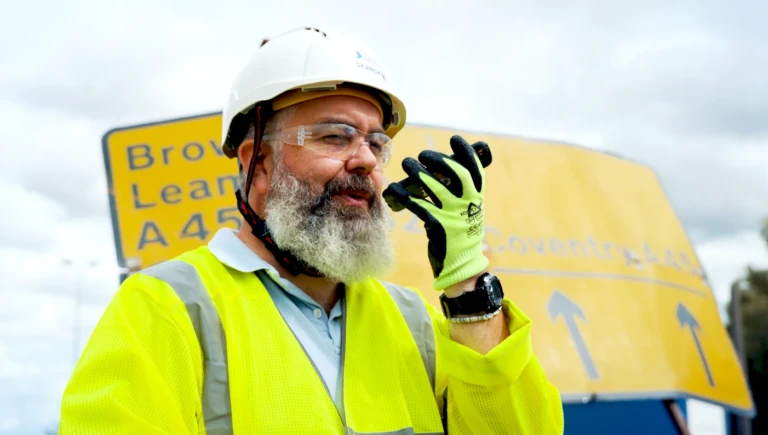
The most important project data doesn’t live in reports. It lives on-site. OpenSpace Field connects real-world conditions to the workflows that drive better outcomes.
AI Autolocation
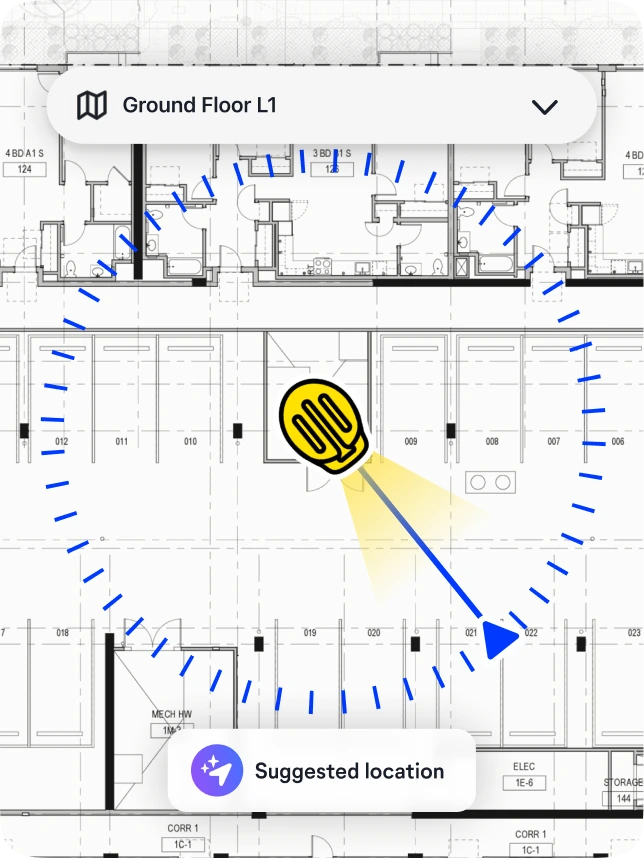
No pinching and zooming on plans. Like GPS for indoors, AI Autolocation uses your smartphone and a previous 360° capture to suggest your spot on the plan—so Field Notes get pinned fast and tied to real jobsite conditions.
AI Voice Notes
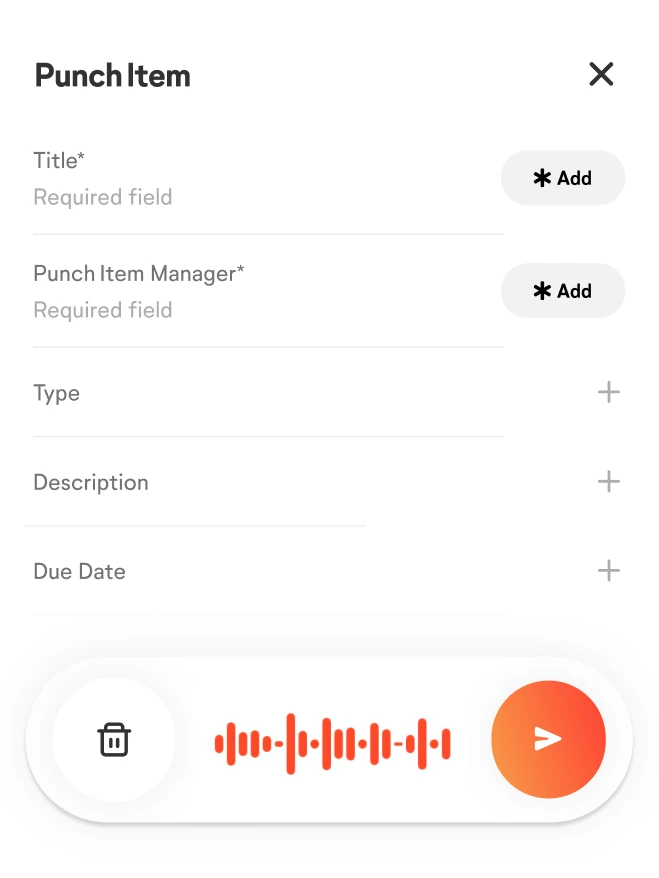
Snap a photo and talk instead of typing. AI Voice Notes takes it from there—automatically filling in the details like assignee, due date, priority, and tags. Your notes are complete and ready to act on. Fast.
Integrated Field Notes
Create Procore Punch Items and Observations, and Autodesk Construction Cloud Issues directly in OpenSpace. 10x faster. Fields map automatically and two-way sync keeps your systems up to date—no double entry.
Media Library with AI Search
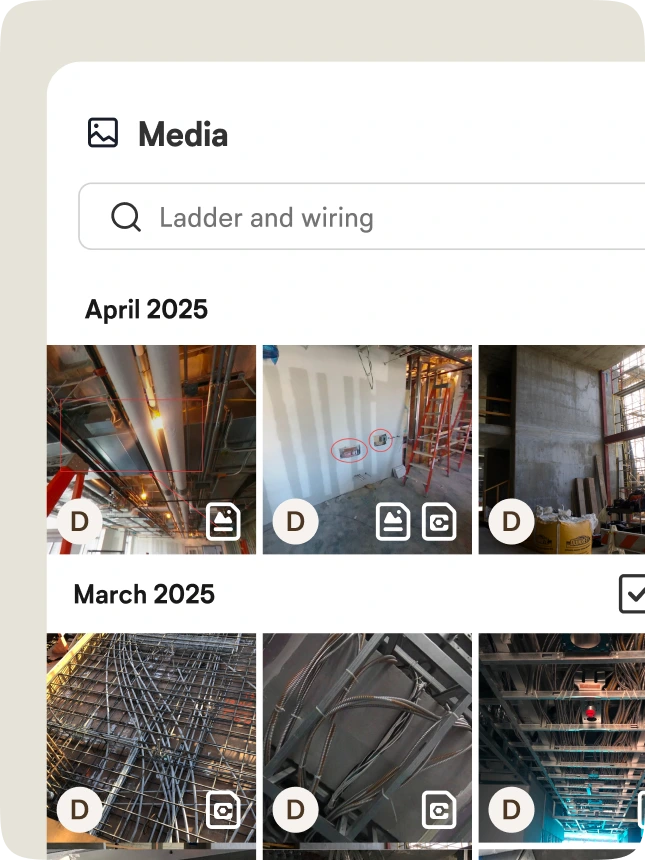
Every jobsite photo you capture in OpenSpace—tied to a Field Note or not—goes to the Media Library. Organized. Easy. Then find what you need fast with AI Search, tuned for builders and construction terminology.
Copy recent
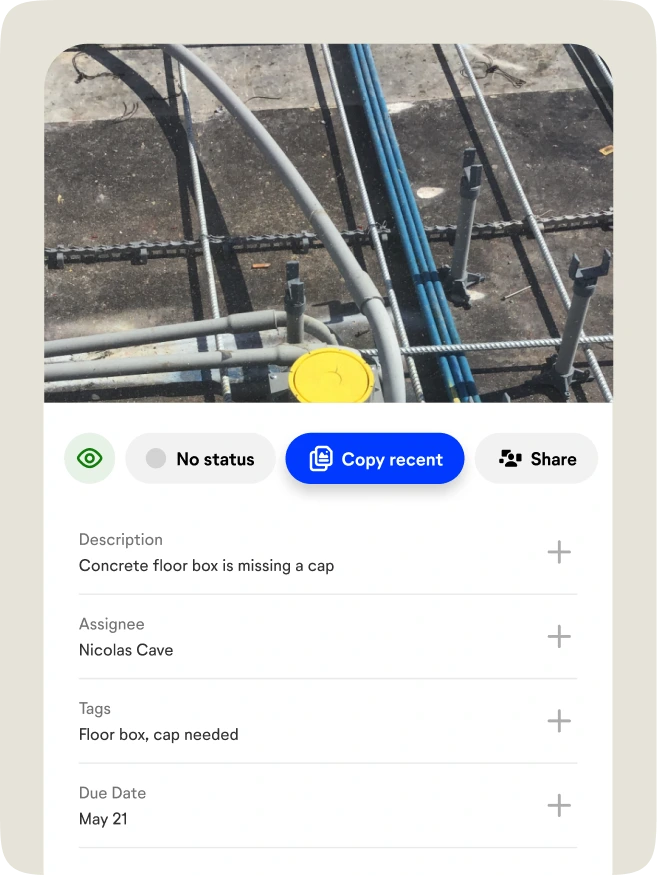
Field walks repeat. Data entry shouldn’t. Reuse recent entries like location, trade, assignee, and due date to log items faster—while keeping documentation consistent and complete.

“OpenSpace Field completely changed our inspection process. What used to take 3-4 hours now takes 30 minutes, and issues no longer get missed or ignored. With every item documented by photo and exact location, our subcontractors know exactly what to fix, and we can clearly verify it was done. The result is not just speed. It is work that actually gets done.”

Support & learning. On your time.

OpenSpace academy
Free, on-demand courses with easy-to-follow instructions, tips, and tricks.

Support
Our 360° approach to support: 24×6 support lines plus online support for advice and answers.

ROI
Resources for evaluating how OpenSpace can help you build faster and with less risk.

Frequently asked questions
What is OpenSpace Field?
OpenSpace Field is an image-based solution for creating and managing tasks and issues like punch lists and observations in the field, powered by groundbreaking AI Autolocation technology (built with our Spatial AI). Create, capture, and route work items fast—with rich visual context and deep, two-way sync with Procore and Autodesk Construction Cloud (ACC).
Is OpenSpace Field a separate product, or part of the OpenSpace Visual Intelligence Platform?
OpenSpace Field is part of the OpenSpace Visual Intelligence Platform, and available with our Core and Enterprise subscriptions. It works alongside our industry-leading 360° reality capture to turn jobsite reality into actionable intelligence, connecting what teams see on-site to the actions and decisions that move projects forward.
What problems does OpenSpace Field solve for field teams?
OpenSpace Field helps teams log issues faster and with more accuracy, without interrupting your normal workflow. It also eliminates manual location pinning with AI Autolocation, reduces typing with accurate AI Voice Notes, and connects field documentation directly to real site conditions—so nothing gets lost, mislocated, or delayed.
What’s the difference between OpenSpace Field and OpenSpace Capture?
OpenSpace Capture is how you visually document your jobsite to view and understand progress and site conditions—anytime from anywhere. OpenSpace Field is an image-first way of getting work done that’s faster than traditional methods and integrated into your existing technology stack. It’s built for core field workflows like QA/QC, punch, inspections, and safety—helping teams act on what’s happening on-site and eliminate blind spots.
What’s the difference between OpenSpace Field and my field execution software?
Most field execution tools are built around forms, text, and documents—with photos added as an afterthought. That makes it hard to know where issues are, what’s really happening on-site, and whether the data reflects reality at scale.
OpenSpace Field starts from a different foundation. Our solution is image-first and location-based—every issue is automatically tied to real visual context. The result is structured, trustworthy field data teams can actually act on—faster, with less manual work and far more confidence.
Do we still need Procore or Autodesk Construction Cloud (ACC) as our system of record?
Yes. Procore and ACC remain your system of record. OpenSpace Field integrates directly with them, allowing you to create and update issues in OpenSpace while keeping all official records synced and up to date.
What is AI Autolocation, and how does it work?
AI Autolocation is a groundbreaking innovation built with our Spatial AI. Put simply, it’s like GPS for indoors. It uses your smartphone and a previous OpenSpace 360° capture to suggest your location on the floor plan—so Field Notes are automatically pinned quickly and accurately, without manual searching or pin placement.
What’s the difference between OpenSpace Field Notes and Procore/ACC Integrated Field Notes?
OpenSpace Field Notes live inside OpenSpace and are ideal for capturing and organizing field issues quickly. Integrated Field Notes allow you to create Procore Punch List Items and Observations or ACC Issues directly in OpenSpace and sync to Procore or ACC—no double entry.