Getting started with OpenSpace is simple.

01

Get a custom quote

Click buy now to talk with a rep who will prepare a custom quote. Your quote will be based on your construction volume multiplied by a percentage of the products you want to use. Note our minimum price is $10,000.

02

Review your quote and finalize the contract

Once you’re satisfied and sign your contract, we’ll set up your projects in OpenSpace and you’ll be ready to go. There are no hidden costs with OpenSpace. You can capture as frequently as you want, and add an unlimited number of users.

03

Get a camera, install the app, and start capturing

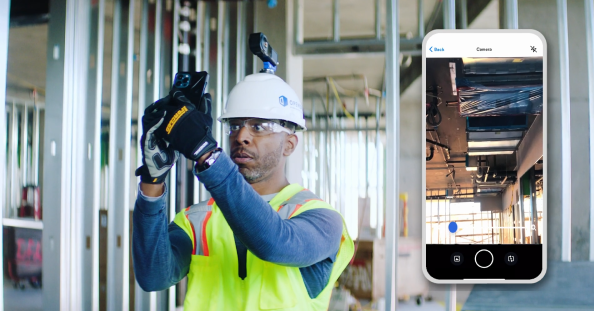
You’ll need a 360° camera and our app to get started. We’ll walk you through the steps necessary to get your project up and running in OpenSpace—100s of customers set up projects every day with our online onboarding.

04

Access online learning and support

OpenSpace Academy is your resource for learning with videos that help you get started and learn new features. You can also visit our online help center and reach out to Support if you have questions.

Quote background image

“OpenSpace’s value is already really high, and I know it’s going to get even higher.”
David Niewiadomski, Senior Project Manager

Transparent and upfront pricing, with no hidden costs

Get pricing that works for you

Surprises are great, just not on the jobsite and not with your reality capture solution. If you’re unsure about your options, an OpenSpace rep will walk you through the cost and make sure you have the right scope for the work you plan to do.

Worker Handling Quality Control & Backup Documentation

No hidden fees or charges

Once you get started, you won’t see set-up fees or extra charges as you use OpenSpace. You can capture what you need and add an unlimited number of project members at any time. Note our minimum price is $10,000.
360° customer support

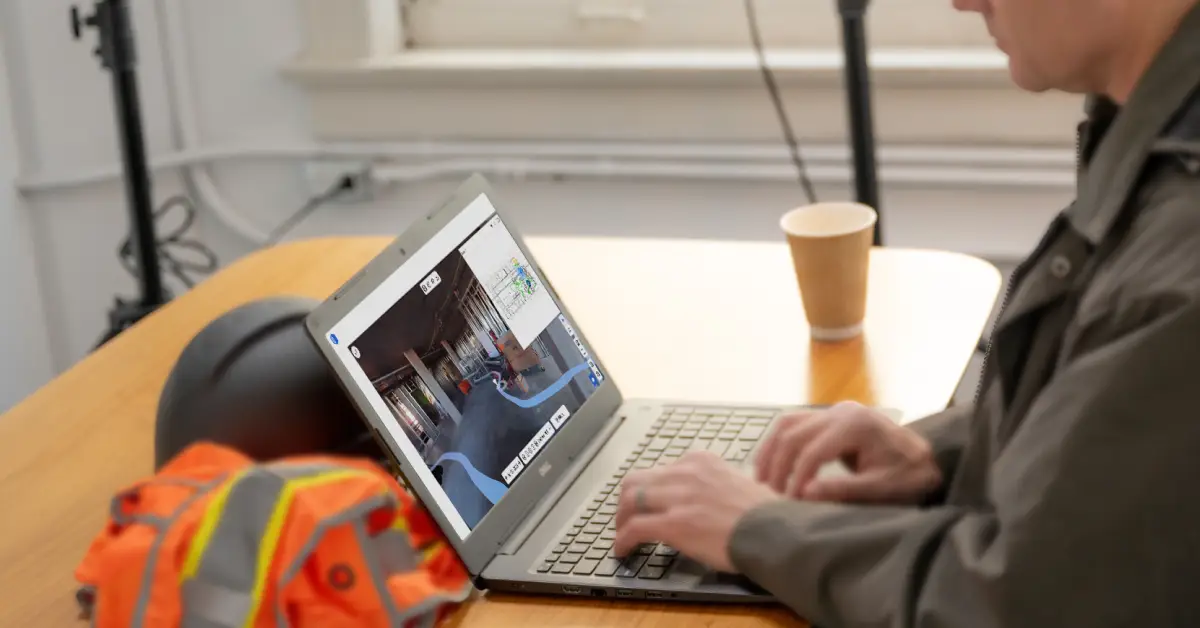
OpenSpace is quick to set up and easy to use, but if you ever need help we have you covered. Online support is a click away and our support lines are available 24×6. Plus access free on-demand classes in OpenSpace Academy and follow checklists designed to speed your onboarding.
OpenSpace Support on Laptop

Why choose OpenSpace to document and coordinate your site?

OpenSpace is Easy

Easy

OpenSpace is quick to deploy, easy to use right out of the gate, and field teams actually use it. That means you’ll have the data you need for documentation and coordination. We offer self-serve onboarding and OpenSpace Academy courses to help you get started right away.

OpenSpace is Fast

Fast

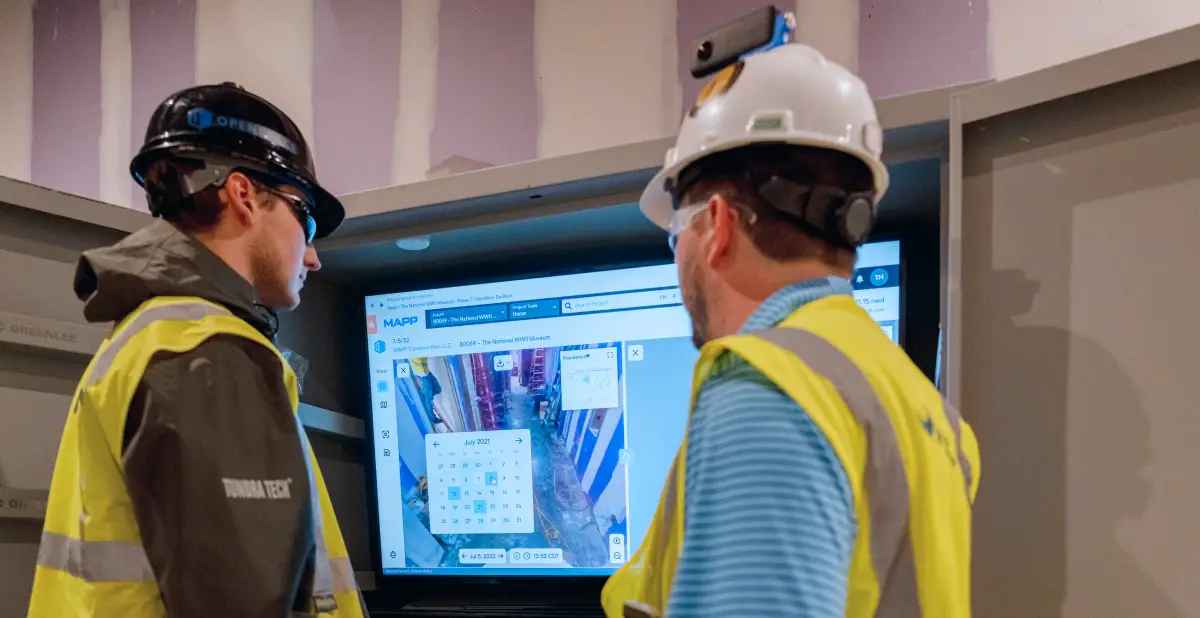
Ready to capture? Use QuickConnect to connect your 360° camera to our app, start capturing without an internet connection, and upload it in the background. Our AI will automatically map images to your floor plans and be ready to view in 15 minutes on average.

OpenSpace is Powerful

Powerful

The OpenSpace Vision Engine uses computer vision (a special field of AI) to power our platform, giving you the information you need to make quick decisions. Check out our Timelapse Video feature to generate and share videos showcasing your project. Now that’s powerful!

OpenSpace is Reliable

Reliable

OpenSpace is the most reliable and secure documentation solution. And our integrations give you the efficiency of having your data in one place—skip the double entry by linking OpenSpace to tools including Procore and Autodesk Construction Cloud.

Ready to get started with OpenSpace?

Get a custom quote.

Buy Now

Resources

Document Without the Extra Work

OpenSpace is the fastest, simplest way to document your jobsite. Learn more about how you can easily get the information you need to resolve issues efficiently.

Estimate Your ROI with OpenSpace

Access resources for tips on evaluating how reality capture can help you build faster and with less risk.

Reality Capture 101

Read our primer about reality capture for jobsite documentation, including how to integrate OpenSpace into your coordination workflows.